How does Speedtest Tracker measure my internet speed?
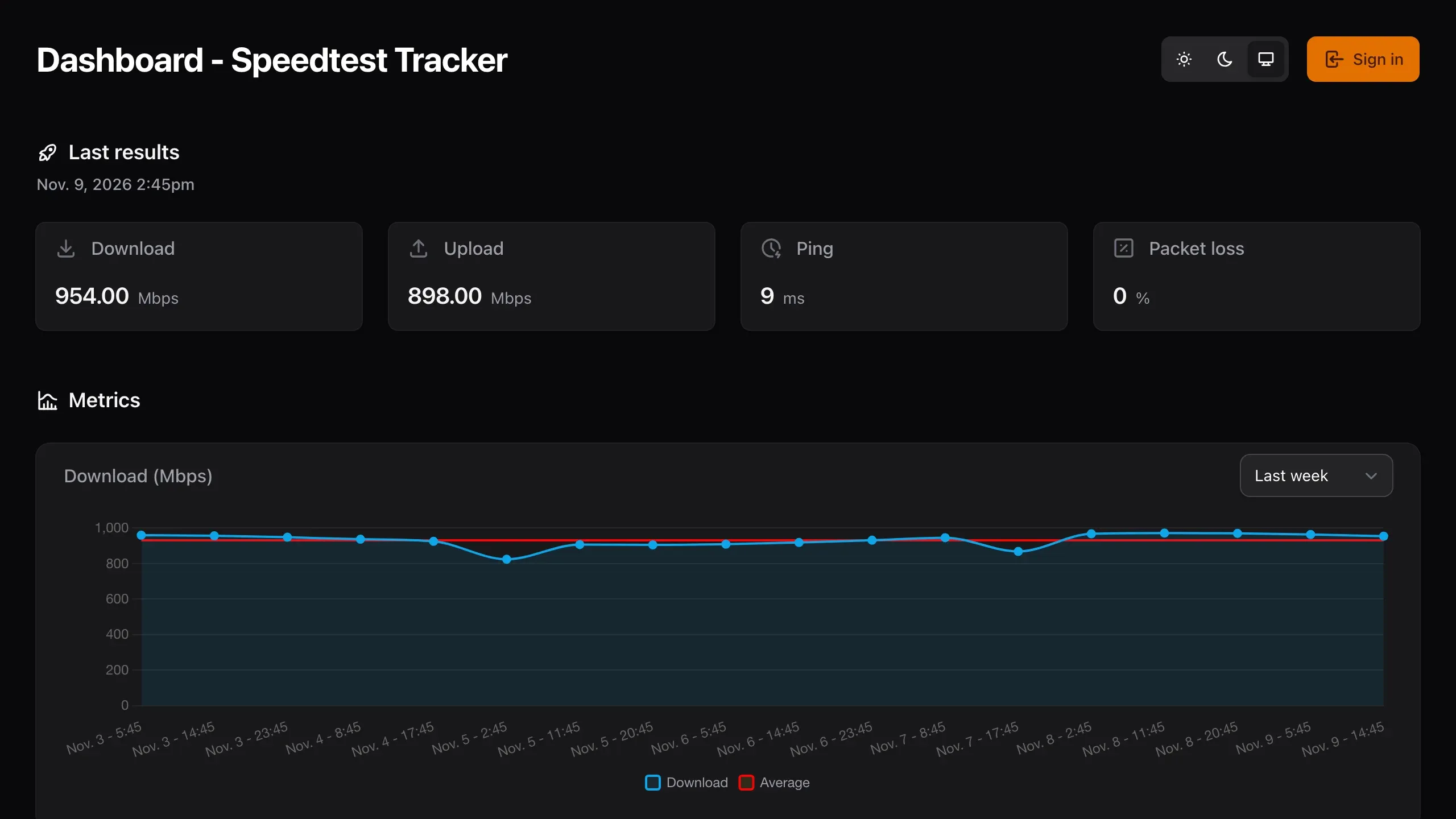
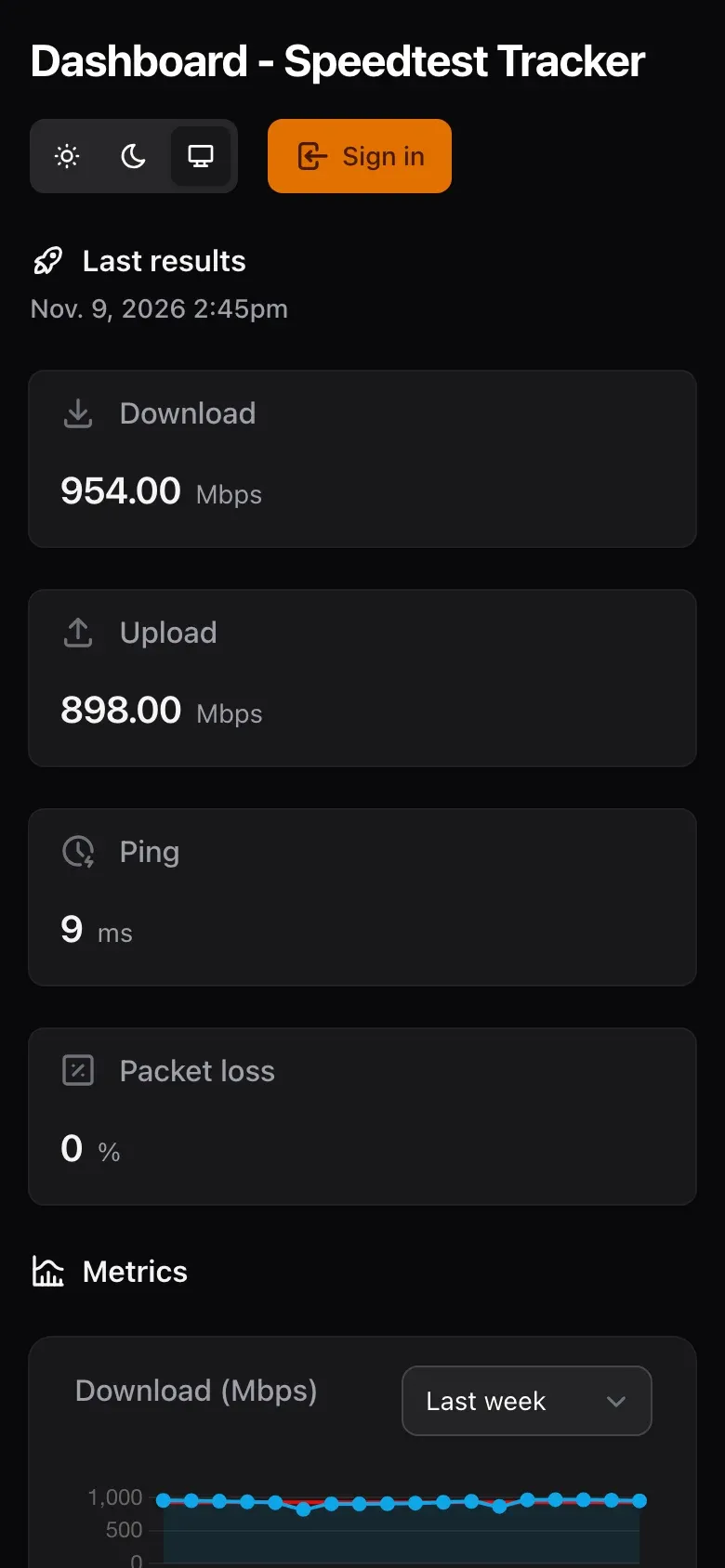
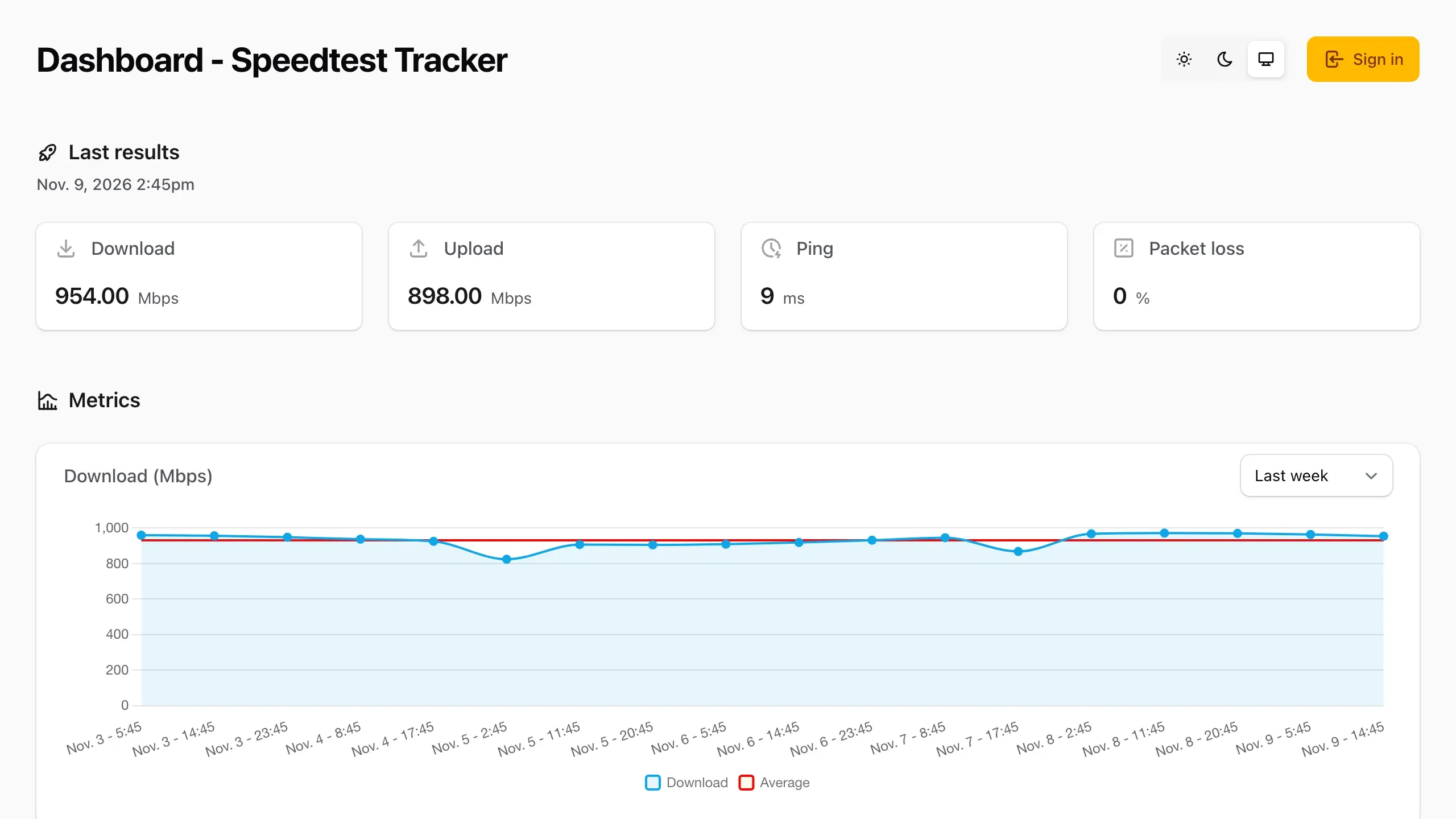
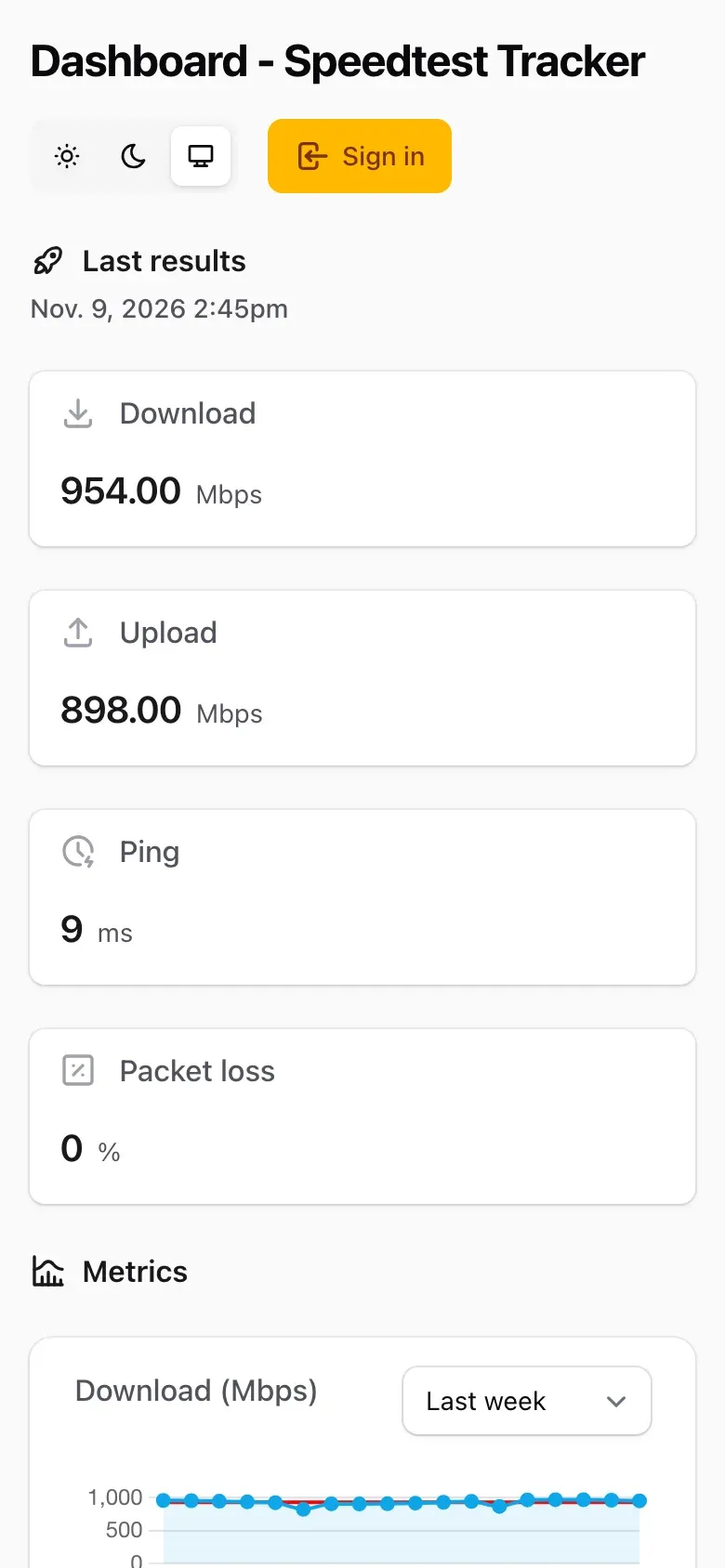
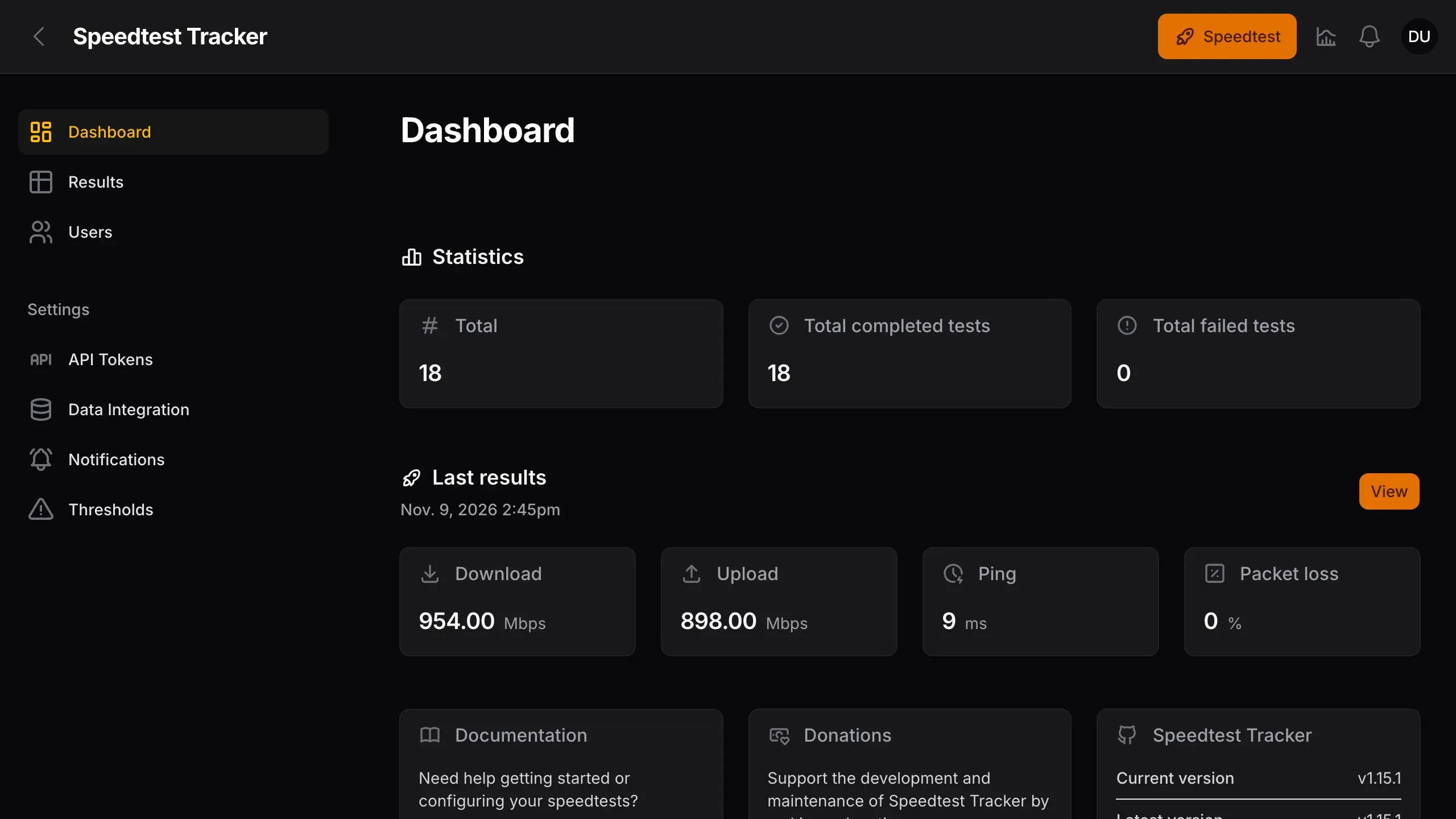
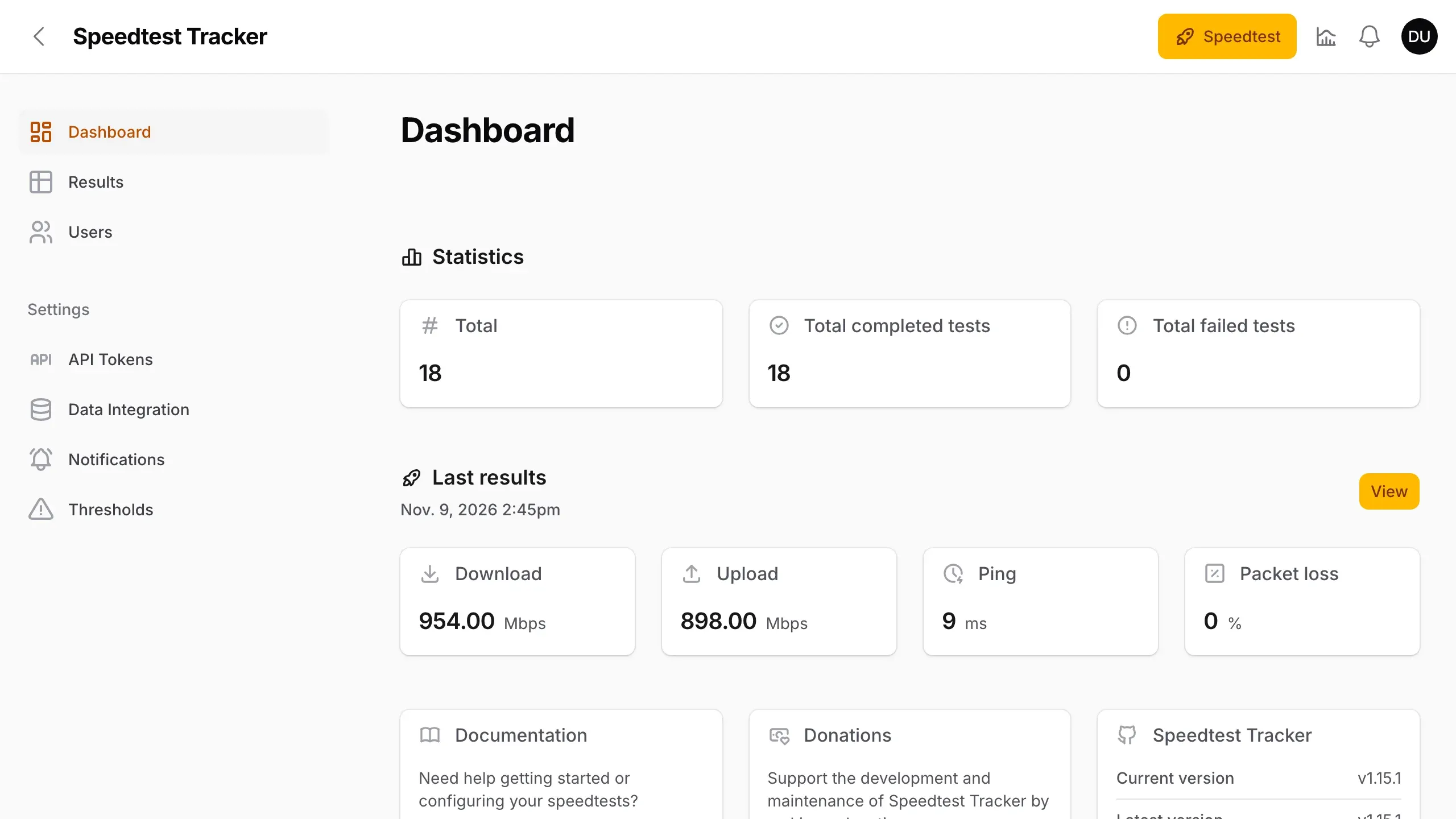
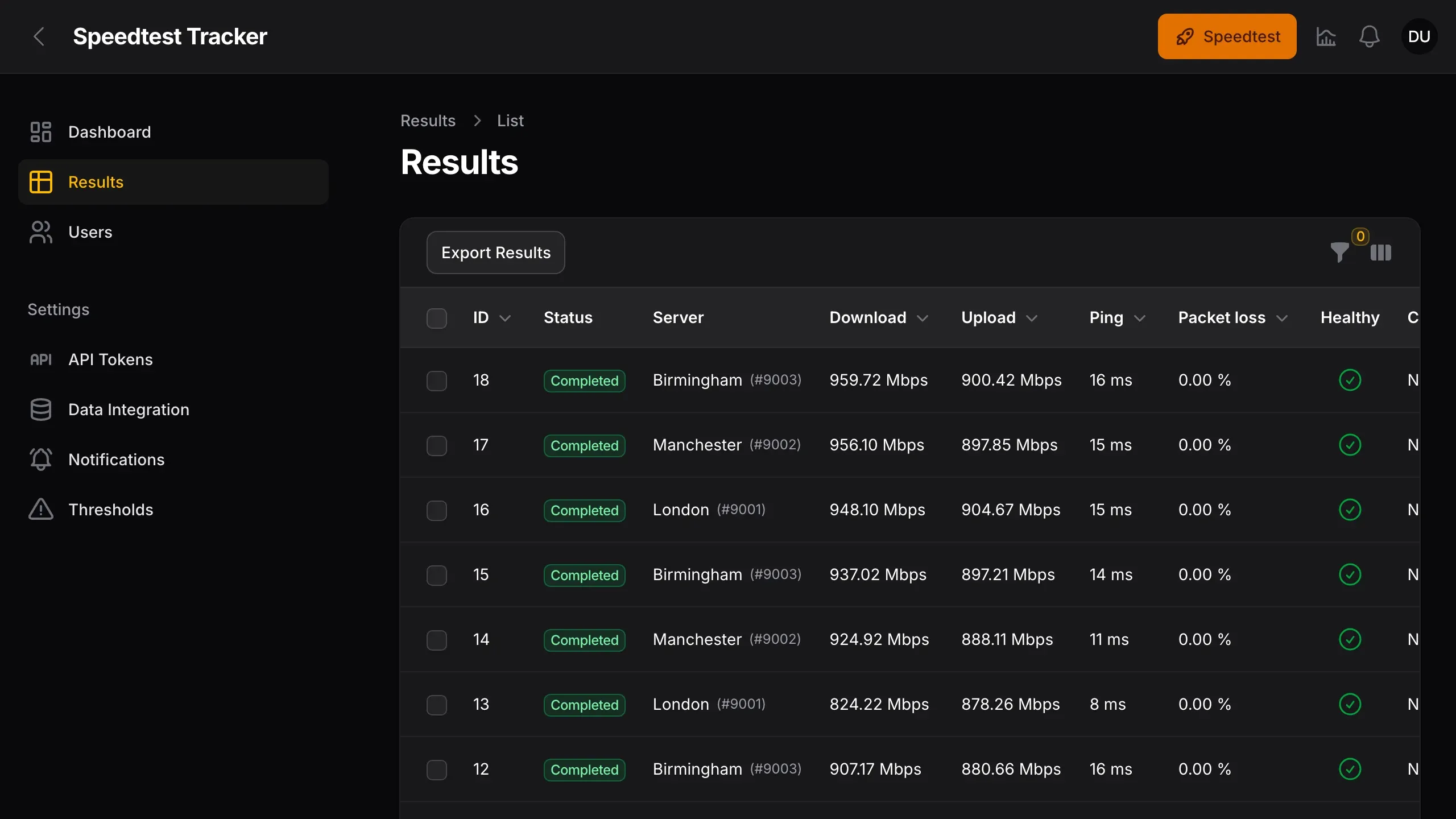
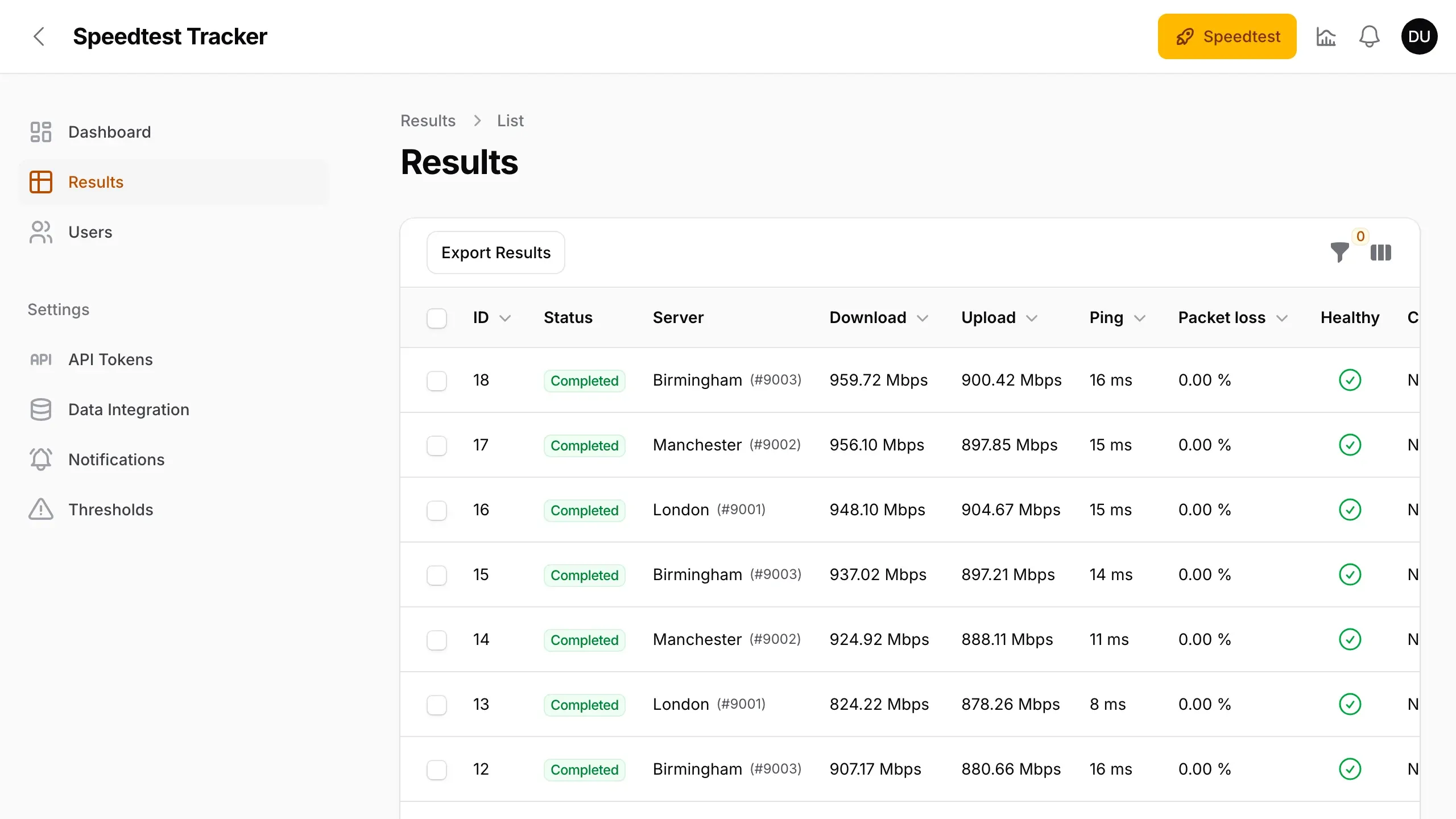
It runs Ookla speed tests from your server on a schedule you set and stores the download, upload and ping results, so you can see how your connection changes over time.

Automatically test internet speed on a schedule and save every result to track connection reliability.
Compare Speedtest Tracker with other monitoring apps. Add or remove apps to see how they differ.
| Requirement | Speedtest Tracker | |||
|---|---|---|---|---|
| Price | Free | Free | Free + Paid | Free |
| Licence | MIT | GPL-2.0 | GPL-2.0 | LGPL-3.0 |
| Web UI | Yes | Yes | Yes | Yes |
| Minimum hardware | Not stated | 1 MB RAM | Not stated | Not stated |
| Docker Containers | 1 (app only) | 1 (app only) | 1 (app only) | 1 (app only) |
| Database | SQLite / MySQL / PostgreSQL | CSV | SQLite | SQLite |
| Architecture | x86 + ARM | x86 + ARM | x86 + ARM | x86 + ARM |
| Tech stack | PHP | Rust | Go | PHP |
| Docker | Yes | Yes | Yes | Yes |
| Linux package | – | Yes | – | Yes |
| Binary | – | – | Yes | – |
| Linux packages | – | – | Yes | – |
| Windows | – | Yes | – | – |
| macOS | – | Yes | – | – |
Compare | ||||
| Full comparison | This app | SpeedKetchup vs Speedtest Tracker | Netronome vs Speedtest Tracker | LibreSpeed vs Speedtest Tracker |
It runs Ookla speed tests from your server on a schedule you set and stores the download, upload and ping results, so you can see how your connection changes over time.
Yes. It can send notifications by email, webhook or to its own database when results fall under thresholds you set during install.
Results depend on the test server, your hardware and other traffic on the network. Running the container on a wired connection and using the same test server gives more consistent numbers.

Run an internet speed test against speedtest.net every few minutes and keep every result in a CSV file. One small binary, web page and charts included, with no database to run.

Schedule Speedtest.net, iperf3 and LibreSpeed tests from a web page on your own server and watch the history for slowdowns. The same binary traces routes, tracks packet loss and DNS resolvers, and collects CPU, memory and bandwidth from agents on your other homelab machines.

Run a speed test in a browser against a server you host. LibreSpeed reports download, upload, ping and jitter over HTTP, and can log each run to a database you keep.

Build dashboards and alerts for metrics from your home server, network and services.

Watch system stats from the terminal or a web browser with a cross-platform system monitor that also has a REST API.

Monitor servers, containers and homelab hardware every second, with ready-made dashboards and anomaly detection. It discovers most of what to watch automatically.

Monitor CPU, memory and disk use across your machines from one dashboard. A small agent runs on each system and reports to a hub you host, which adds container stats, alerts and disk health.

Better Status Page is a self-hosted status page and uptime monitor that fits on one small server. It checks HTTPS, ping, DNS, database and Docker targets and alerts you through Discord, Slack, ntfy and more.