Is Padloc free?
Yes. The self-hosted Padloc server is free under AGPL-3.0.

Keep passwords, notes and files in an end-to-end encrypted vault on your own homelab server, with the web app served next to it. Padloc is a password manager from MaKleSoft, and three independent groups of security experts have audited it.
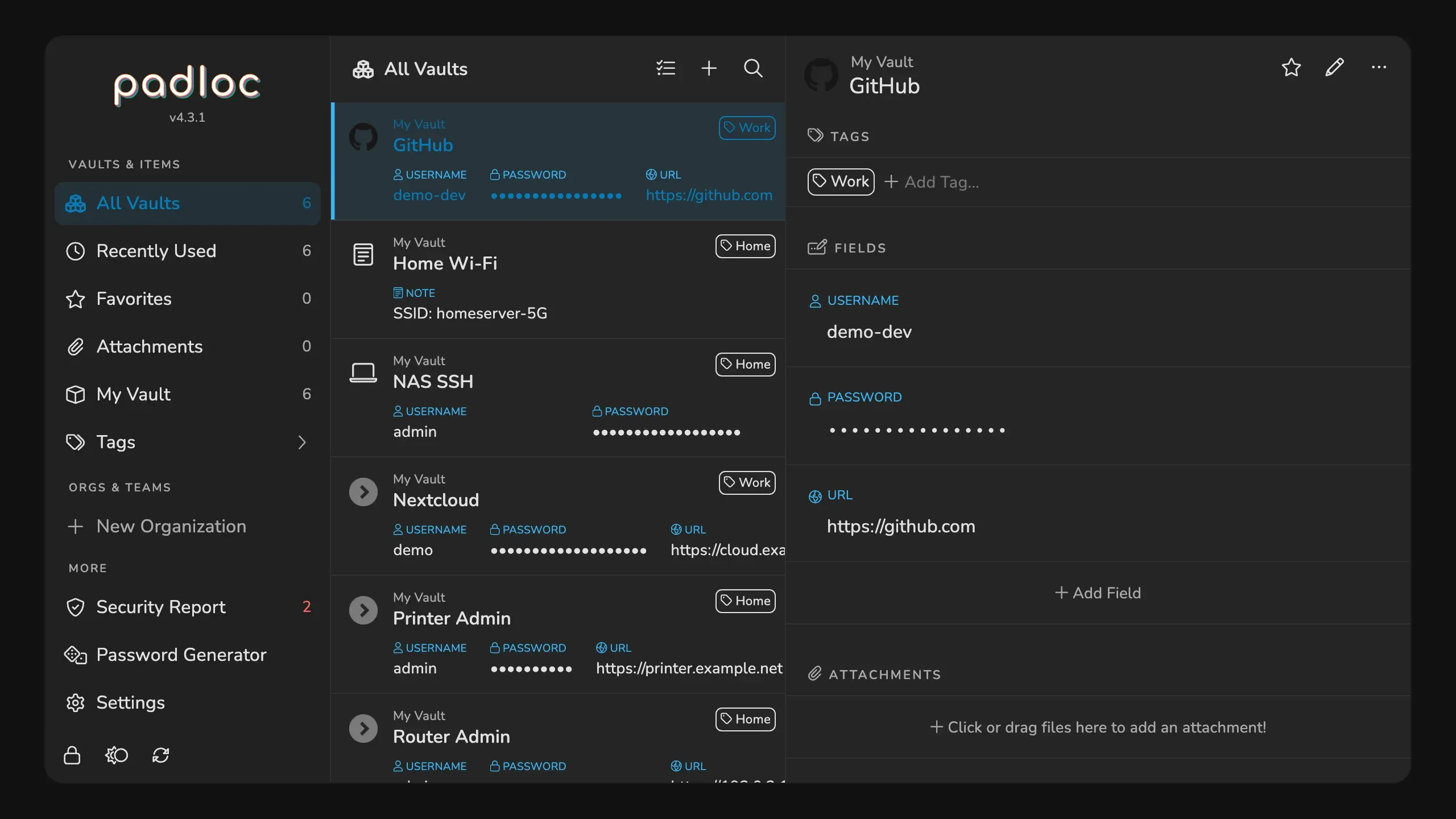
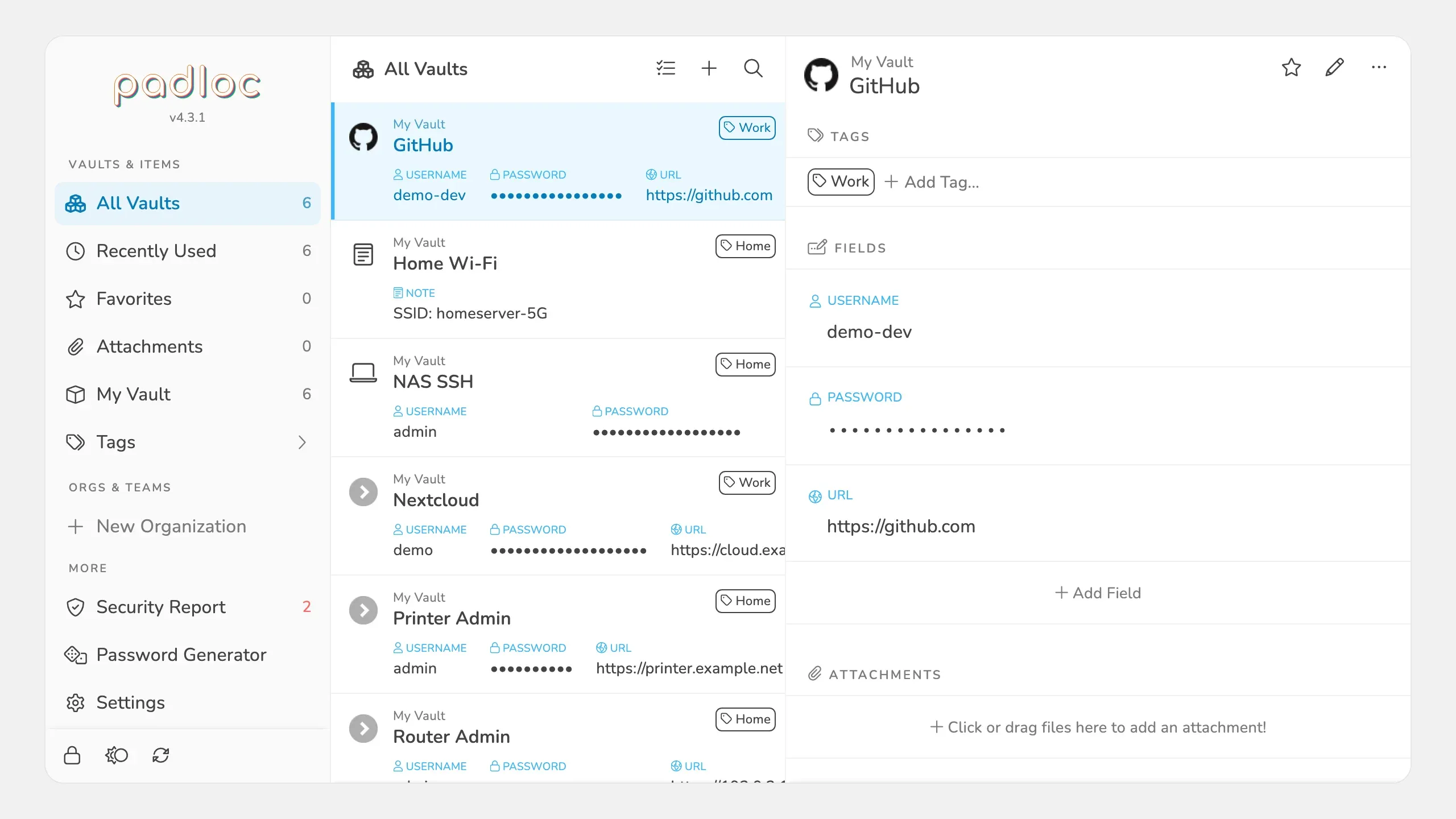
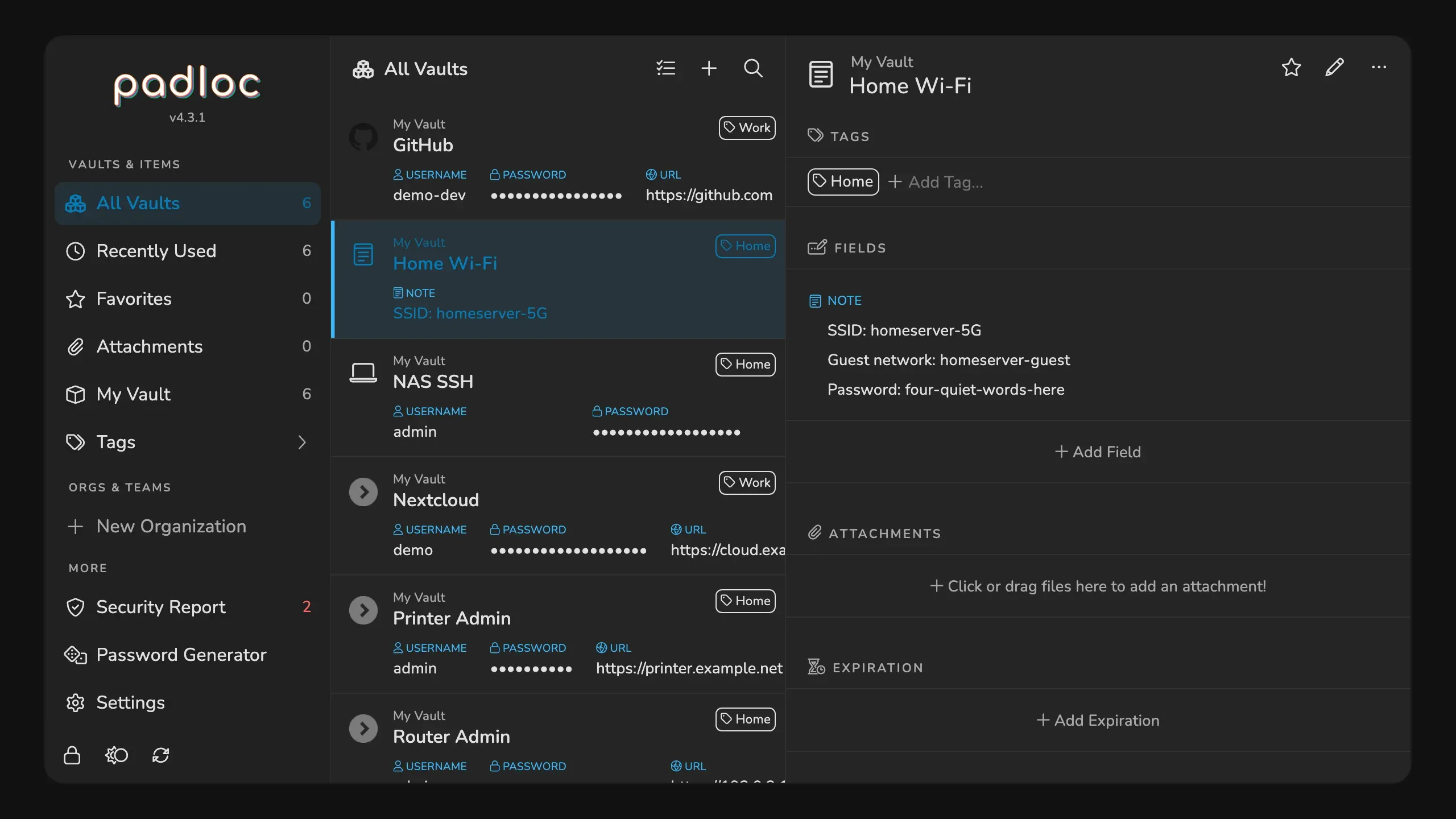
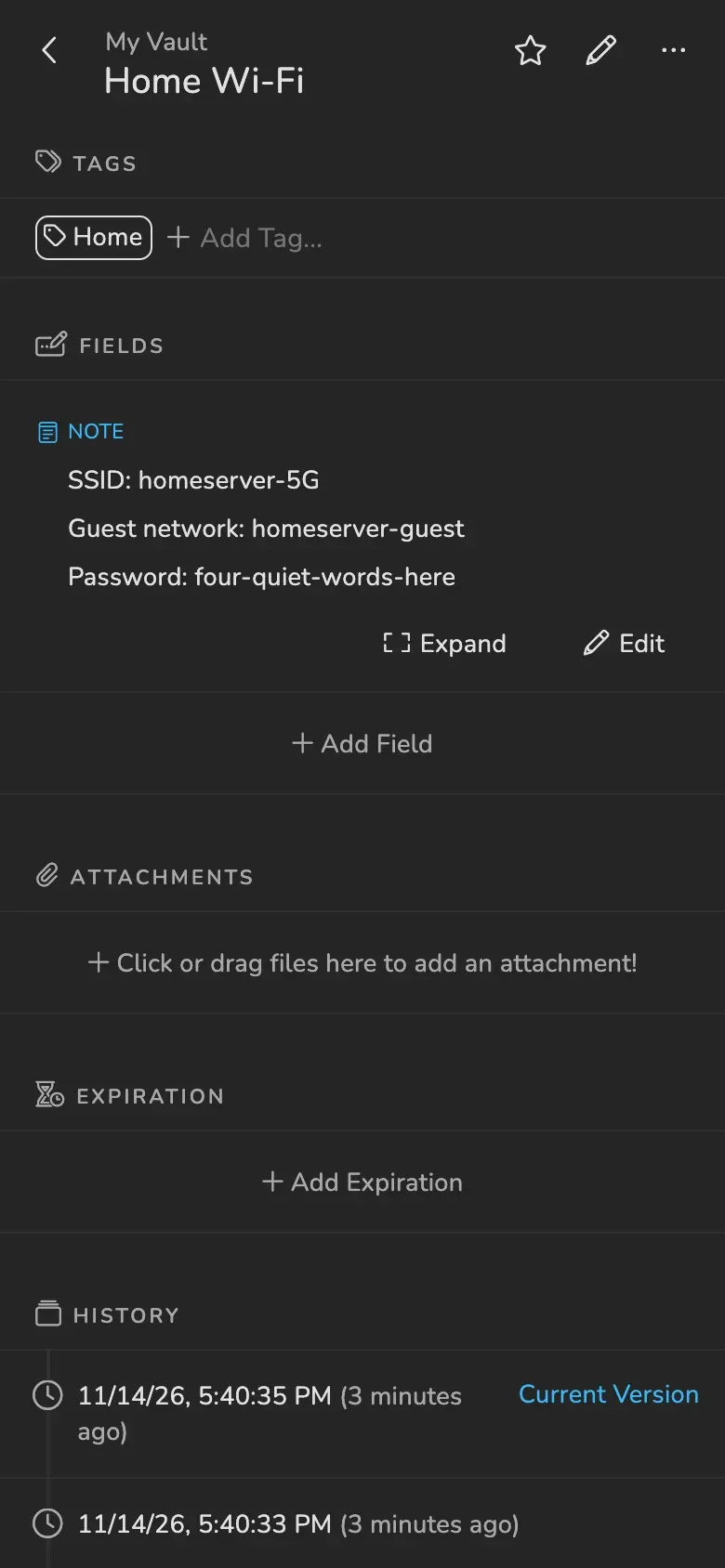
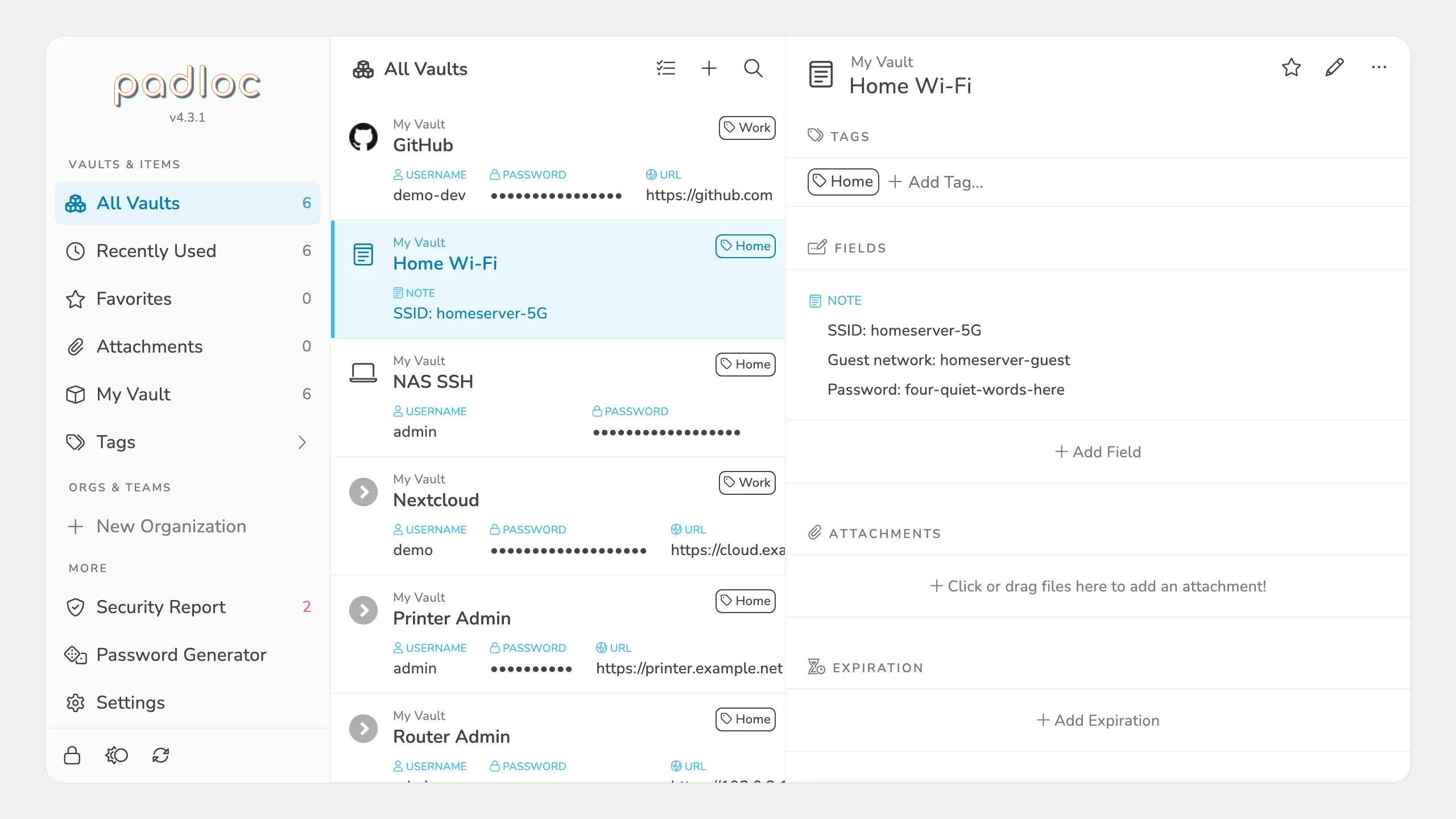
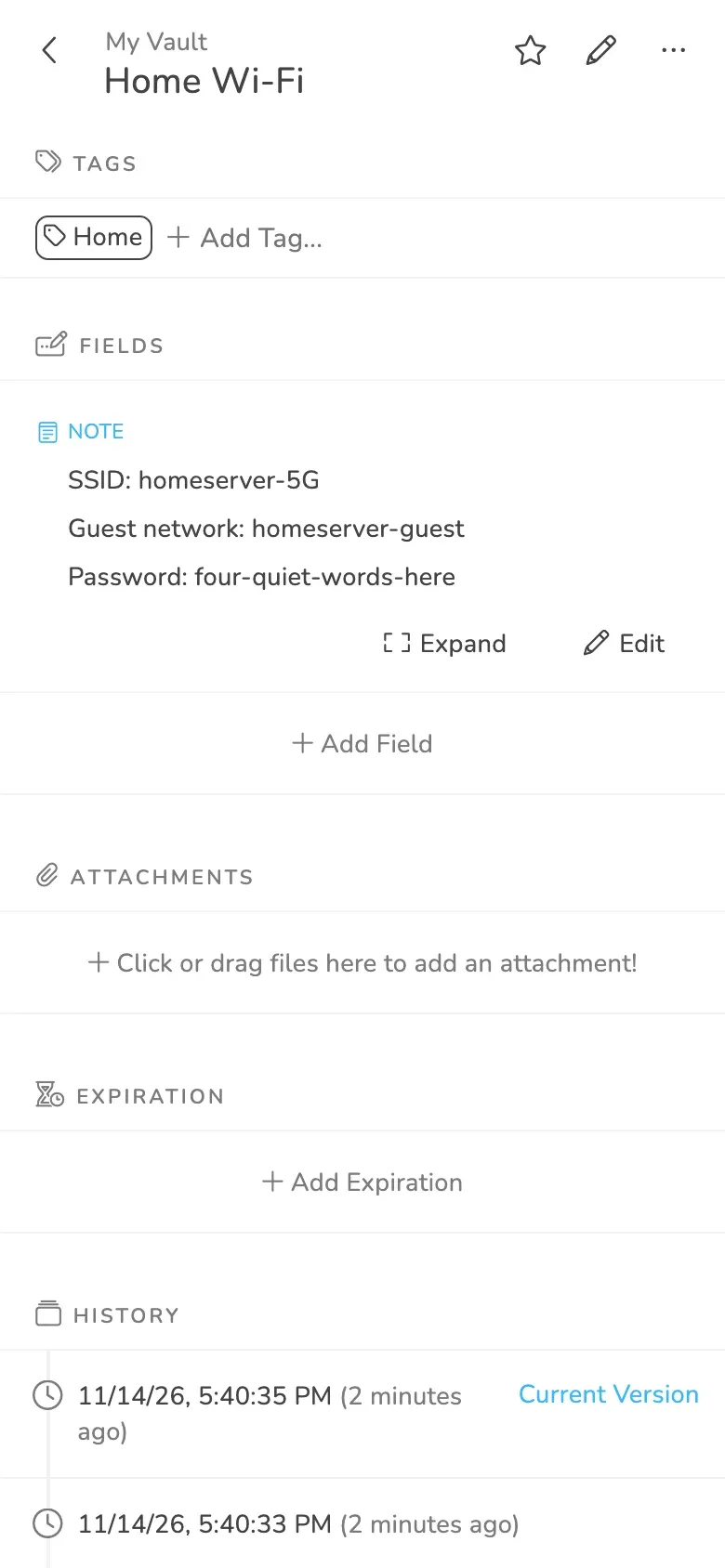
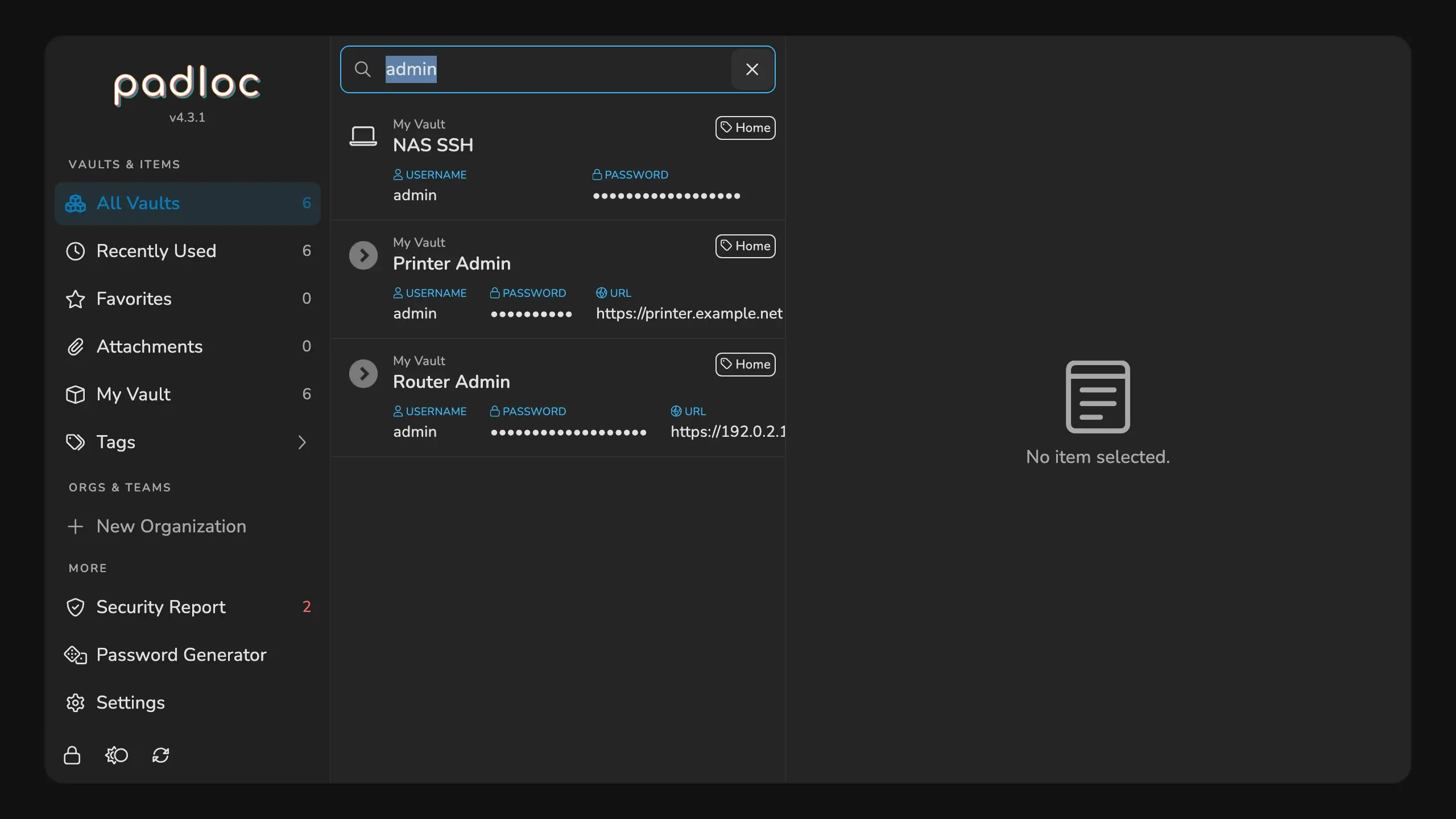
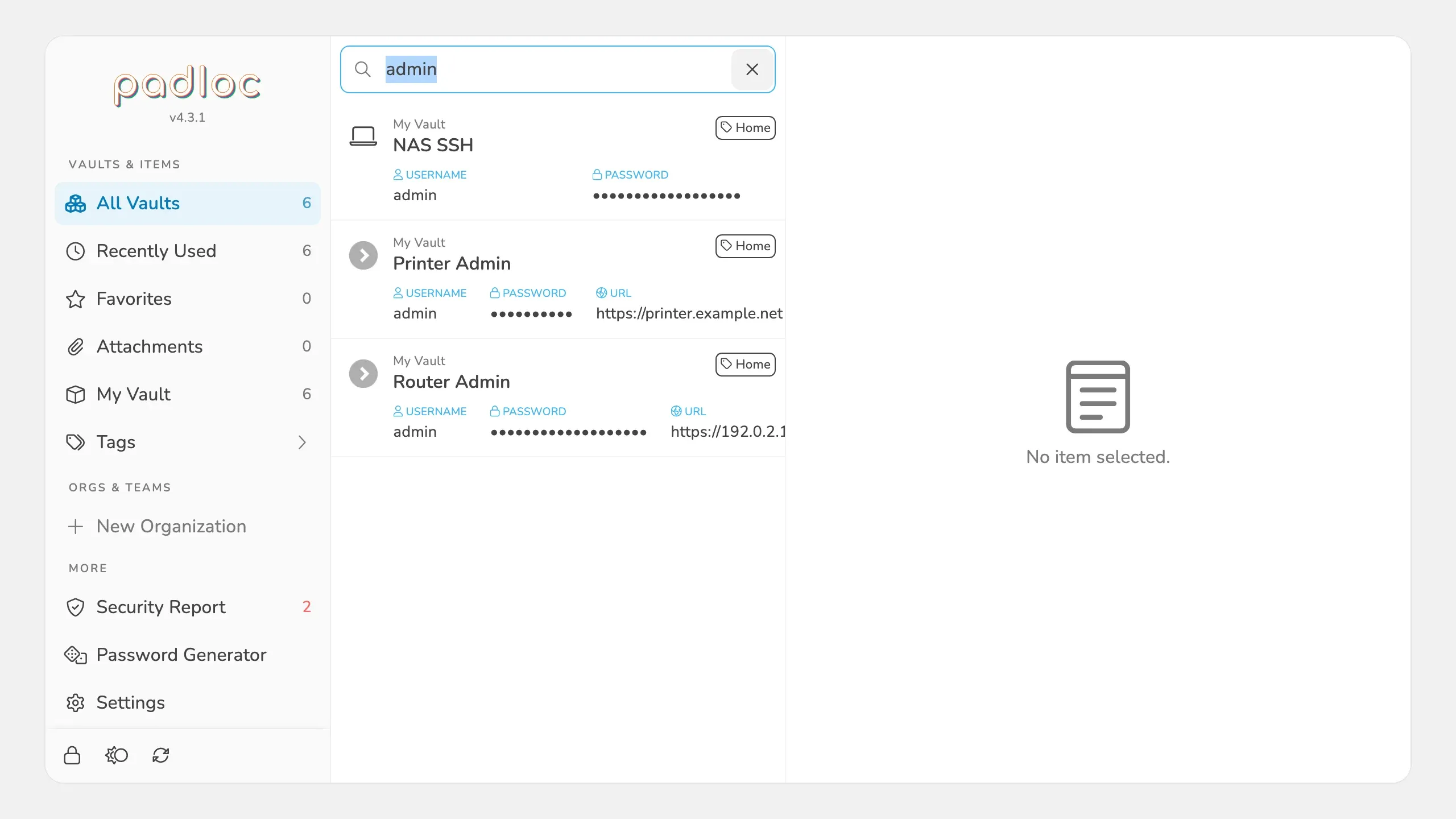
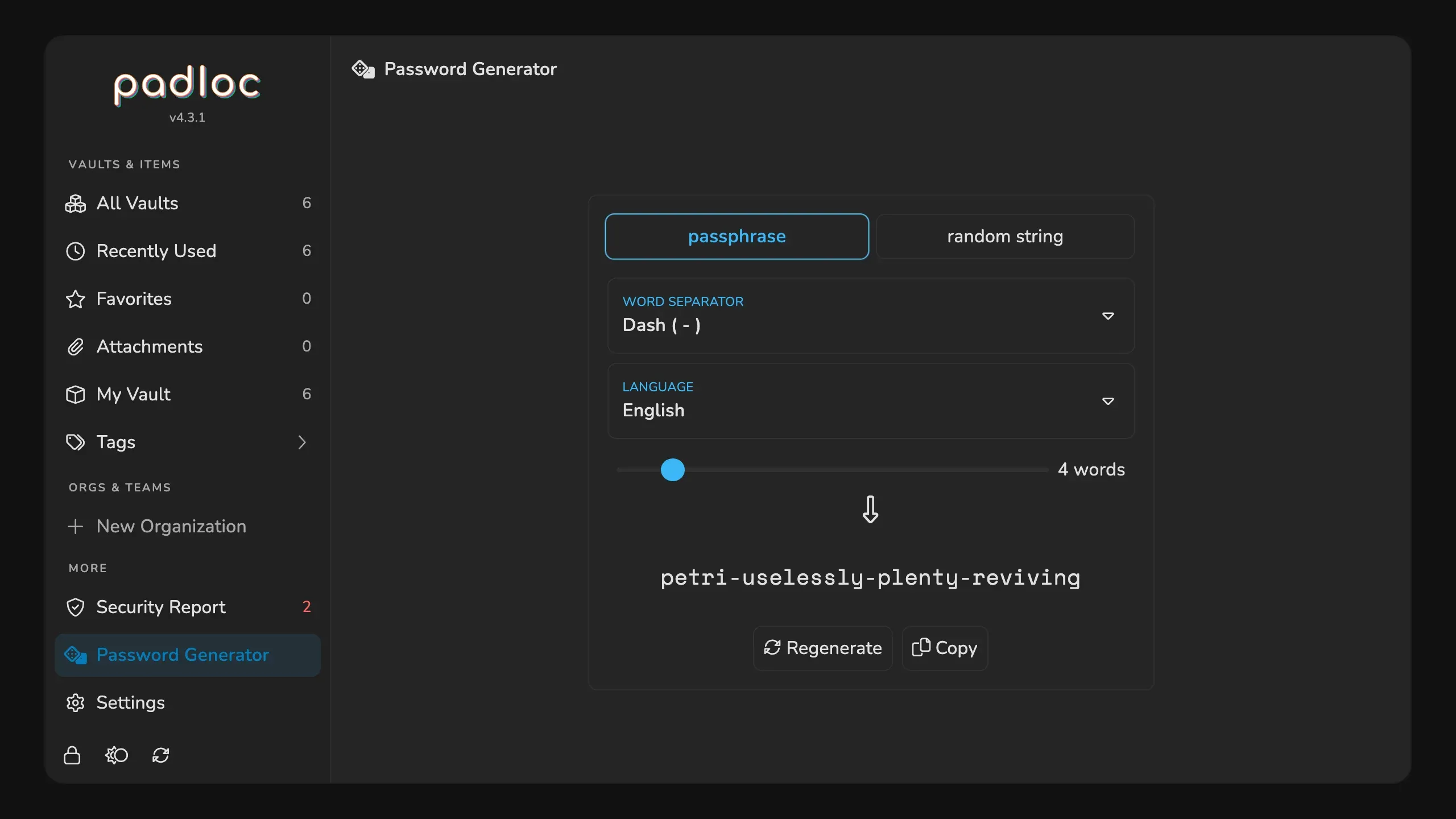
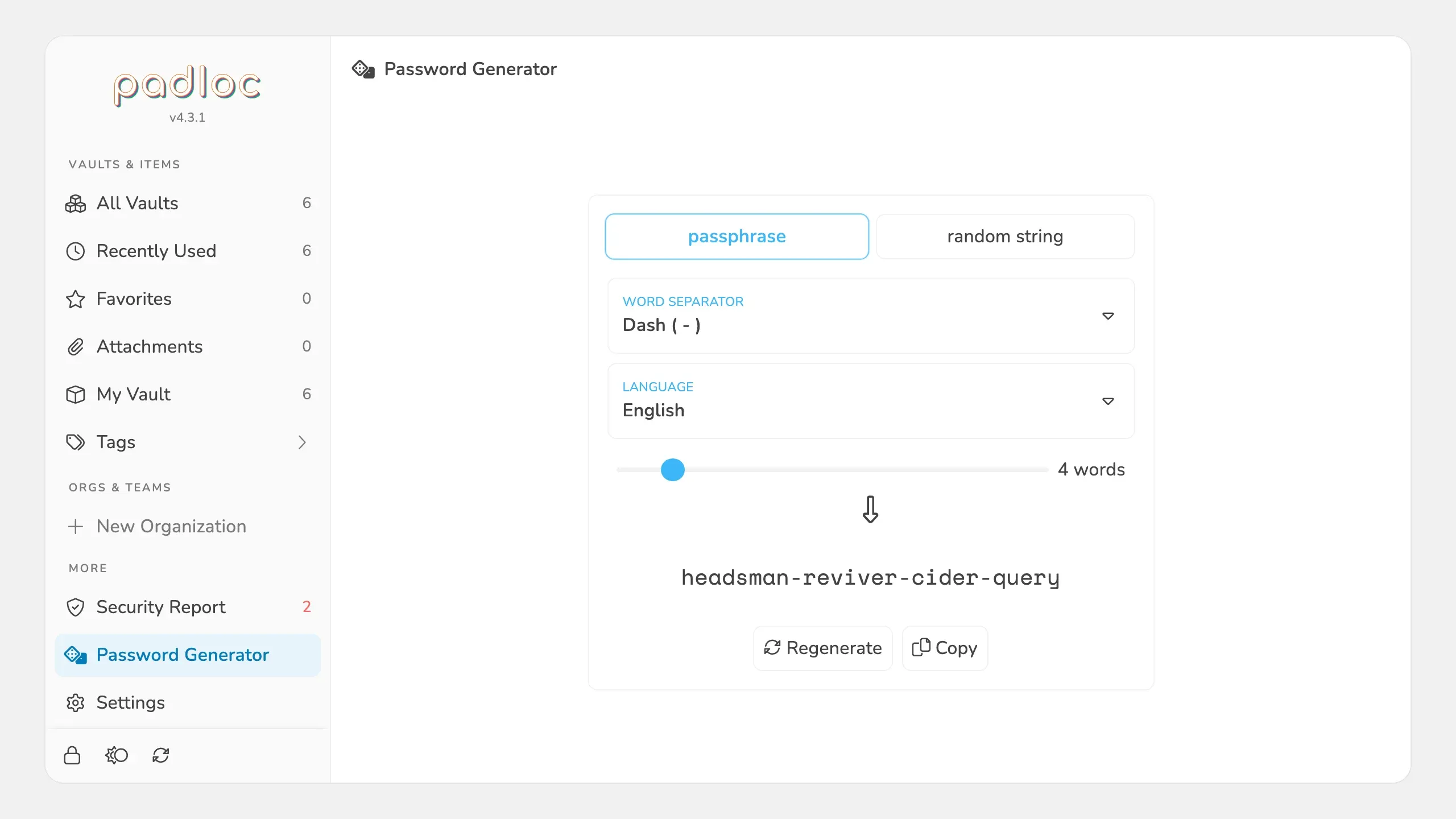
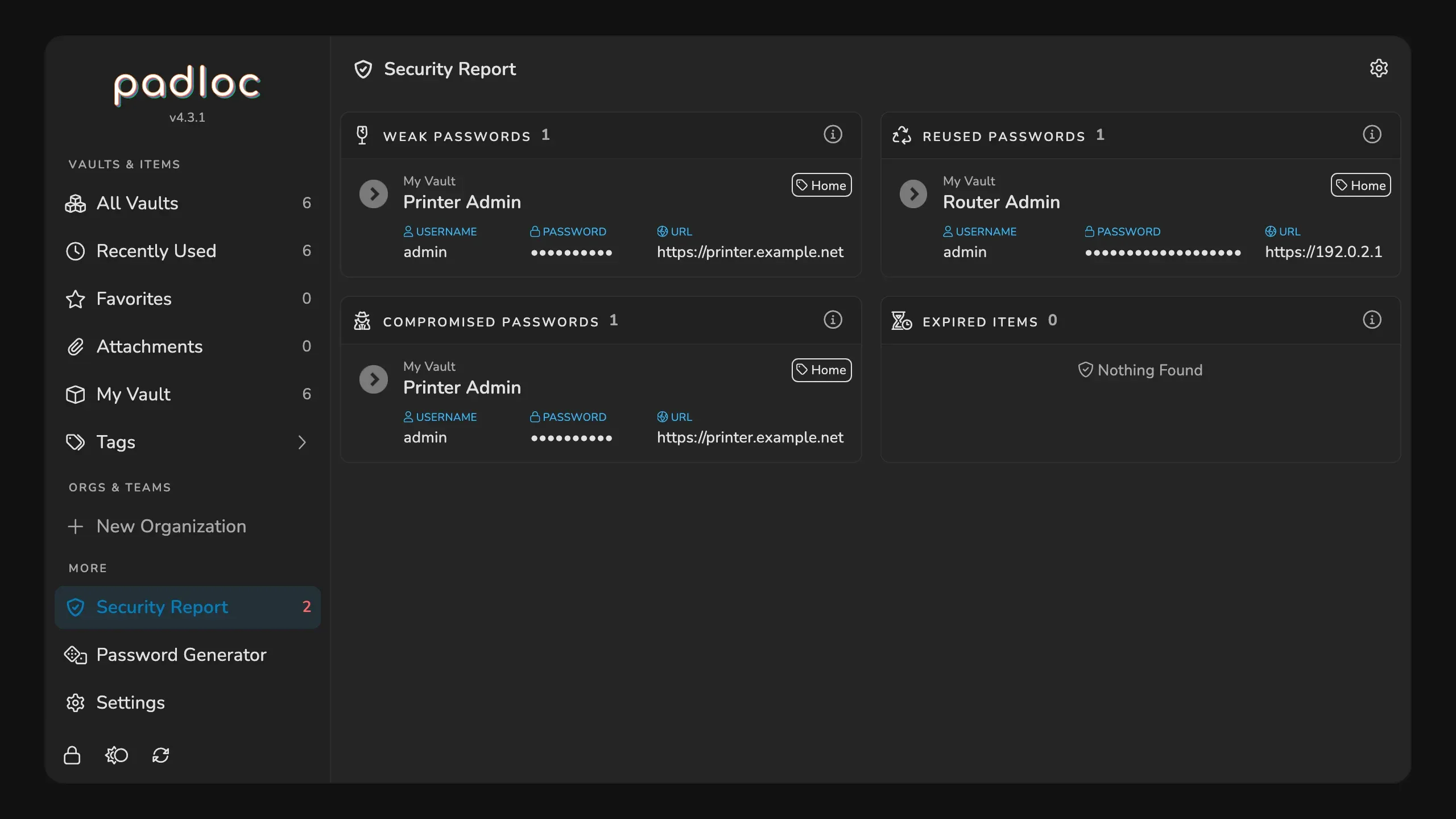
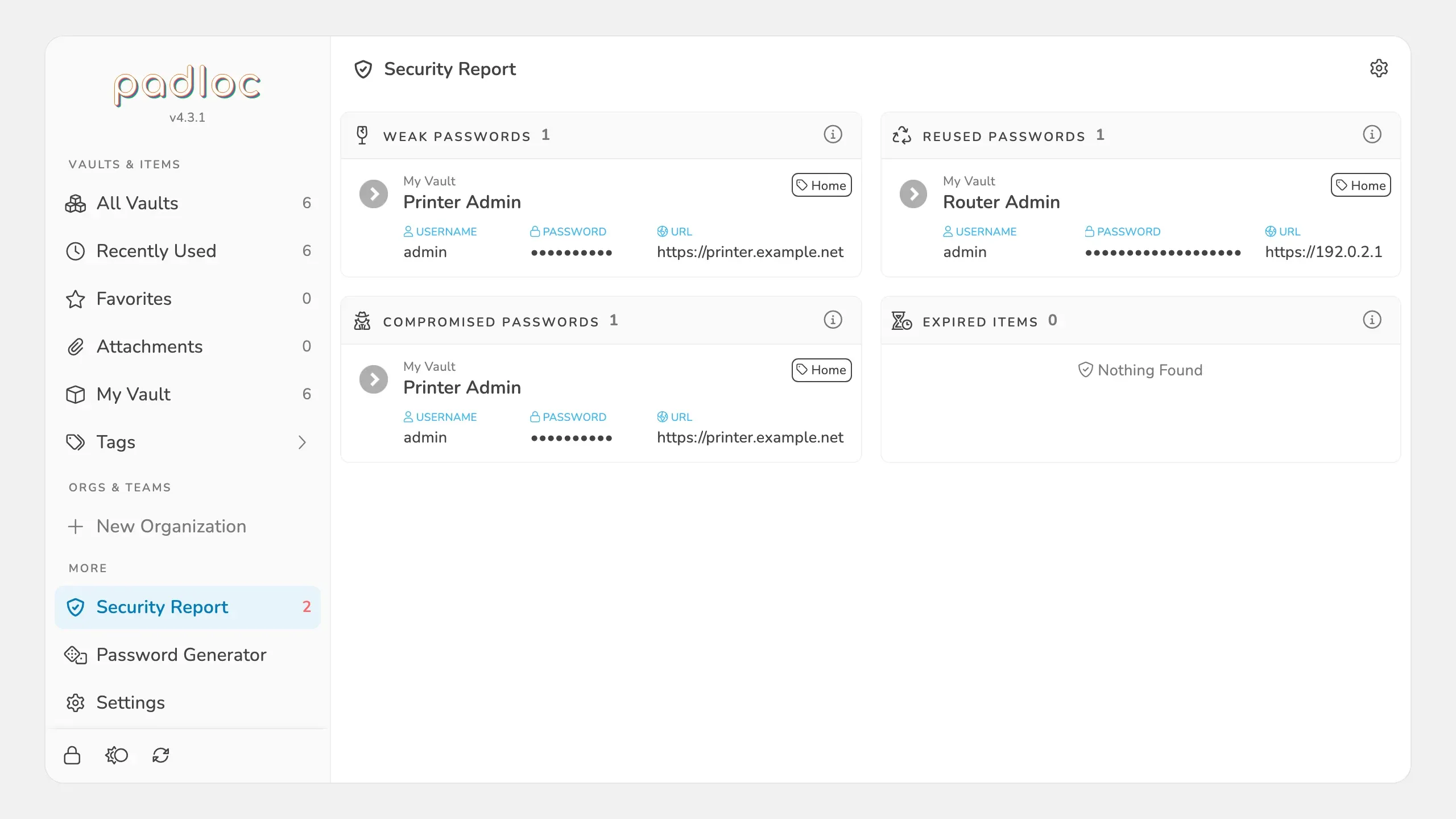
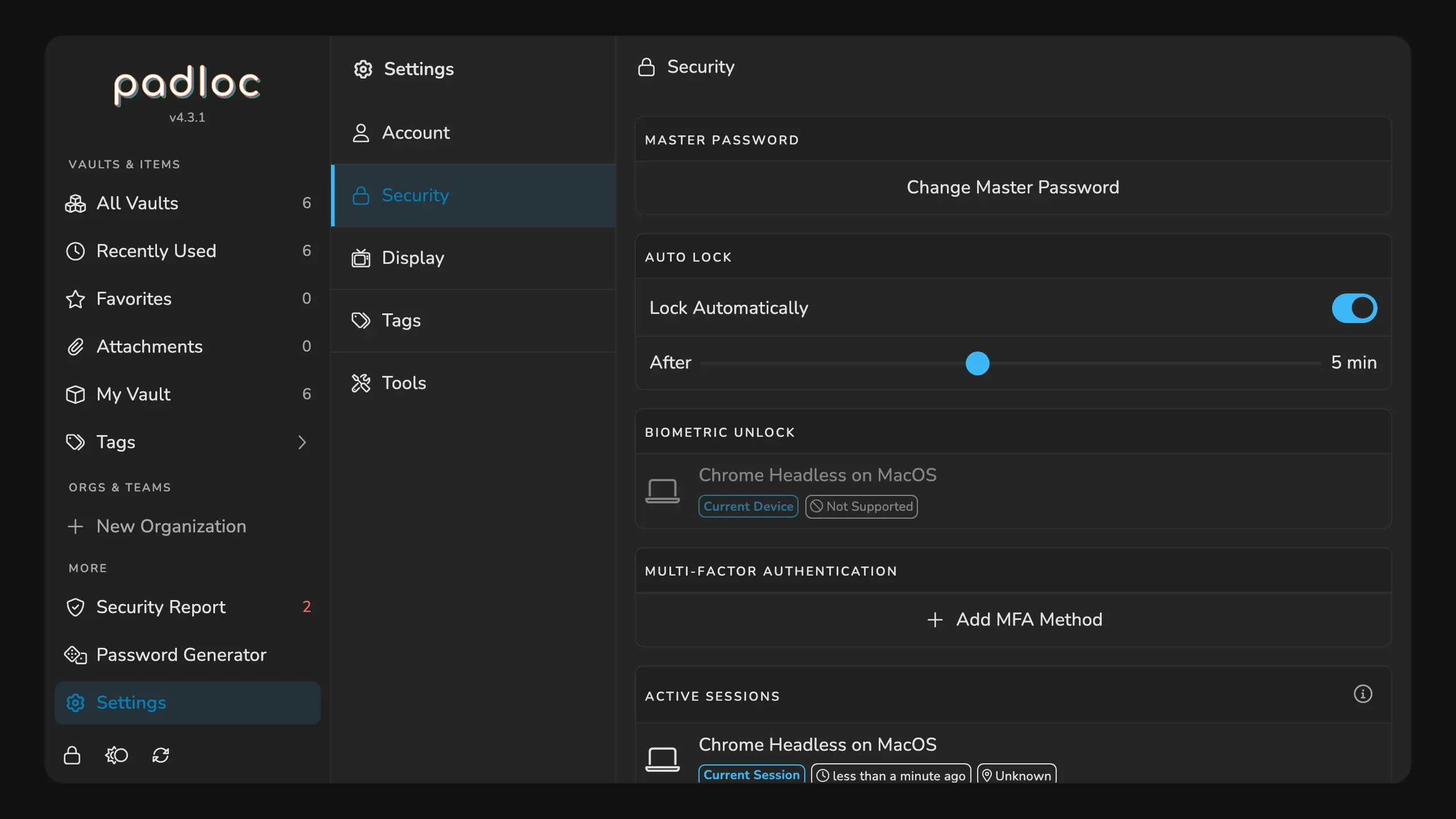
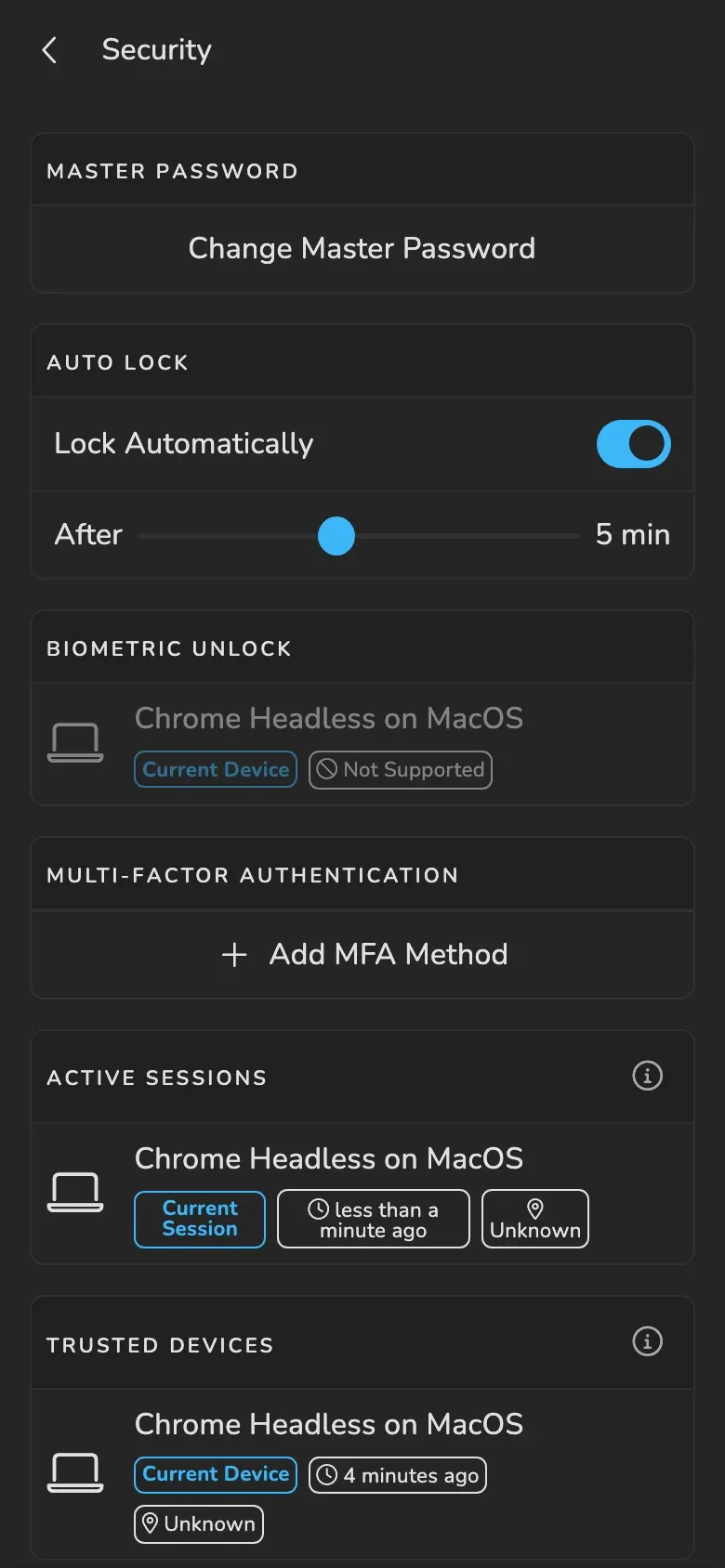
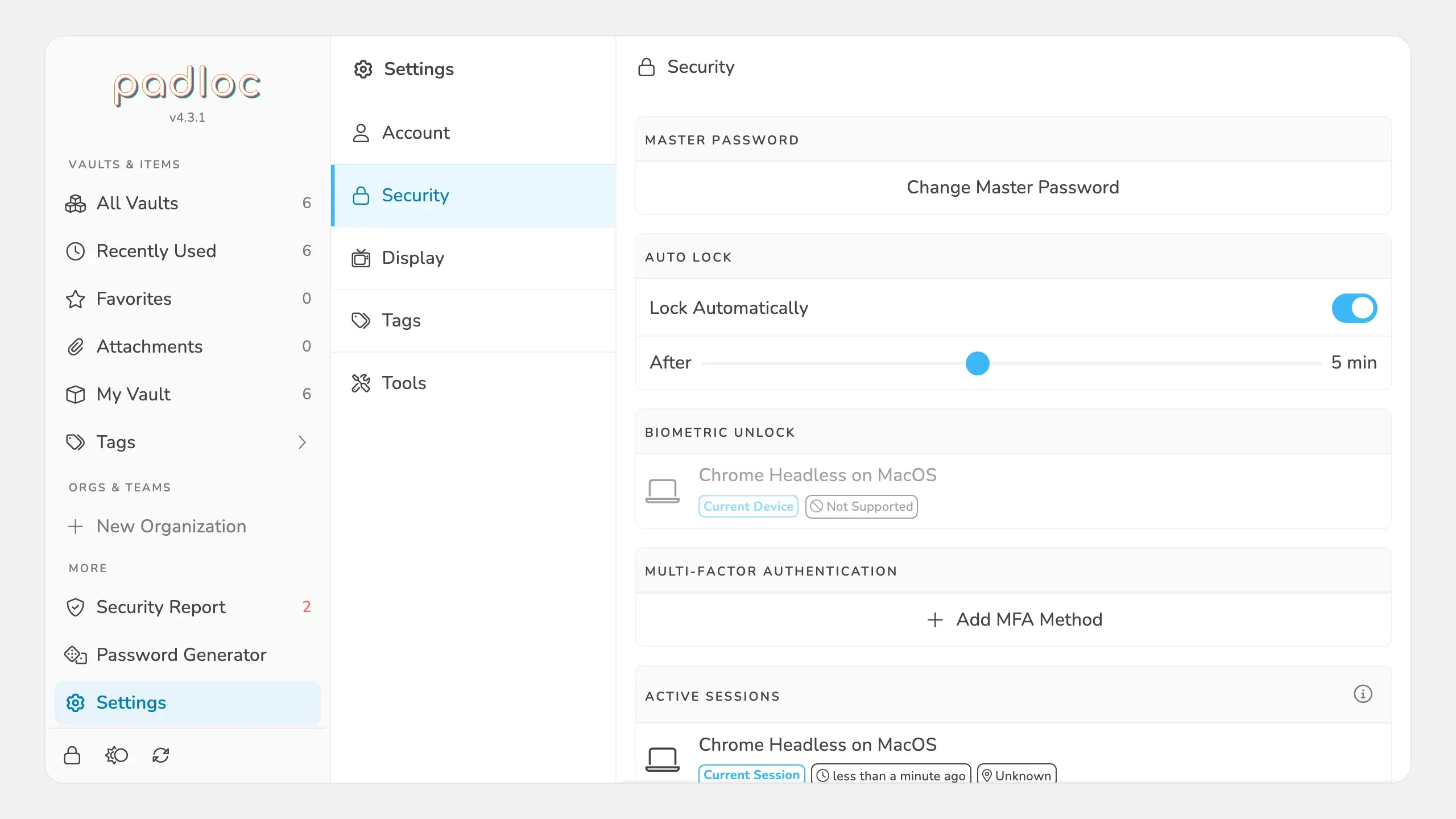
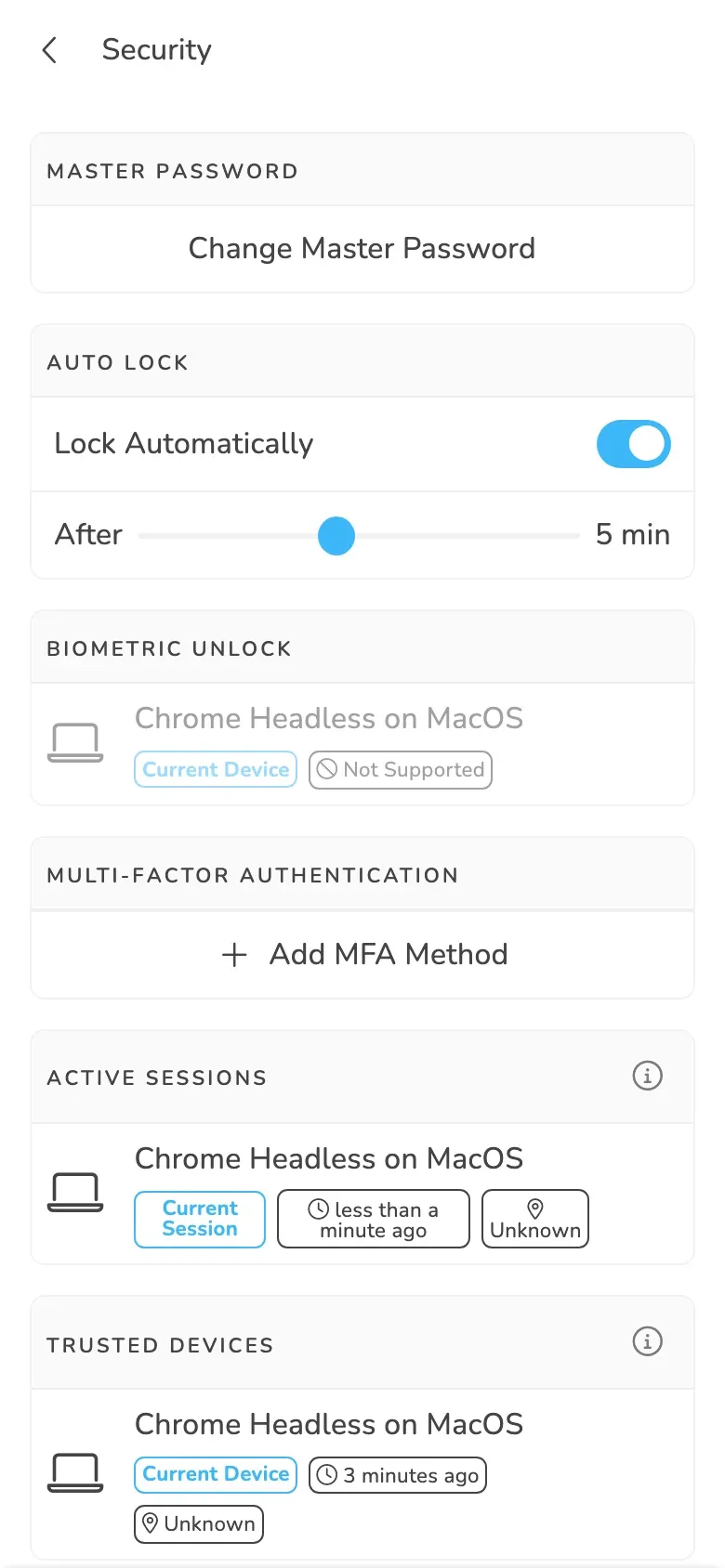
Compare Padloc with other password managers. Add or remove apps to see how they differ.
| Requirement | Padloc | |
|---|---|---|
| Price | Free | Free |
| Licence | AGPL-3.0 | AGPL-3.0 |
| Web UI | Yes | Yes |
| Minimum hardware | Not stated | 1 vCPU · 1 GB RAM · 16 GB |
| Docker Containers | 2 (app + PWA) | 1 (app only) |
| Database | LevelDB | PostgreSQL |
| Architecture | x86 + ARM | x86 + ARM |
| Tech stack | Node.js | .NET |
| Docker | Yes | Yes |
| iOS | Yes | Yes |
| Android | Yes | Yes |
| Windows | Yes | – |
| macOS | Yes | – |
| Linux | Yes | – |
Compare | ||
| Full comparison | This app | AliasVault vs Padloc |
Official client for phone and desktop.
Yes. The self-hosted Padloc server is free under AGPL-3.0.
Yes. Padloc's code is on GitHub under the GNU Affero General Public License, AGPL-3.0.
Run the server and the web app as two Docker containers. The basic compose example builds both and keeps data in LevelDB, and a Postgres example adds NGINX and Let's Encrypt. Build the web app with PL_SERVER_URL set to your server address, or start from the example that already points it there. Creating an account sends a 6-digit confirmation code by email, and organisation invites go out by email too.
The self-hosting guide has you host the apps as well as the server: a self-hosted install serves its own web app, and the project's app examples build native clients against your server with PL_SERVER_URL.

Keep passwords and email aliases in an end-to-end encrypted password manager, backed by its own built-in email server.

A lost phone should not lock you out of your accounts. 2FAuth keeps two-factor codes in a self-hosted authenticator you reach from any browser. The accounts sit in groups, the codes cover TOTP, HOTP and Steam Guard, and imports come in from Aegis, 2FAS or Google Authenticator.

Store, autofill and share passwords across your devices and with family, using a FOSS password manager you host yourself.

Keep your two-factor codes in an open source authenticator and sync them through the Ente server on your homelab, with end-to-end encrypted backups. Phone, desktop and web apps all go through that server, the same Docker cluster that runs Ente Photos.

Run Passbolt on your own hardware with Docker to store, share, and audit passwords for self-hosted services.

A small Rust server that works with the official Bitwarden apps and browser extensions, so you can keep a family password vault at home.