Is Duplicacy free?
The command-line version is free for personal use, and restore, check, copy and prune run with it without a licence; commercial CLI use needs one. The web interface edition is paid, with a free trial period.

Back up to local drives, cloud storage or SFTP with lock-free deduplication.
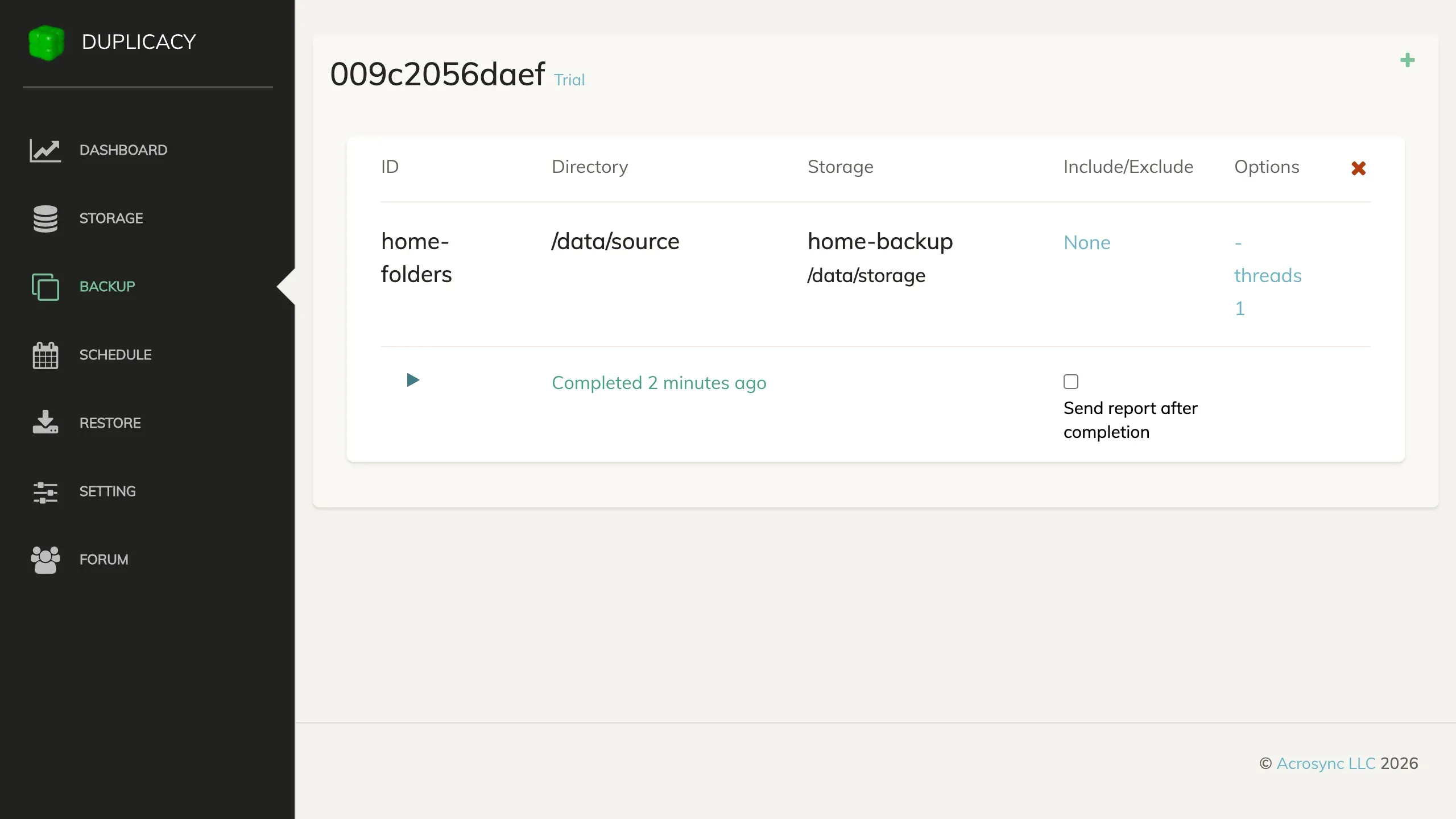
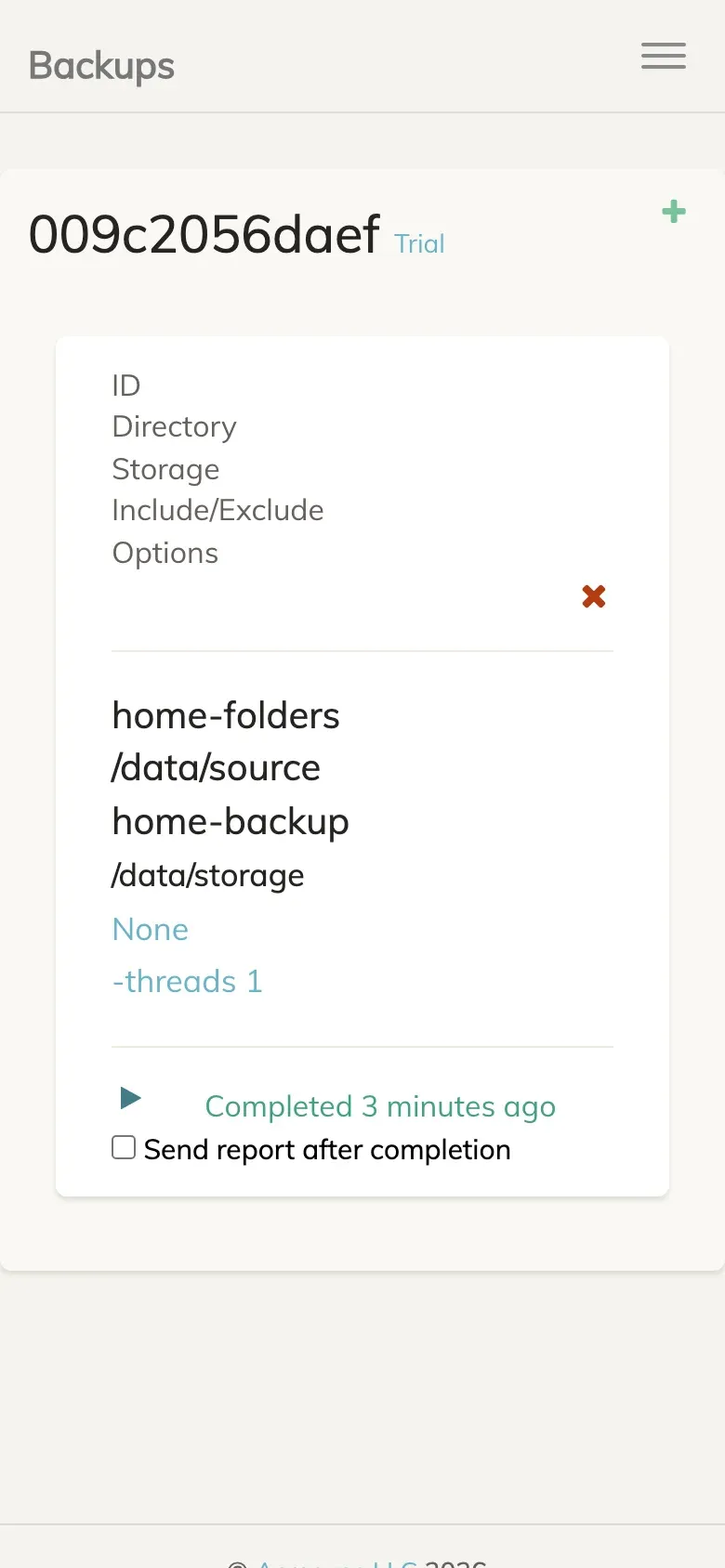
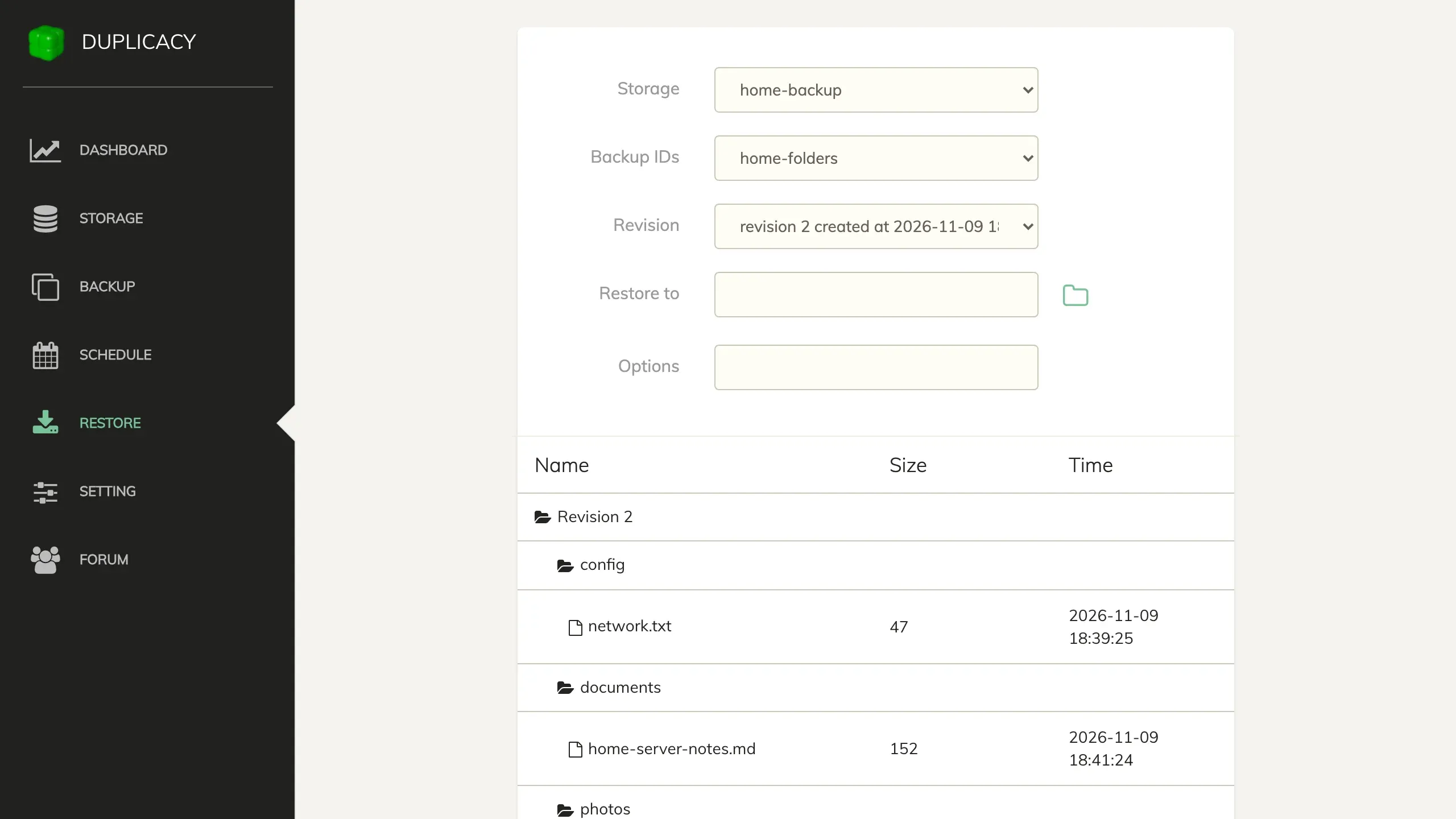
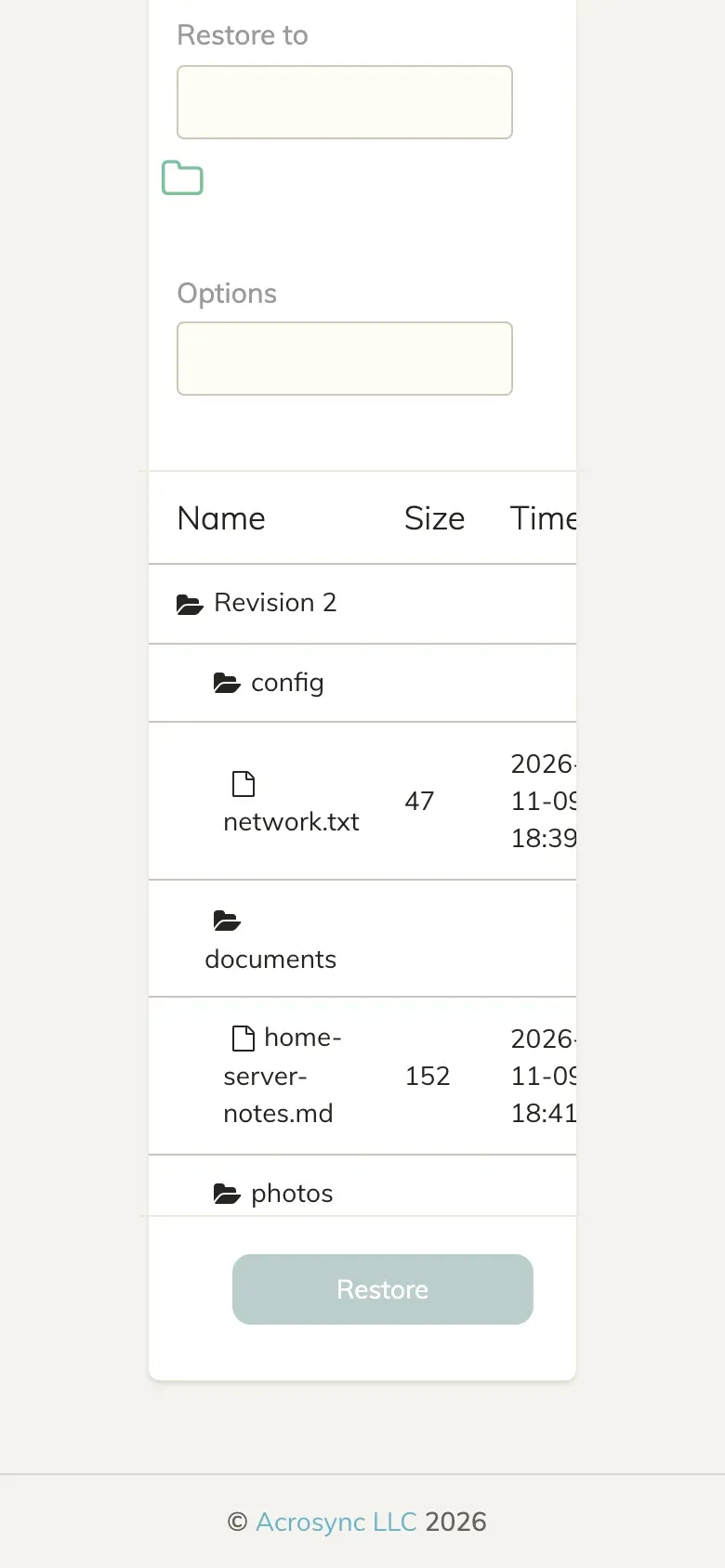
Compare Duplicacy with other backup apps. Add or remove apps to see how they differ.
| Requirement | Duplicacy | |||||
|---|---|---|---|---|---|---|
| Price | Free + Paid | Free + Paid | Free | Free | Free | Free |
| Licence | Custom | MIT | GPL-3.0 | Apache-2.0 | AGPL-3.0 | BSD-2-Clause |
| Concurrent backups | Lock-free | – | Sequential / locked | Lock-free | – | Lock-free |
| Storage support | Local, SFTP, S3, B2 | Local, SFTP, S3, B2, WebDAV | Local, SFTP, S3, B2, rclone | Local, SFTP, S3, B2, WebDAV | Local, S3, B2, SFTP | Local, SFTP, S3, B2, REST, rclone |
| Notifications | Email, Webhooks | Email, Webhooks, Telegram | Discord, Slack, Gotify, Shoutrrr, Healthchecks | Email, Webhooks, Pushover | Discord, Slack, Gotify, ntfy, Email, Webhooks | – |
| Deduplication | Global | Yes (per repository) | Yes (per repository) | Yes (per repository) | Yes (per repository) | Yes (per repository) |
| Web UI | Yes | Yes | Yes | Yes | Yes | – |
| Docker Containers | 1 (app only) | 1 (app only) | 1 (app only) | 1 (app only) | 1 (app only) | 1 (app only) |
| Database | none | SQLite | SQLite | none | SQLite | none |
| Architecture | x86 + ARM | x86 + ARM | x86 + ARM | x86 + ARM | x86 + ARM | x86 + ARM |
| Tech stack | Go | .NET | Go | Go | Bun | Go |
| Docker | Yes | Yes | Yes | Yes | Yes | Yes |
| Linux package | Yes | Yes | Yes | Yes | – | Yes |
| Windows | Yes | Yes | Yes | Yes | – | Yes |
| macOS | Yes | Yes | Yes | Yes | – | Yes |
| Windows | Yes | Yes | – | Yes | – | – |
| macOS | Yes | Yes | – | Yes | – | – |
| Linux | Yes | Yes | – | Yes | – | – |
Compare | ||||||
| Full comparison | This app | Duplicacy vs Duplicati | Backrest vs Duplicacy | Duplicacy vs Kopia | Duplicacy vs Zerobyte | Duplicacy vs restic |
Official client for desktop.
The command-line version is free for personal use, and restore, check, copy and prune run with it without a licence; commercial CLI use needs one. The web interface edition is paid, with a free trial period.
Duplicacy uses lock-free deduplication, so several computers can back up to the same storage and share duplicated data without coordinating with each other. It also supports many backends such as local disks, SFTP, S3 and Backblaze B2.
Yes, when you initialise a storage with a password, data is encrypted before it leaves your machine. Keep that password safe, because there is no way to recover encrypted backups without it.
The command-line version has no scheduler, so run duplicacy backup from cron, a systemd timer or a script. The paid Web Edition adds scheduled backup jobs in the browser.

Schedule, browse and restore Restic backups from a web dashboard. Targets include S3, Backblaze B2 and SFTP, plus anything rclone can reach.

Back up folders as encrypted, deduplicated snapshots from the command line or a desktop app on Linux, macOS and Windows. A repository can sit on a local disk, a NAS, SFTP, S3 or Backblaze B2. Server mode lets several machines share one.

Schedule encrypted Restic backups from a web interface, covering local folders plus NFS, SMB, WebDAV or SFTP shares. Restore single files or whole folders from any snapshot. Repositories can sit on a local disk, S3, Backblaze B2, a Restic REST server or any rclone target.

Duplicati takes encrypted, deduplicated backups of the folders you pick. Point a job at a local drive, a NAS, an SFTP server or cloud storage, and it keeps versions you can restore from the browser. One container runs the backup engine and the web UI.

Point restic at a folder and it writes an encrypted, deduplicated snapshot to a local disk, an SSH box, S3 or a rest-server. You run it from cron or a systemd timer, and the repository it leaves behind can be opened later by Backrest, by another restic install or by a rest-server on a different machine.

Borg packs a folder into a compressed, encrypted archive and stores only the chunks it has not seen before, so the second run is a fraction of the size of the first. Repositories live on a local disk or on a host you reach over SSH, and any archive can be mounted and browsed like a folder.

Pull Gmail, Microsoft 365 and IMAP mail into an email archiver you host. Everything lands as .eml files that are deduped and compressed, and encrypted at rest once you set a storage key.

Back up the databases behind your home apps, such as Postgres, MySQL and MongoDB, from one dashboard to local disks, S3, SFTP or Google Drive.