Does Arcane replace Portainer?
Yes for most homelab use. Arcane covers containers, Compose projects, images, volumes, networks, updates and roles from one panel, and it installs as a single container.

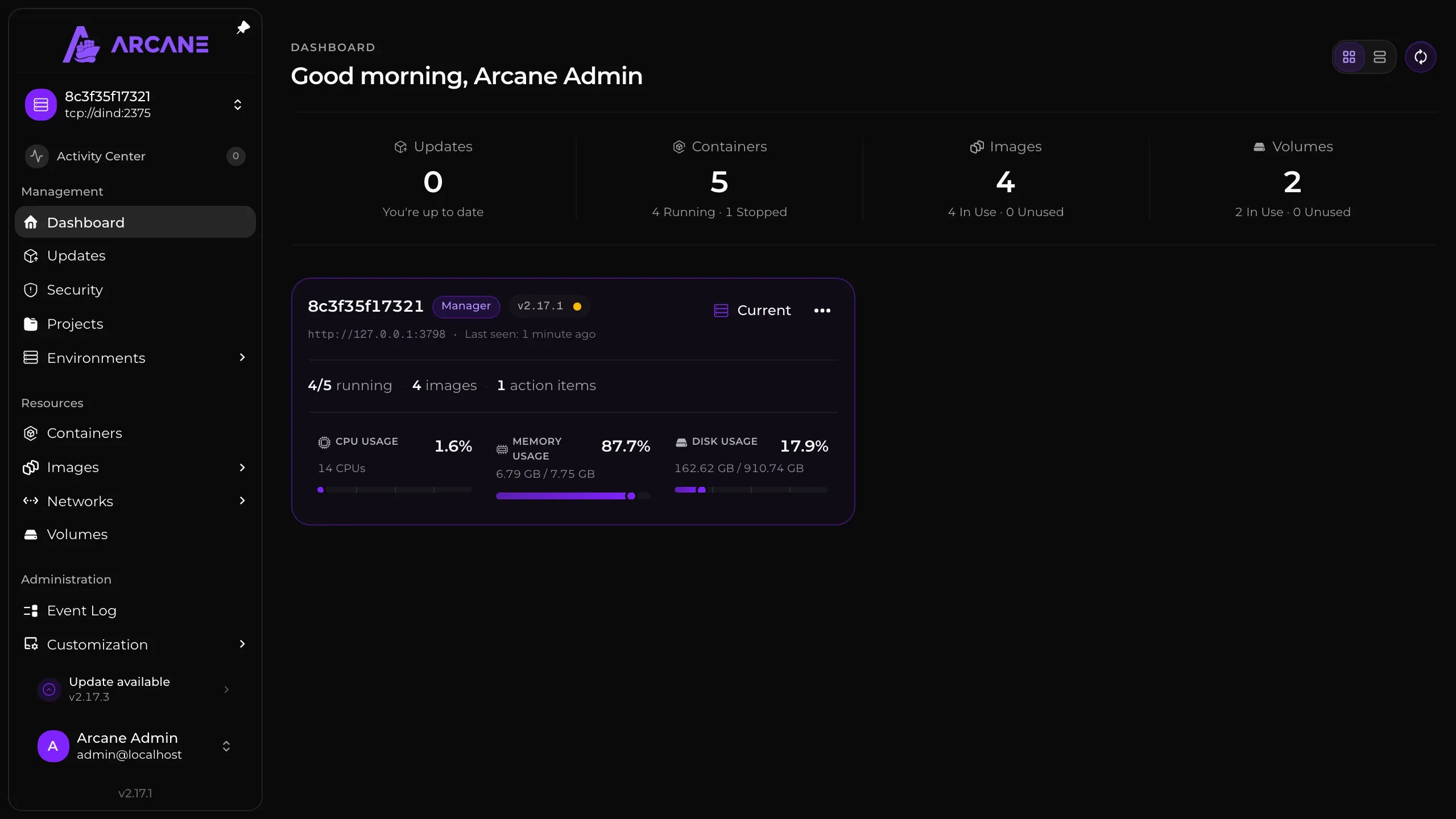
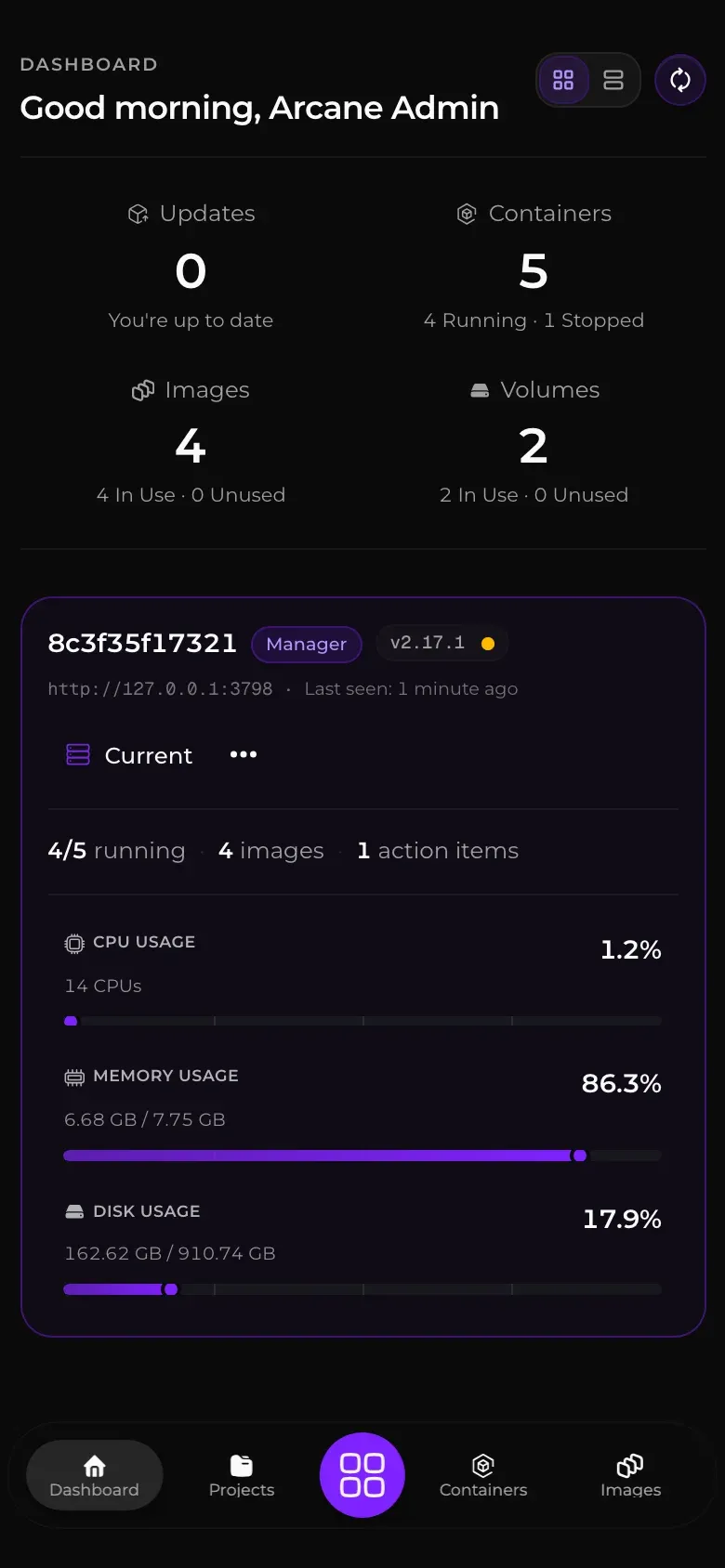
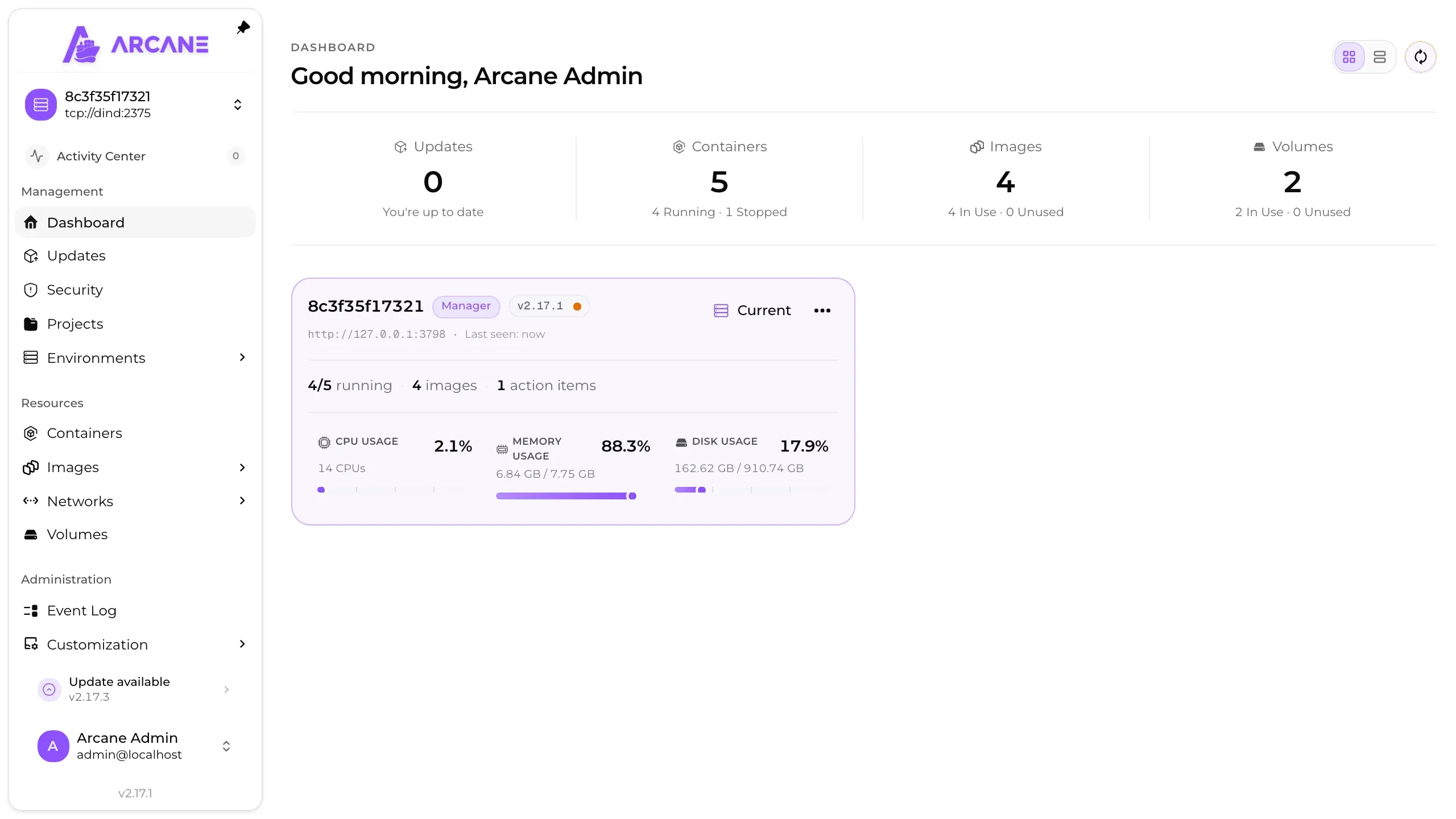
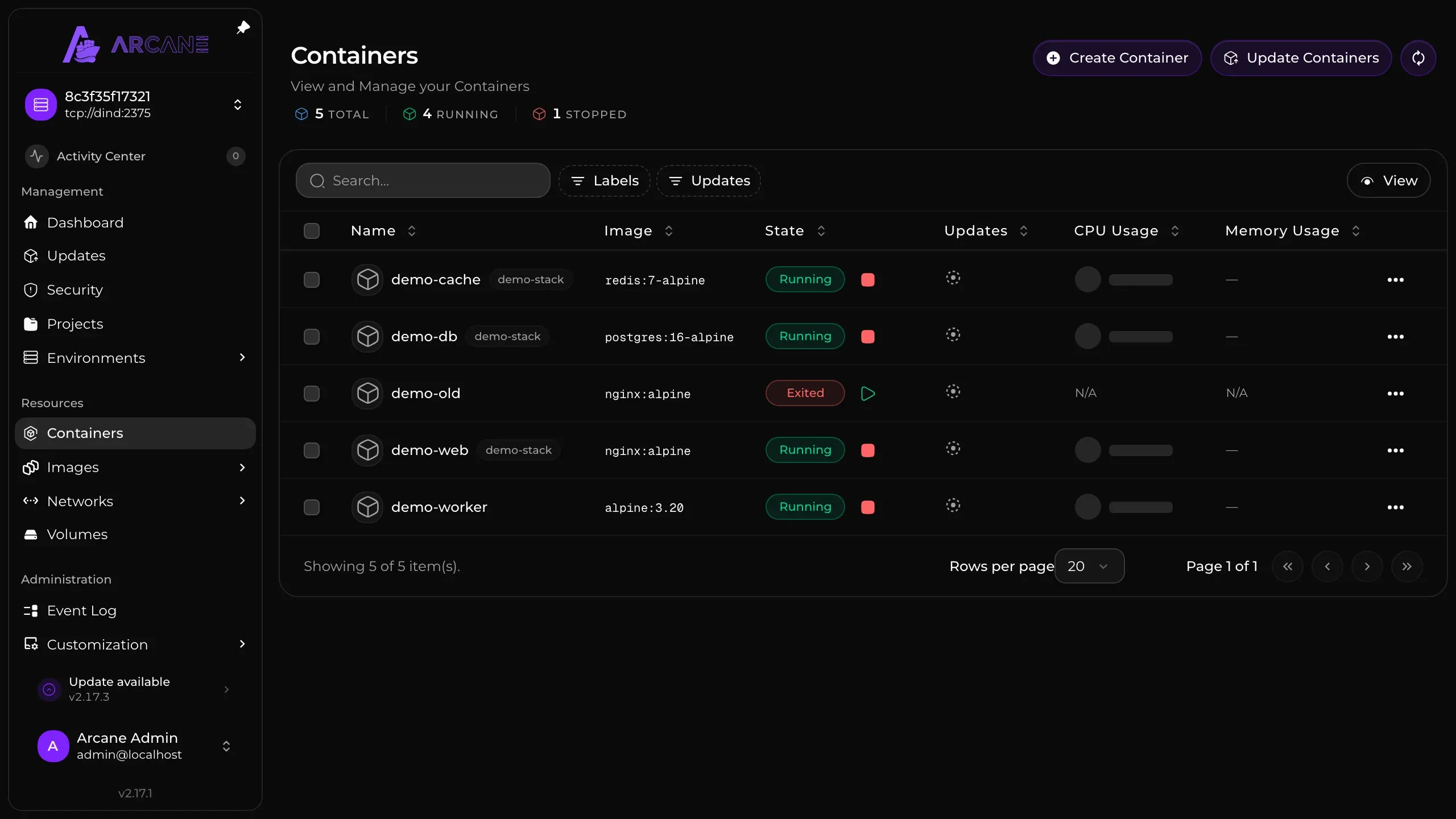
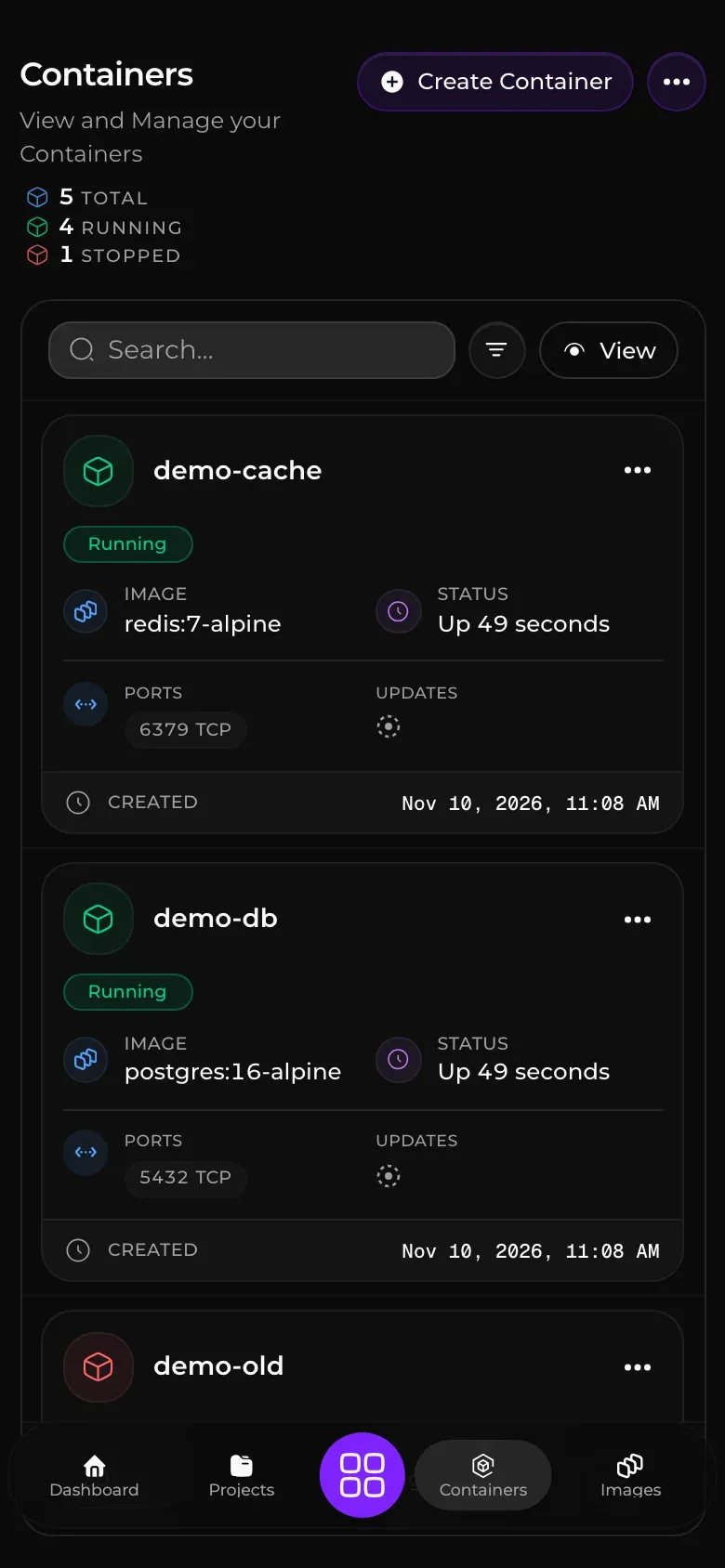
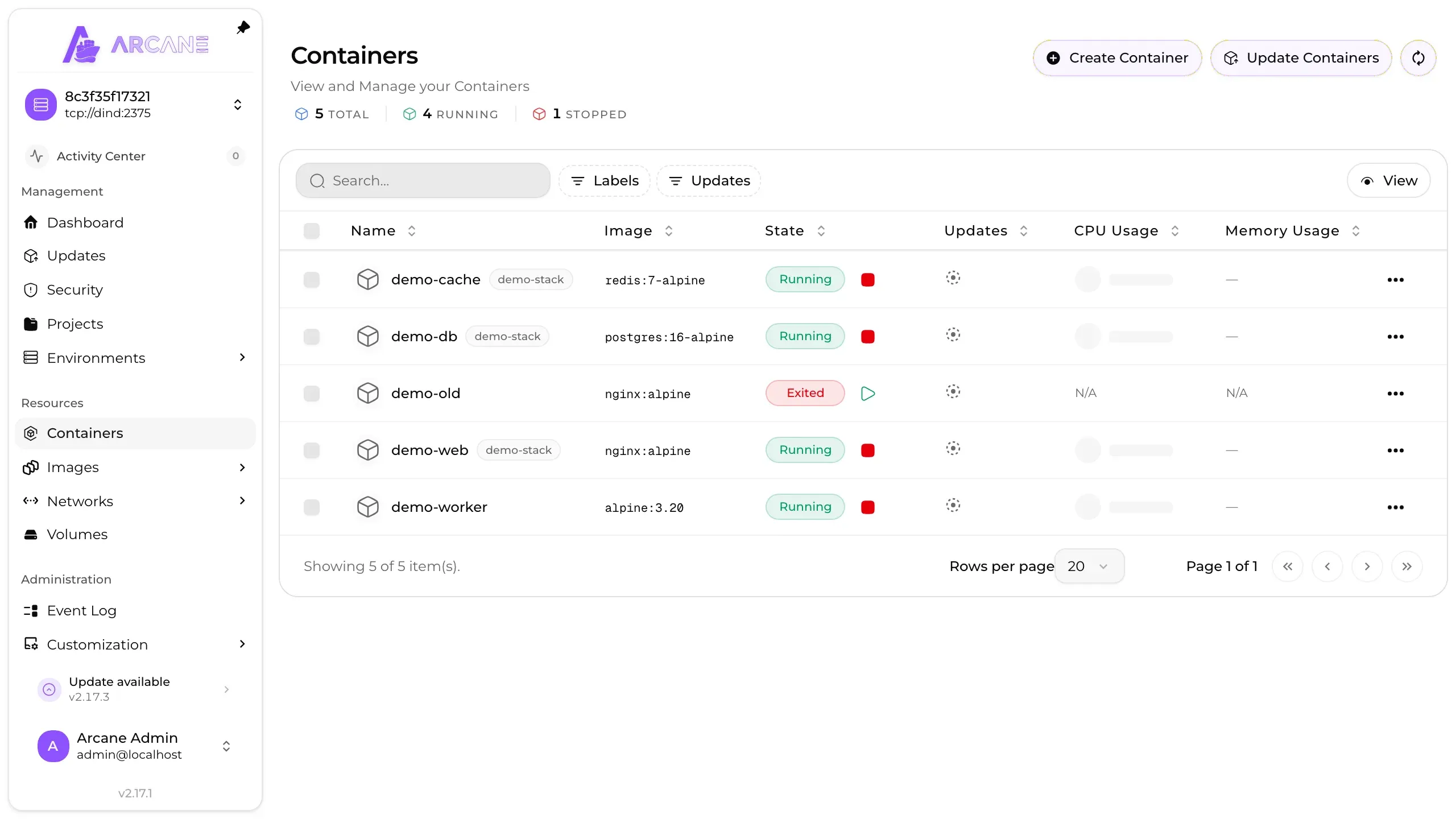
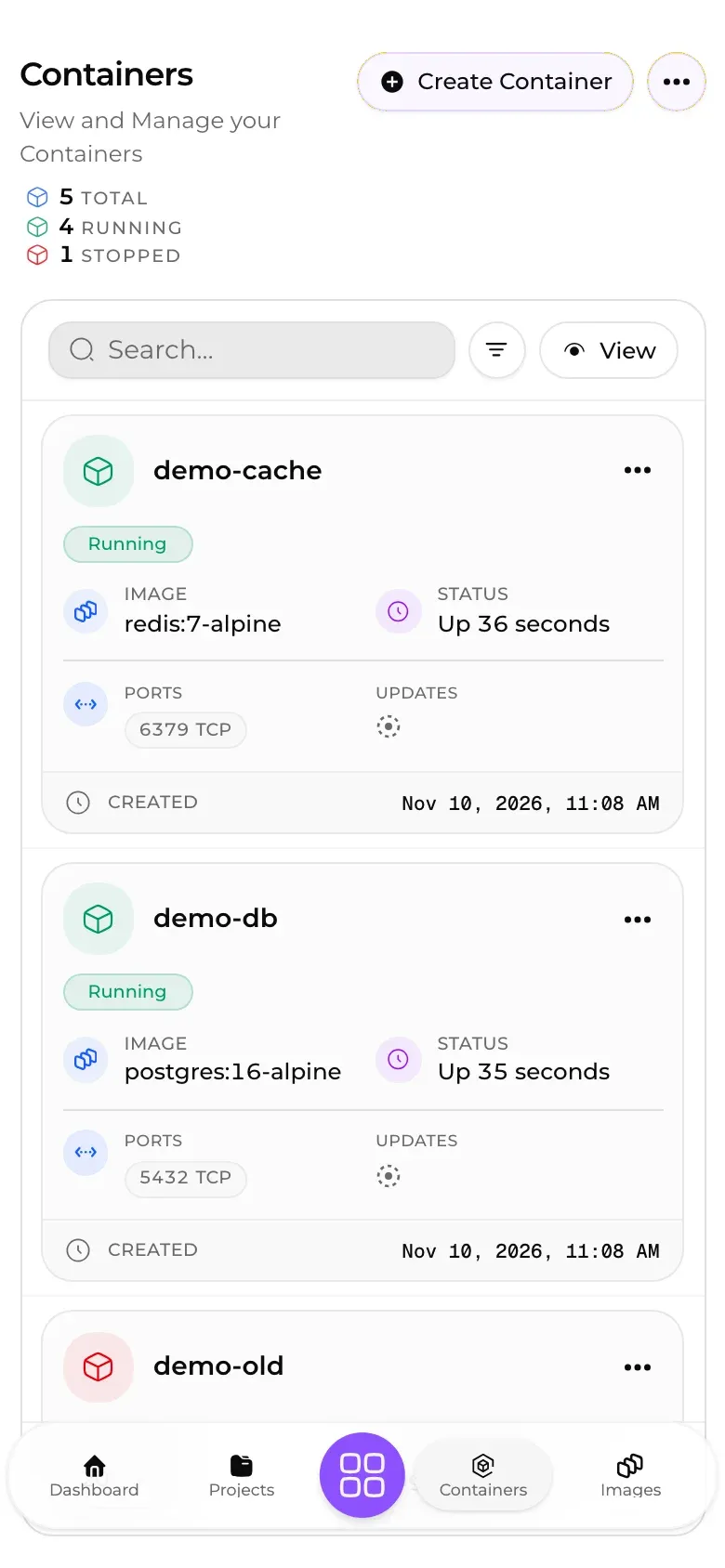
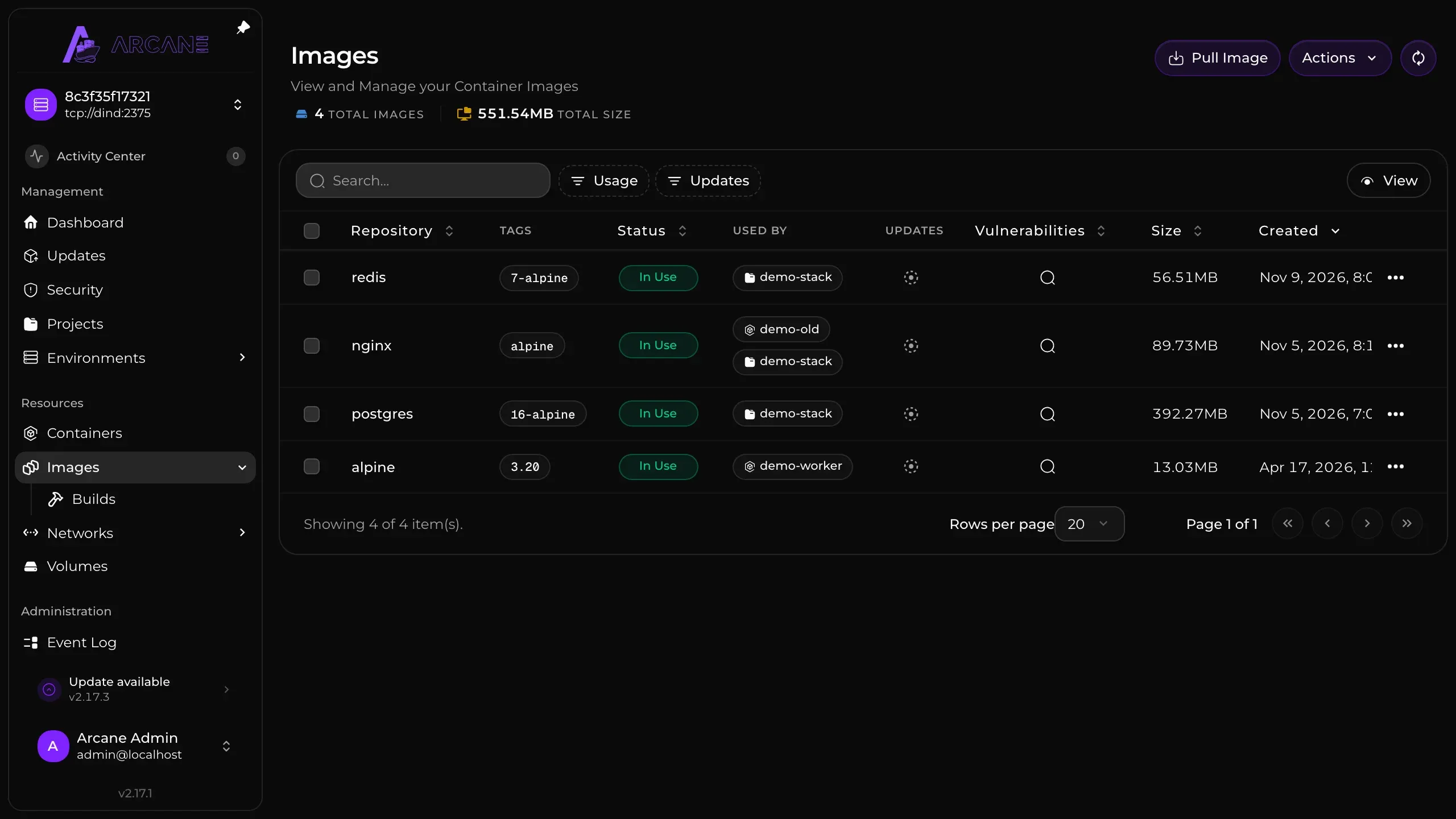
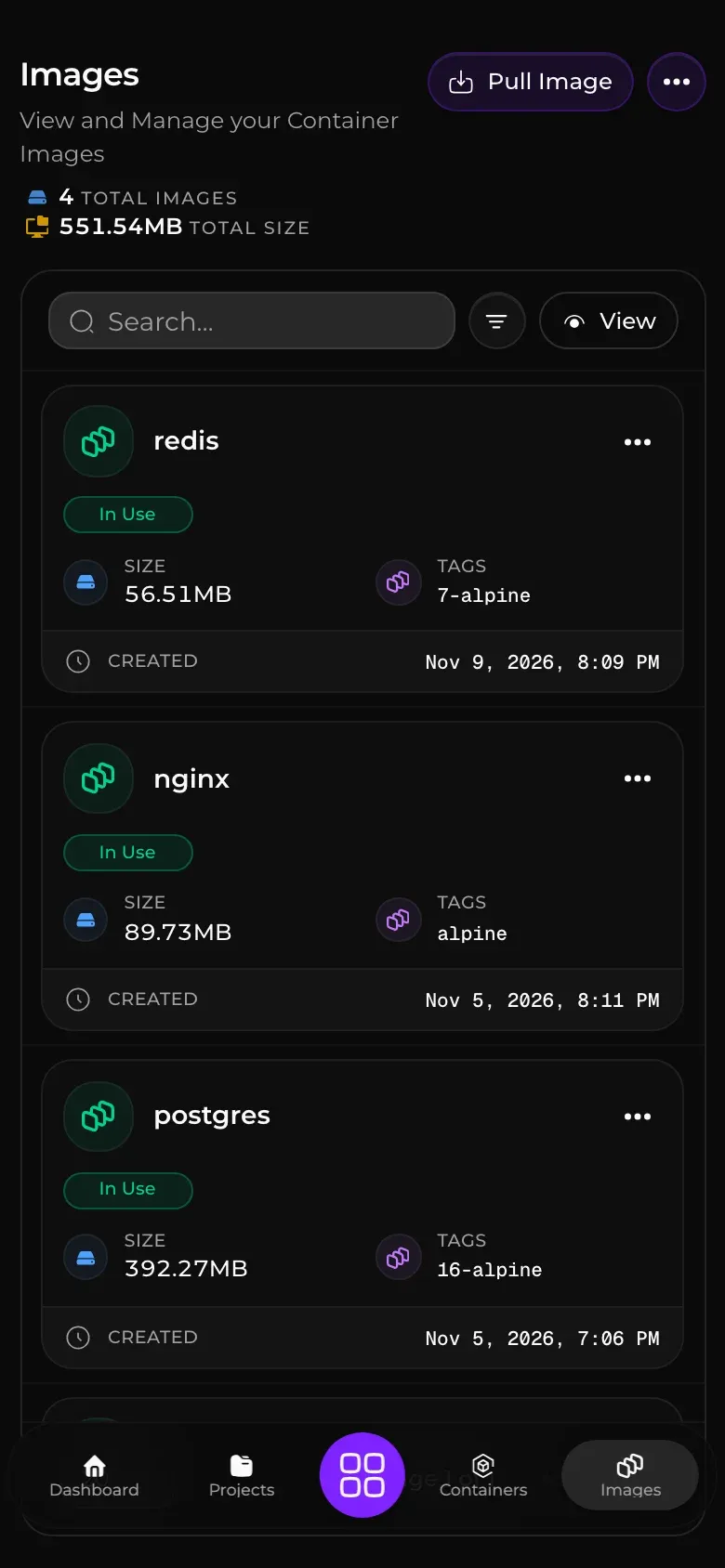
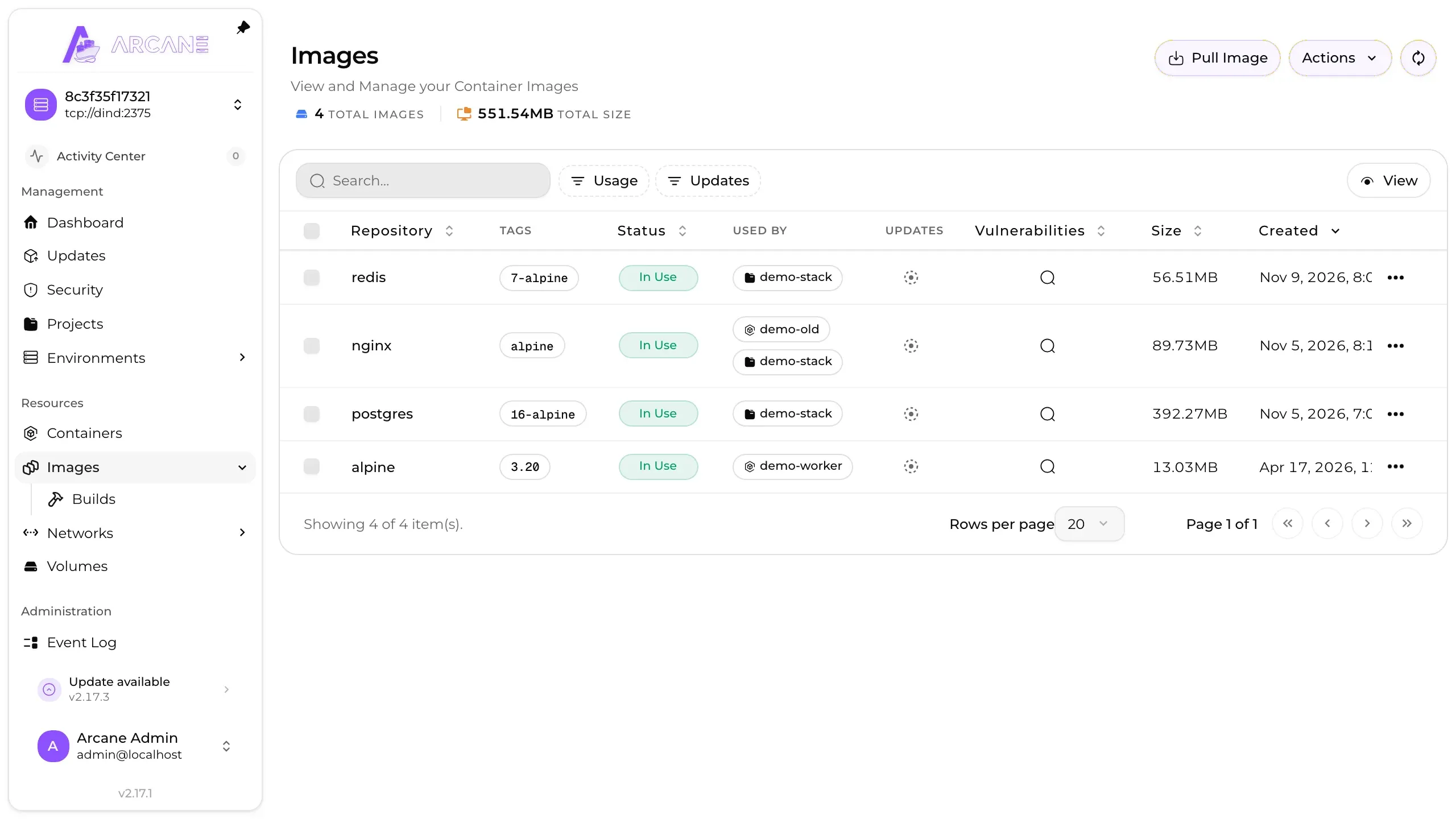
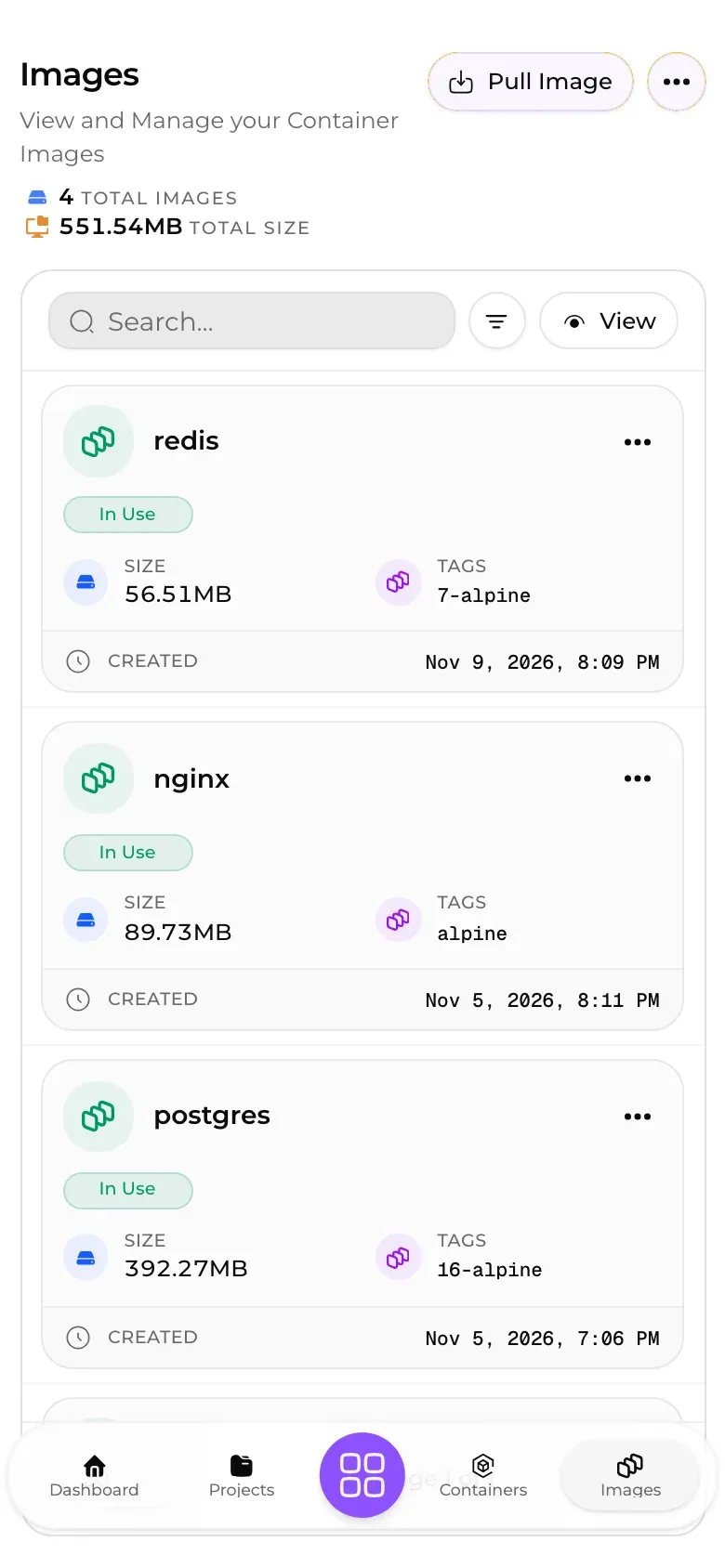
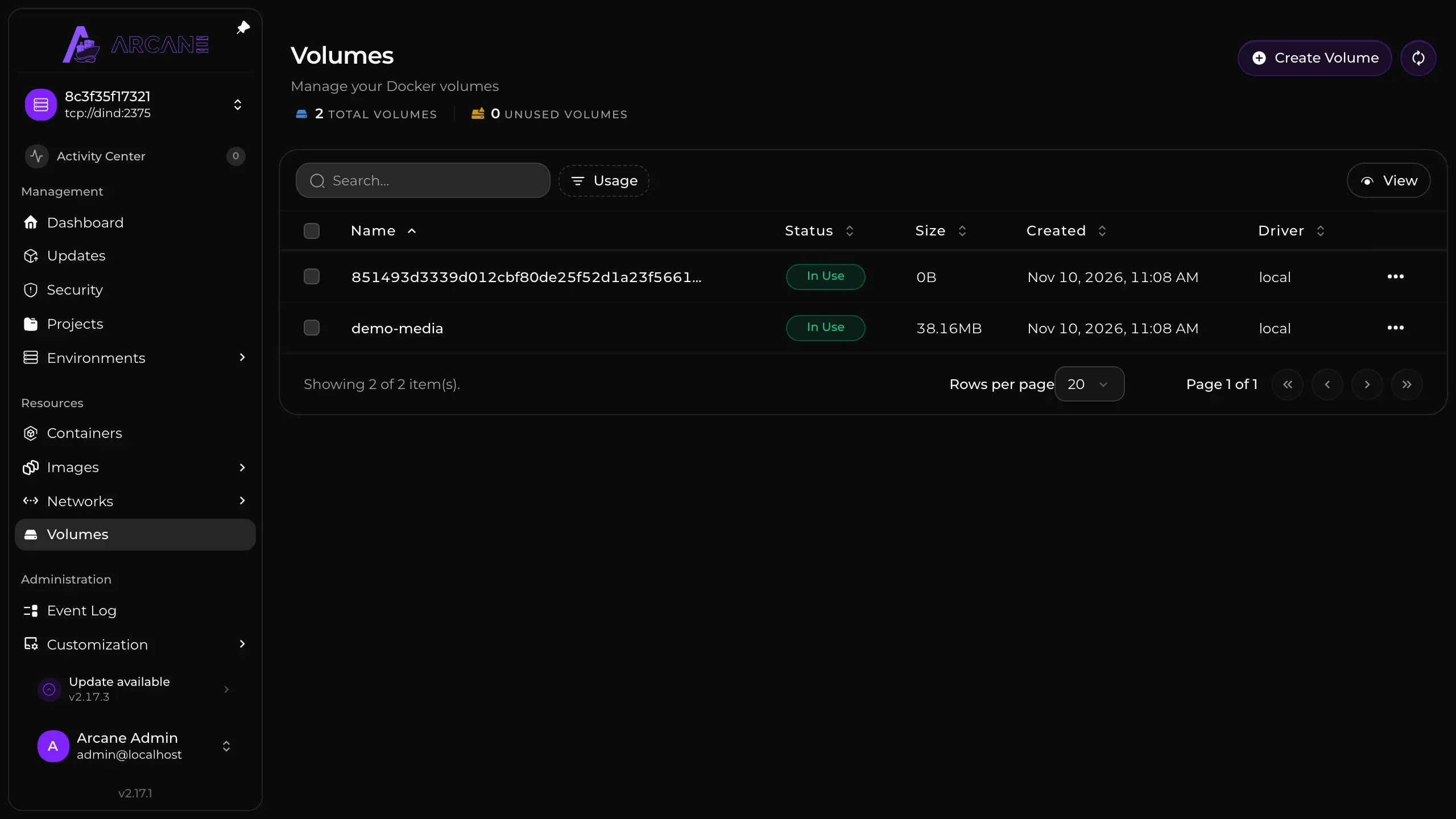
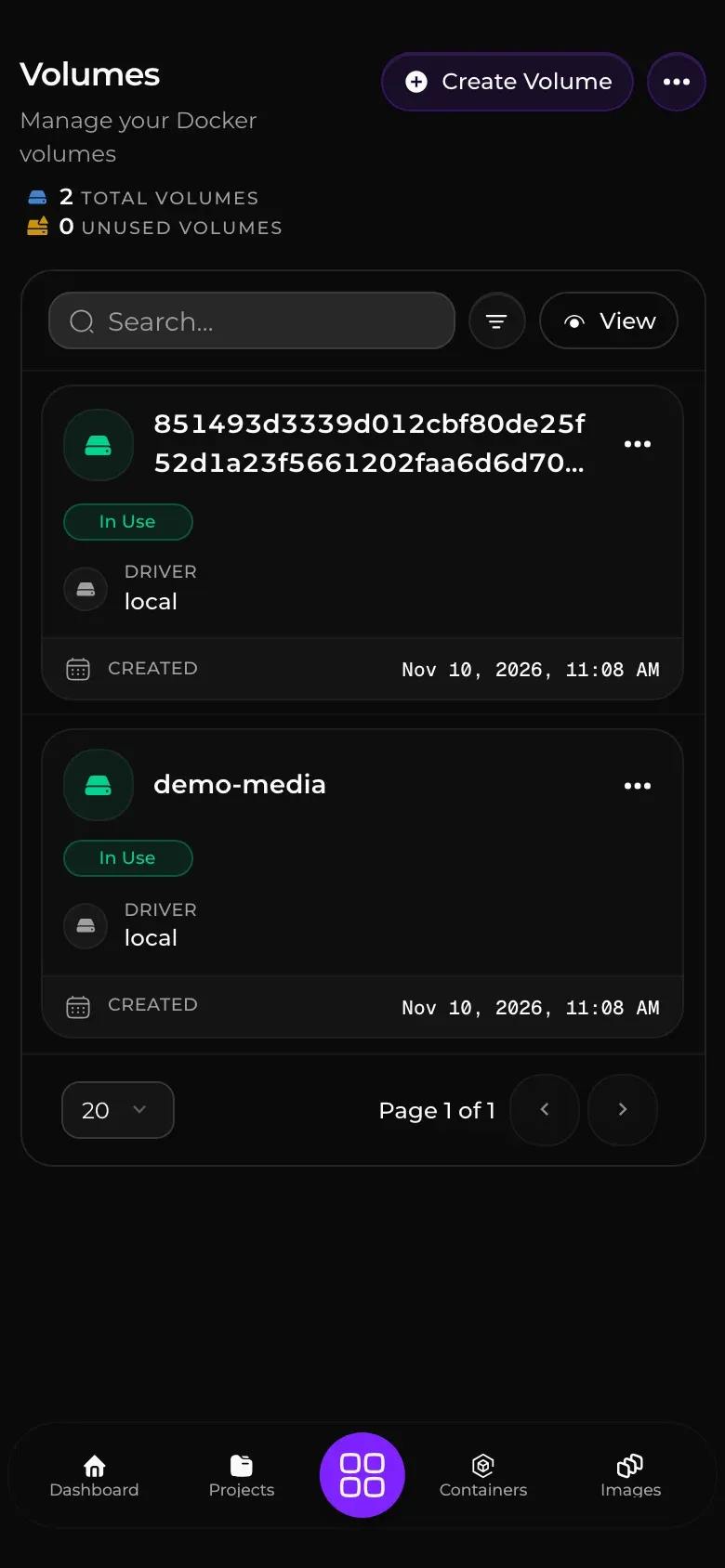
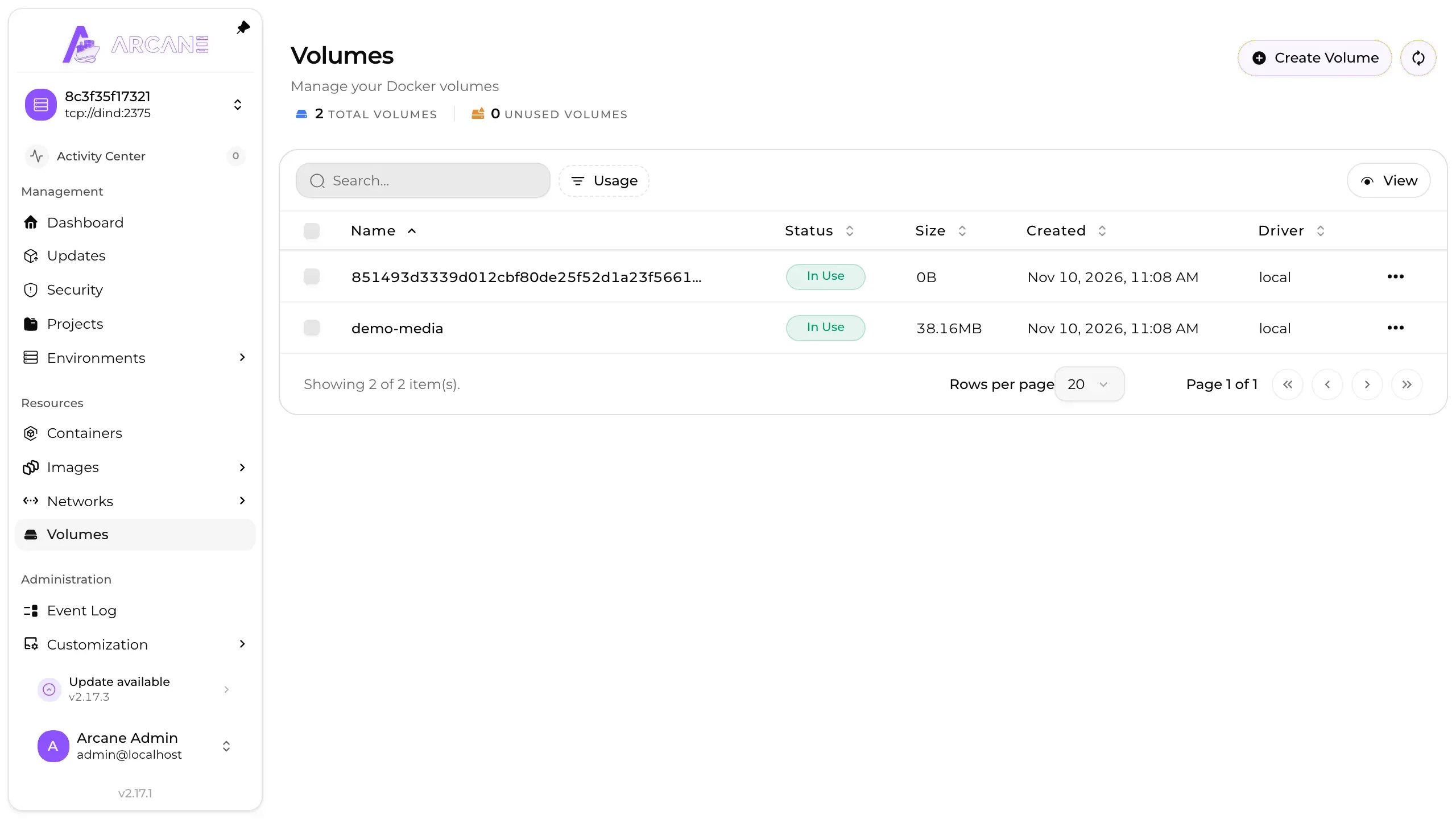
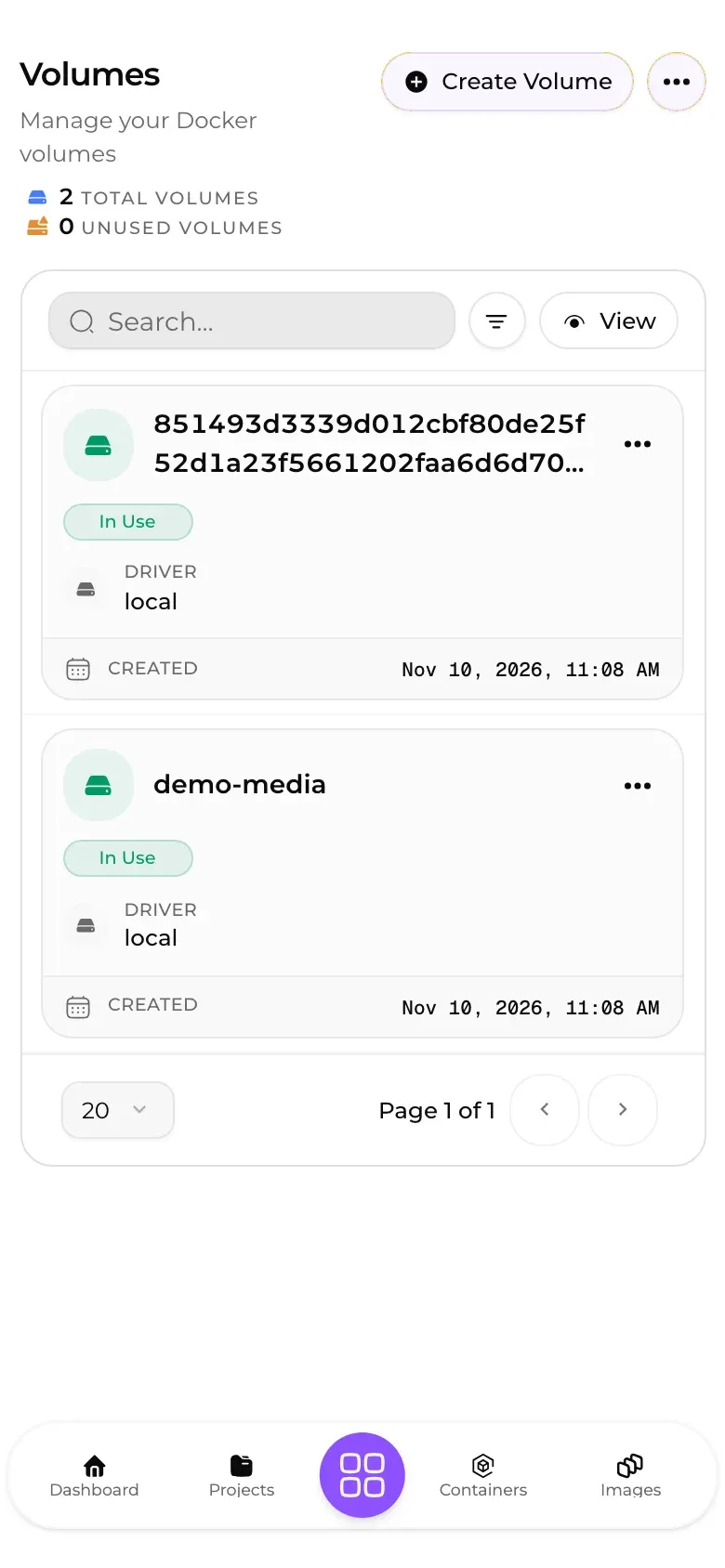
Arcane is a Docker management UI that runs in the browser for the engine on your server, and installs as one container against the local Docker socket. Containers, Compose projects, images, volumes and networks each have a page, and Arcane checks for image updates and runs vulnerability scans. Agents let it reach other Docker or Podman hosts.
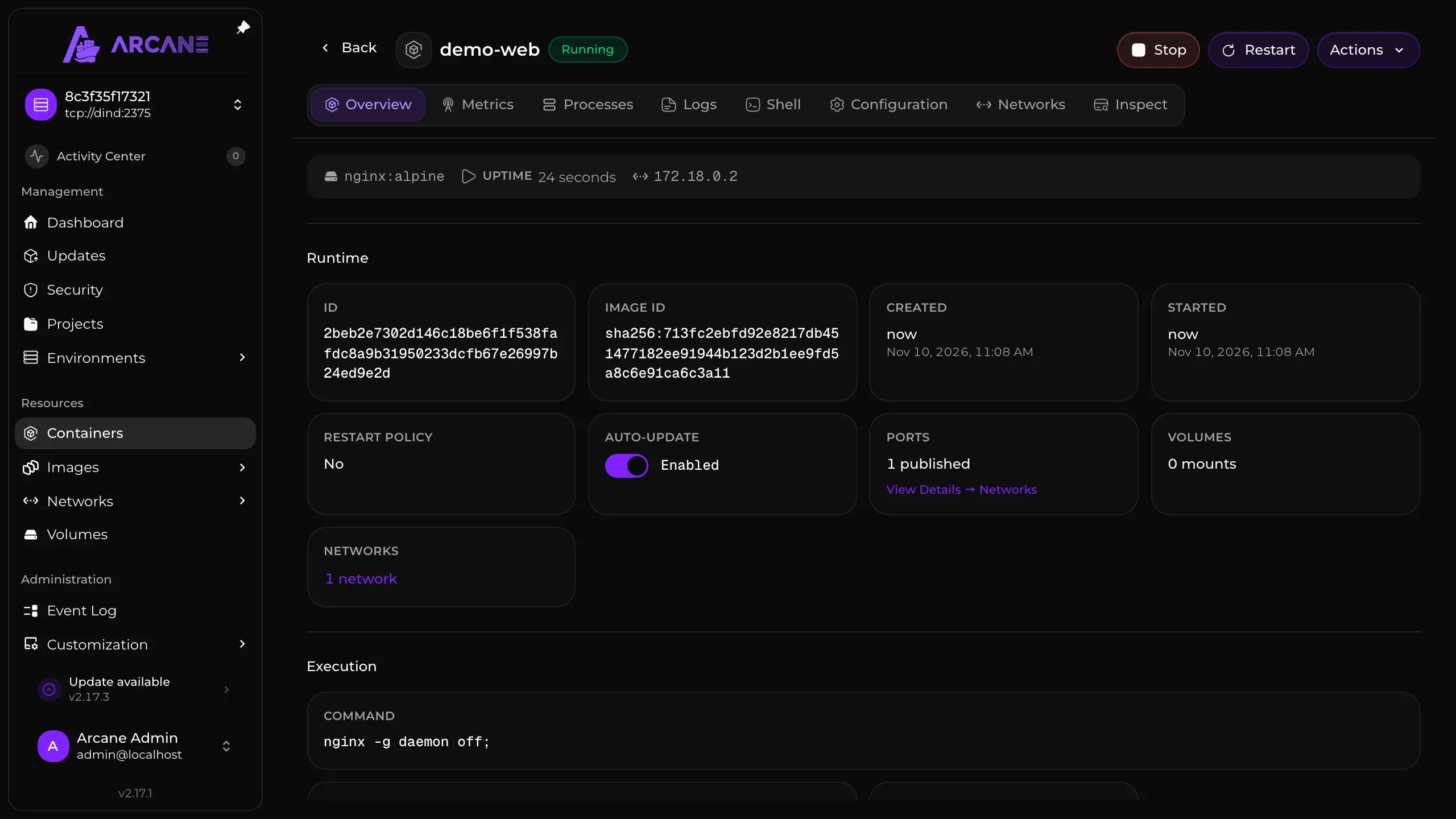
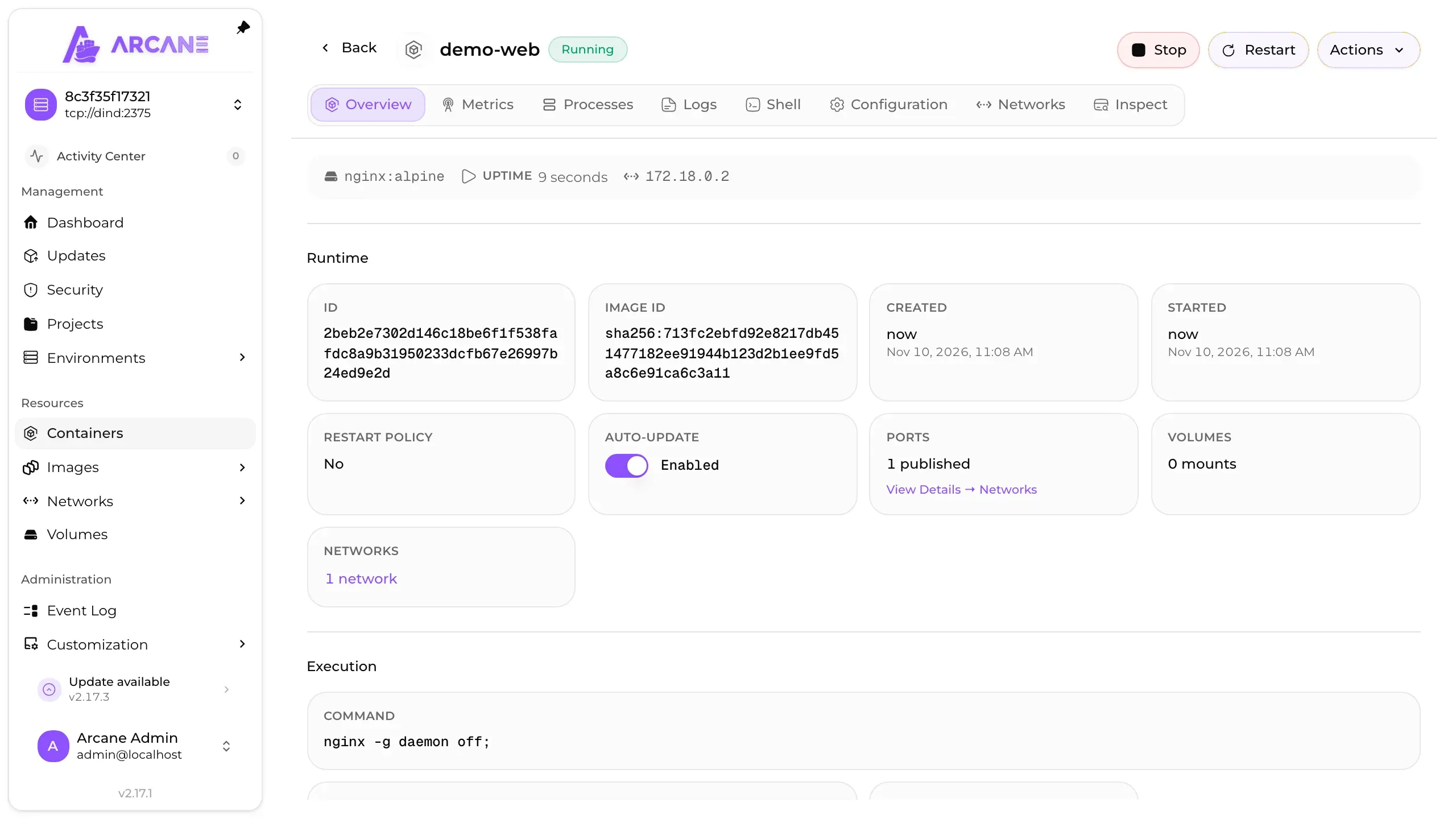
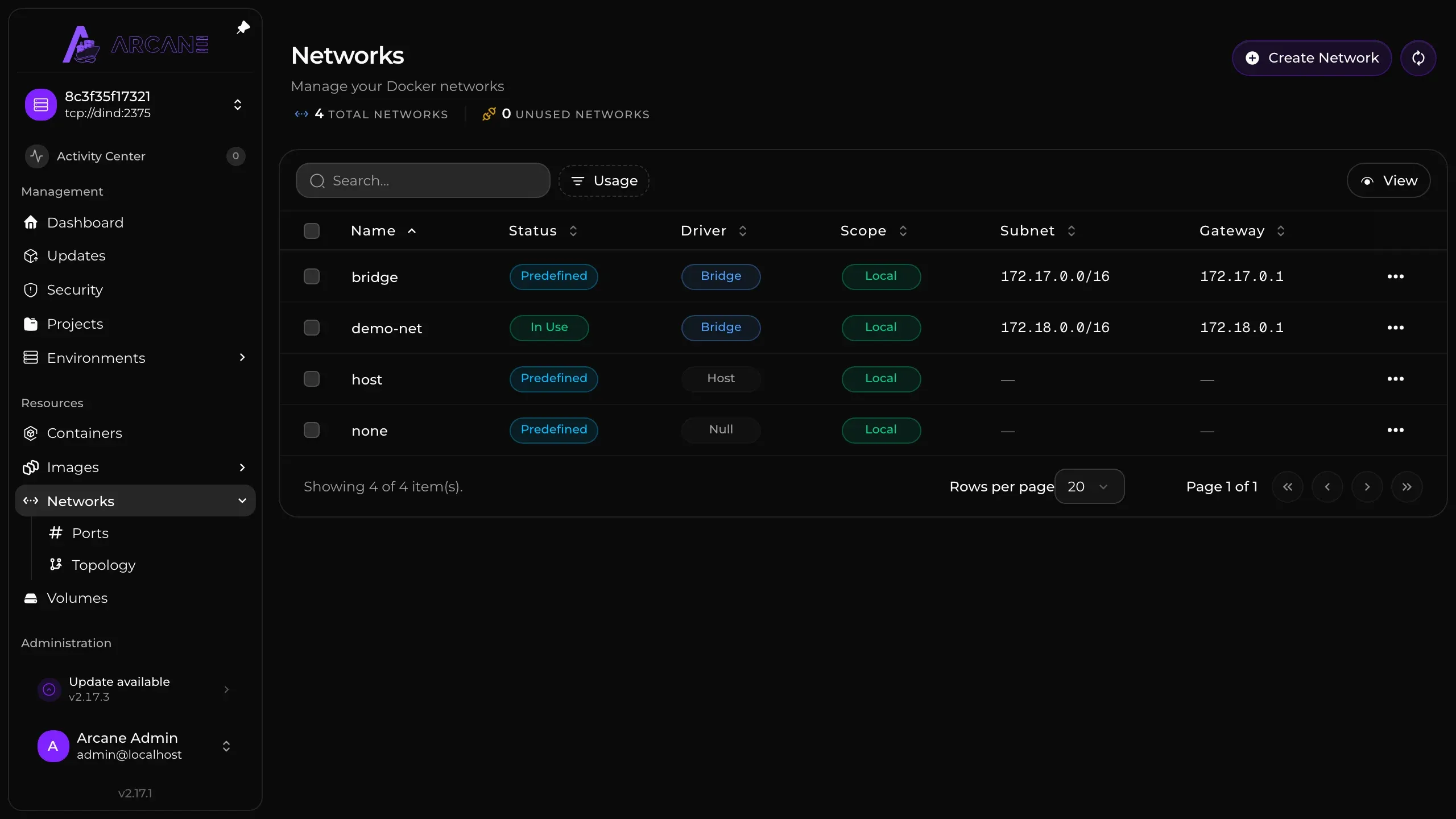
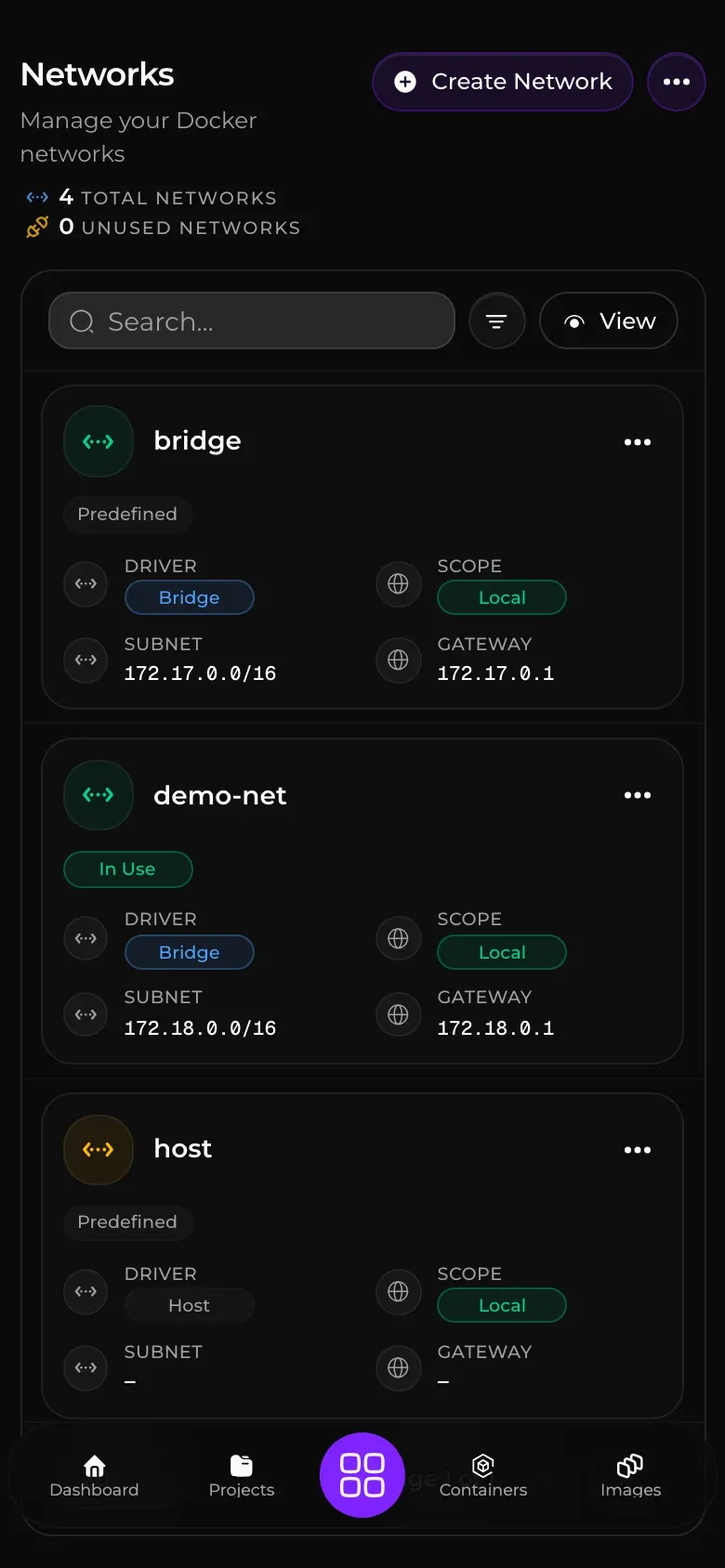
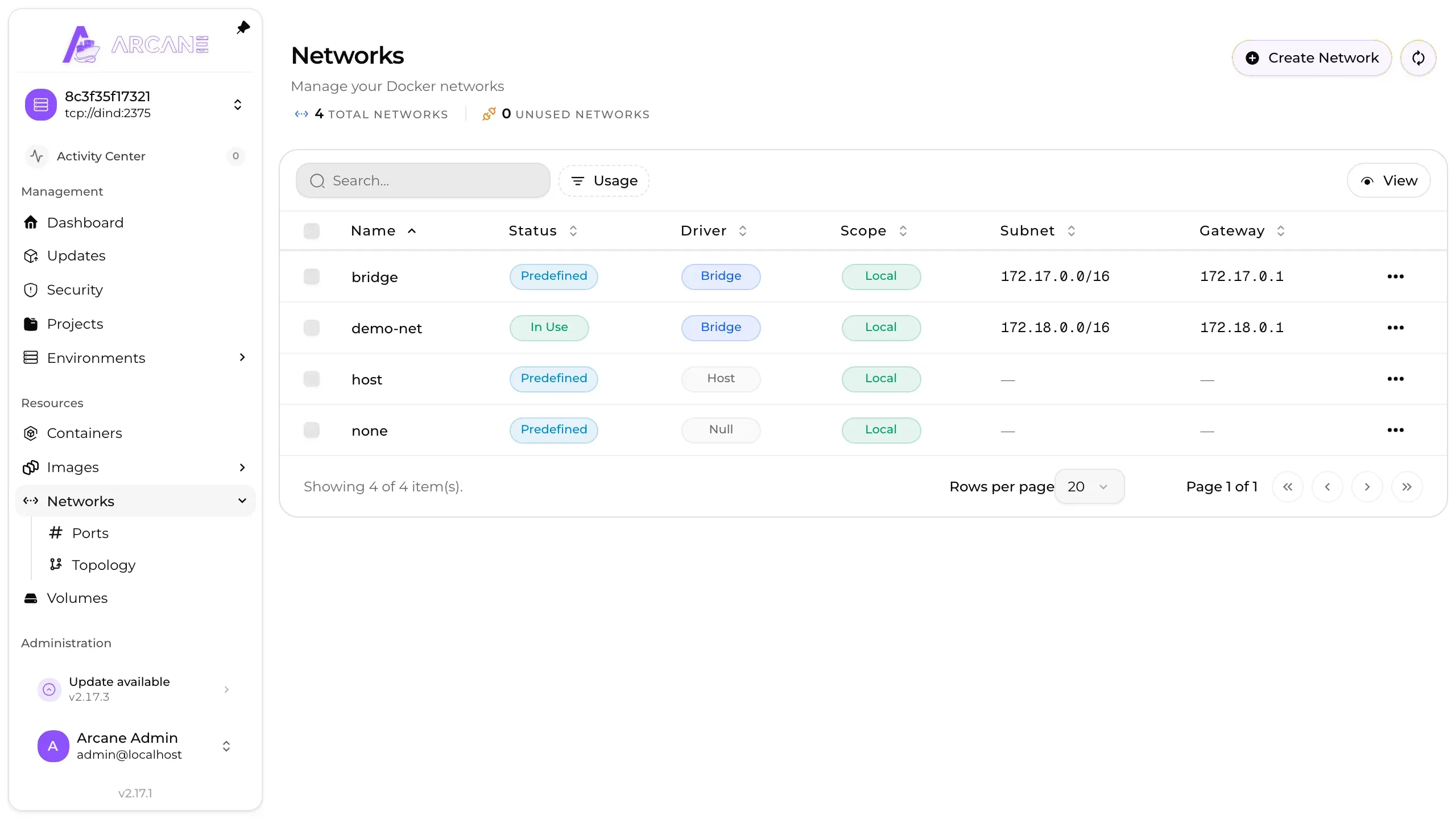
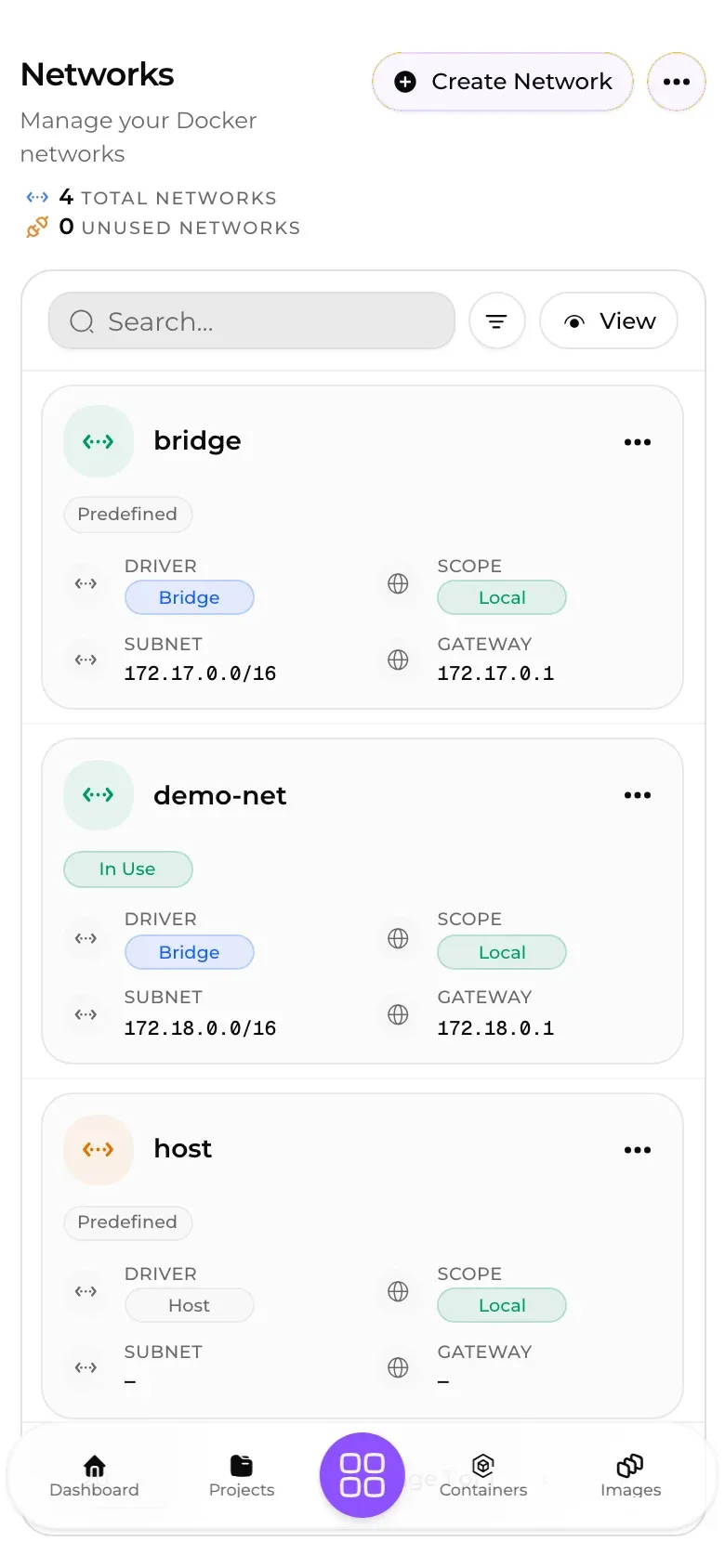
Compare Arcane with other container managers. Add or remove apps to see how they differ.
| Requirement | Arcane | ||
|---|---|---|---|
| Price | Free | Free + Paid | Free |
| Licence | BSD-3-Clause | Zlib | MIT |
| Web UI | Yes | Yes | Yes |
| Docker Containers | 1 (app only) | 1 (app only) | 1 (app only) |
| Database | SQLite | file only | SQLite |
| Architecture | x86 + ARM | x86 + ARM | x86 + ARM |
| Tech stack | Go | Go | Node |
| Docker | Yes | Yes | Yes |
| Linux package | Yes | – | – |
| Podman | Yes | – | – |
| iOS | Yes | – | – |
Compare | |||
| Full comparison | This app | Arcane vs Portainer | Arcane vs Dockge |
Official client for phone.
Yes for most homelab use. Arcane covers containers, Compose projects, images, volumes, networks, updates and roles from one panel, and it installs as a single container.
SQLite by default, in the /app/data volume. You can point it at an external Postgres database instead.
Yes, in beta. Arcane Mobile is on TestFlight for iPhone and iPad and in a Google Play beta, and push notifications travel through Arcane's hosted push relay.

Manage containers, images, volumes and networks from a web dashboard, across Docker, Podman and Kubernetes hosts.

Create, edit and update Docker Compose stacks from a web UI, built by the developer of Uptime Kuma.

Manage Docker with a Portainer alternative that has built-in vulnerability scanning, GitOps deployments and zero telemetry.
Run Compose stacks on all your Docker hosts from one web UI, with scheduled backups, image updates and an optional Caddy proxy built in. The server is a single binary, and remote hosts connect out through agents.

Manage Docker containers, Compose stacks and image builds across as many servers as you like from one web interface.

Manage a Linux server from a browser with an open-source control panel: files, Docker containers and databases in one place. Websites run behind OpenResty, cron jobs are scheduled from the same page, and the store installs open-source apps as containers.

Deploy household web apps and services to your own server through a dashboard for builds, domains, backups, and logs.

Reach every service on the homelab behind one login. Cosmos runs the reverse proxy and handles certificates, then checks each visitor against its own SSO and 2FA. Containers install from an app store, and a Nebula-based VPN covers access from outside.