passbolt
Run Passbolt on your own hardware with Docker. Store, share, and audit passwords for all your self-hosted services - no cloud, no subscription, full control of your vault.
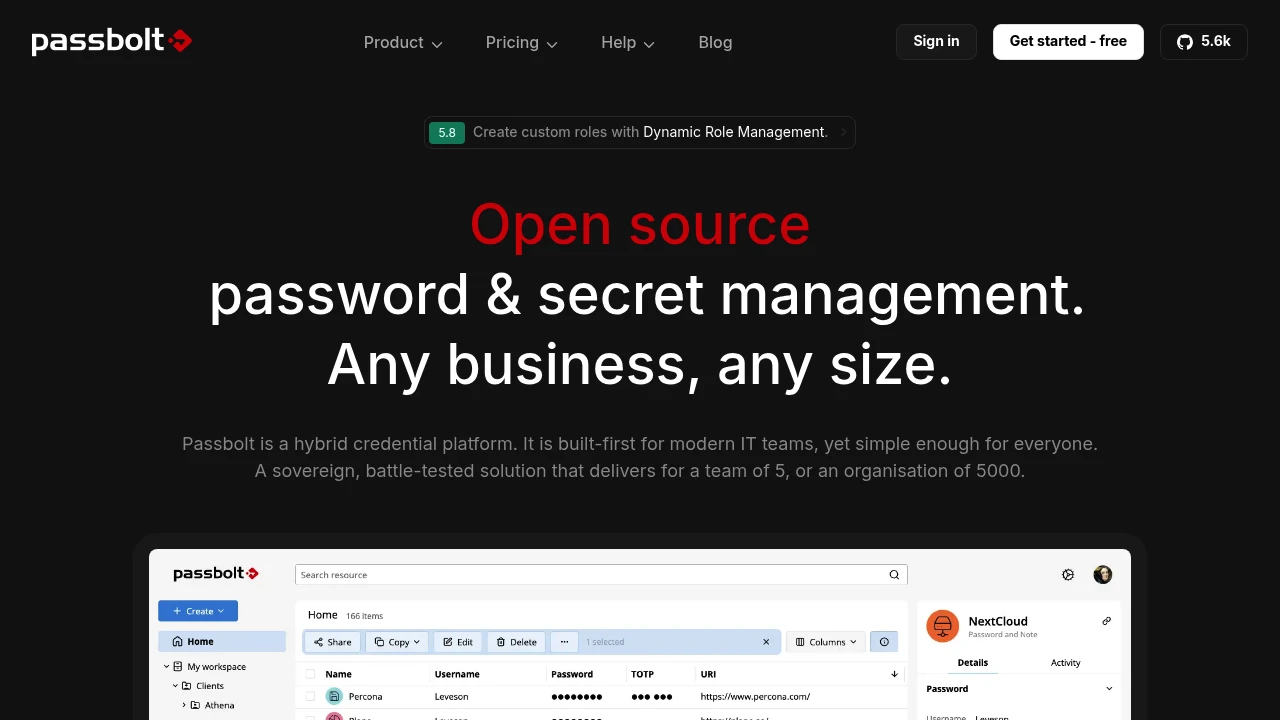
Passbolt is a free, open source password manager built for teams and home server users who need a secure, self-hosted vault that stays entirely on their own hardware. It solves one of the most common problems in homelab setups: credential sprawl across dozens of self-hosted services like Proxmox, Nextcloud, Home Assistant, and Jellyfin, where admin passwords, SSH keys, and API tokens end up scattered across sticky notes, spreadsheets, and text messages. With Passbolt, everything lives in one encrypted, auditable vault you deploy yourself using Docker Compose, with no cloud dependency and no subscription fees.
What makes Passbolt stand out in the password management category is its end-to-end security model. Every credential is encrypted client-side using OpenPGP before it ever touches the server, and each user holds their own private key, so the stored data is unreadable even if someone gains access to your server or database. It is fully open source, independently audited by firms like Cure53, and all audit reports are made public, giving you genuine confidence in a tool that holds the keys to your entire homelab.
For households and small teams sharing access to self-hosted services, Passbolt adds structure that most alternatives lack. You can share passwords and folders with specific people at read-only or edit level, revoke access instantly, and keep a full audit log of every action. It runs comfortably on modest hardware, installs in minutes via Docker, and scales from a single user to a full household or small team without changing anything.
Key Features
- OpenPGP end-to-end encryption
- Browser extension autofill (Chrome, Firefox, Edge, Brave)
- iOS and Android mobile apps
- Biometric login (fingerprint and facial recognition)
- Multi-factor authentication (TOTP, YubiKey, Duo)
- Role-based access control (RBAC)
- Immutable audit logs
- LDAP and Active Directory sync
- REST API and go-passbolt CLI
- Docker Compose deployment
Use Cases For Home
Passbolt is ideal for homelabbers juggling admin credentials, API tokens, and SSH keys across a growing stack of self-hosted apps, giving them one private, auditable vault on their own hardware. It works particularly well for households sharing access to services like Nextcloud, Proxmox, or Home Assistant, replacing ad-hoc password sharing over text and notes apps with proper folder-level access control and instant revocation. Anyone already running Docker at home who wants a self-hosted Bitwarden alternative built around team sharing and zero cloud dependency will find Passbolt one of the most capable open source options in the password management category.
Resources:
Platforms
Alternative to passbolt