bitwarden
The open source password manager you can host yourself - store, autofill, and share passwords securely across every device and family member, with your vault on your own server.
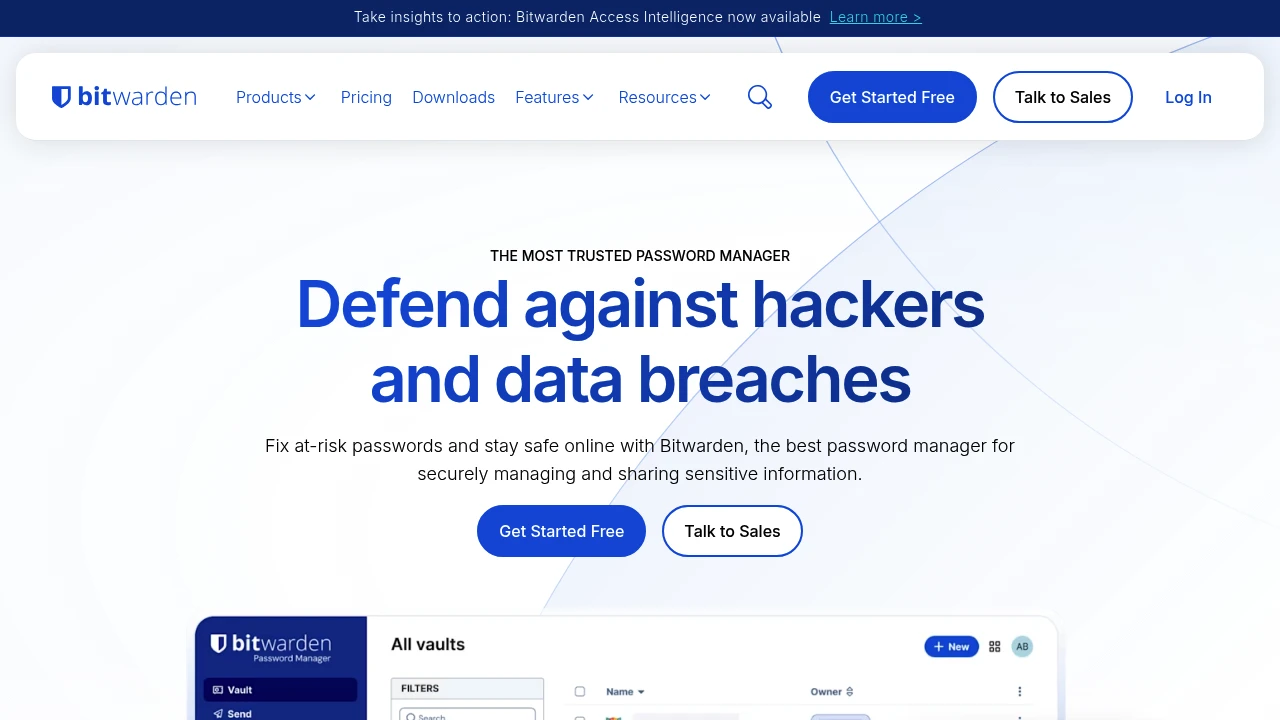
Bitwarden is a free, open source password manager that keeps every login, secure note, and credential in one encrypted vault and unlike most password managers, you can run the whole thing on your own server. Instead of trusting a third-party company to hold your most sensitive data, self-hosting Bitwarden puts your vault on your own hardware, under your own control. It deploys in minutes via Docker, works on Linux, Windows, Synology, QNAP, and Unraid, and every browser extension, mobile app, and desktop client connects seamlessly to your own instance rather than Bitwarden's cloud.
The problem it solves is one most people don't think about until something goes wrong: every password you store in a cloud-based manager is sitting on someone else's server. Bitwarden's end-to-end encryption means your vault is encrypted on your device before it ever touches the serverso even if someone accessed your machine, they'd have nothing readable. Self-hosting takes that a step further by removing the third party entirely. Your data never leaves your network, and you're not dependent on a company staying solvent, keeping its security tight, or avoiding a data breach.
What makes Bitwarden stand out from other self-hosted password managers is how complete it feels. Browser extensions for Chrome, Firefox, Safari, and Edge handle autofill on every site. The mobile apps work on iOS and Android. There's a fully-featured web vault, a desktop app, and even a CLI for power users who want to script and automate credential access. It's independently audited, SOC 2 compliant, and the entire codebase is open source so the security isn't something you have to take anyone's word for.
Key Features
- End-to-end encryption - your vault is encrypted on your device using AES-256 before it's ever stored, meaning the server never sees your unencrypted passwords
- Cross-platform autofill - browser extensions for Chrome, Firefox, Safari, and Edge autofill logins and defend against phishing by refusing to fill on lookalike sites
- Two-factor authentication (2FA) - supports TOTP authenticator apps, email, Duo, YubiKey, and FIDO2 WebAuthn hardware keys for login verification
- Passkey support - store and autofill passkeys as a modern, passwordless alternative to traditional logins
- Secure vault sharing - share credentials with family members or teammates via encrypted organisations and collections, without exposing the underlying password
- Password generator - create strong, unique passwords or passphrases on demand with customisable length and complexity rules
- TOTP authenticator storage - store and auto-copy two-factor codes directly inside your vault entries, turning Bitwarden into a full authenticator
- Docker deployment - the entire Bitwarden stack spins up via Docker Compose in under three minutes, with Kubernetes and Helm chart support for more complex setups
- Vault health reports - identify weak, reused, or compromised passwords across your entire vault, run locally so Bitwarden never sees the unencrypted data
- CLI access - a full-featured command-line interface for scripting, automation, and integrating credential access into developer workflows
Who It's For
Bitwarden is the go-to self-hosted password manager for privacy-conscious individuals and families who want the convenience of a polished, cross-platform password manager without handing their credentials to a third-party cloud service. It's an ideal LastPass, 1Password, or Dashlane replacement for anyone who's grown uncomfortable with where their data actually lives. And for homelab enthusiasts and small IT teams who want an open source, audited, and fully self-hosted security tool that works across every device in the house - Bitwarden is the benchmark.
Resources:
Platforms
Alternative to bitwarden