Homebox: Home Inventory You Host Yourself

Catalogue the things in your home by room and location, with photos, serial numbers and custom fields. Each item can have a QR code, and the inventory exports to CSV and stays in a database on your own server.

Pros and cons

Pros

  • Items with photos and fields1
  • Nested locations for rooms and boxes2
  • QR code on every item3
  • OIDC sign-in with your own identity provider4

Cons

  • Typo search needs Meilisearch5
  • CSV export leaves out attachments and nested paths6
  • A full collection import needs an empty collection7

Screenshots

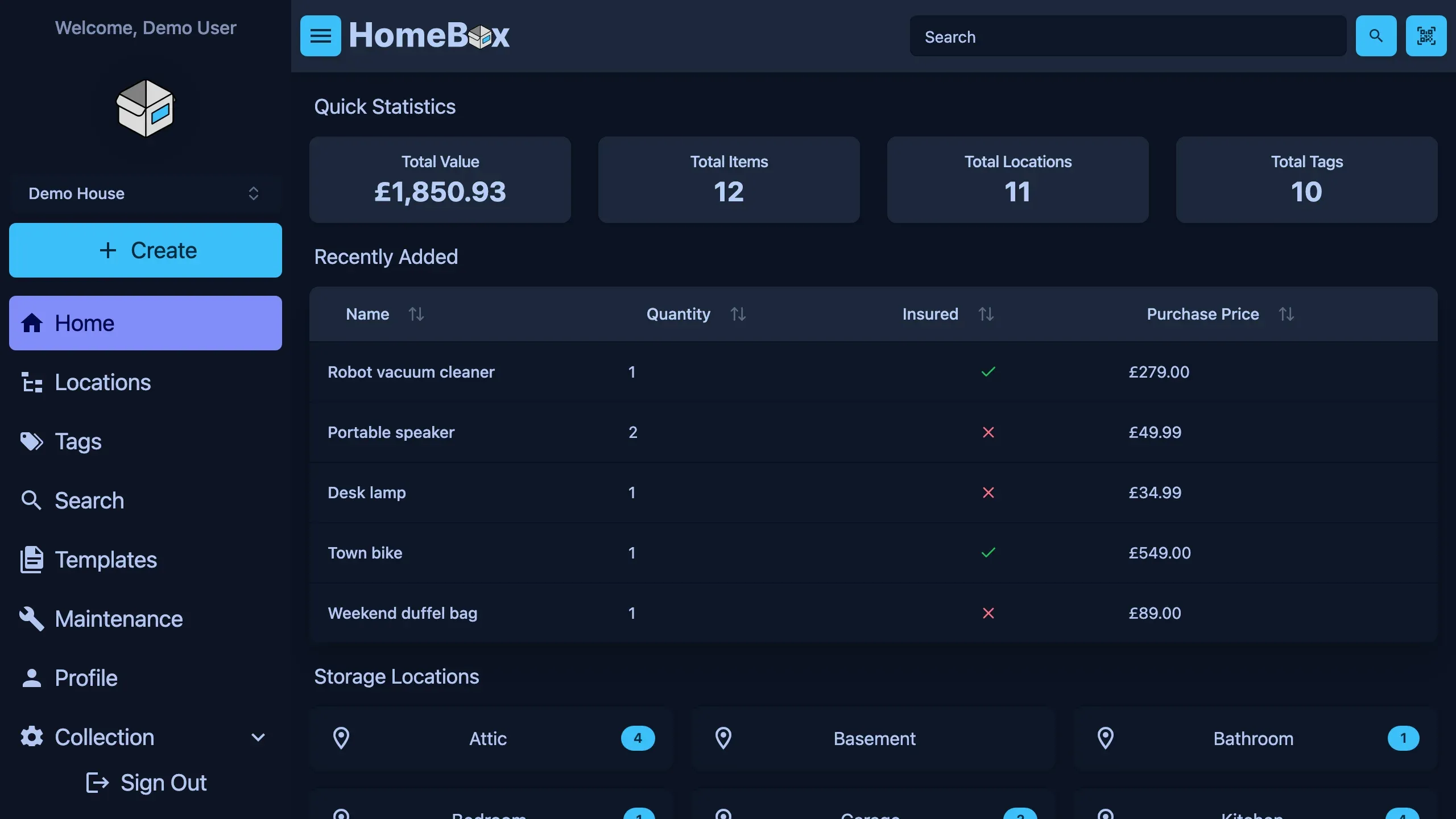
Homebox home screen in the dark theme, desktop view
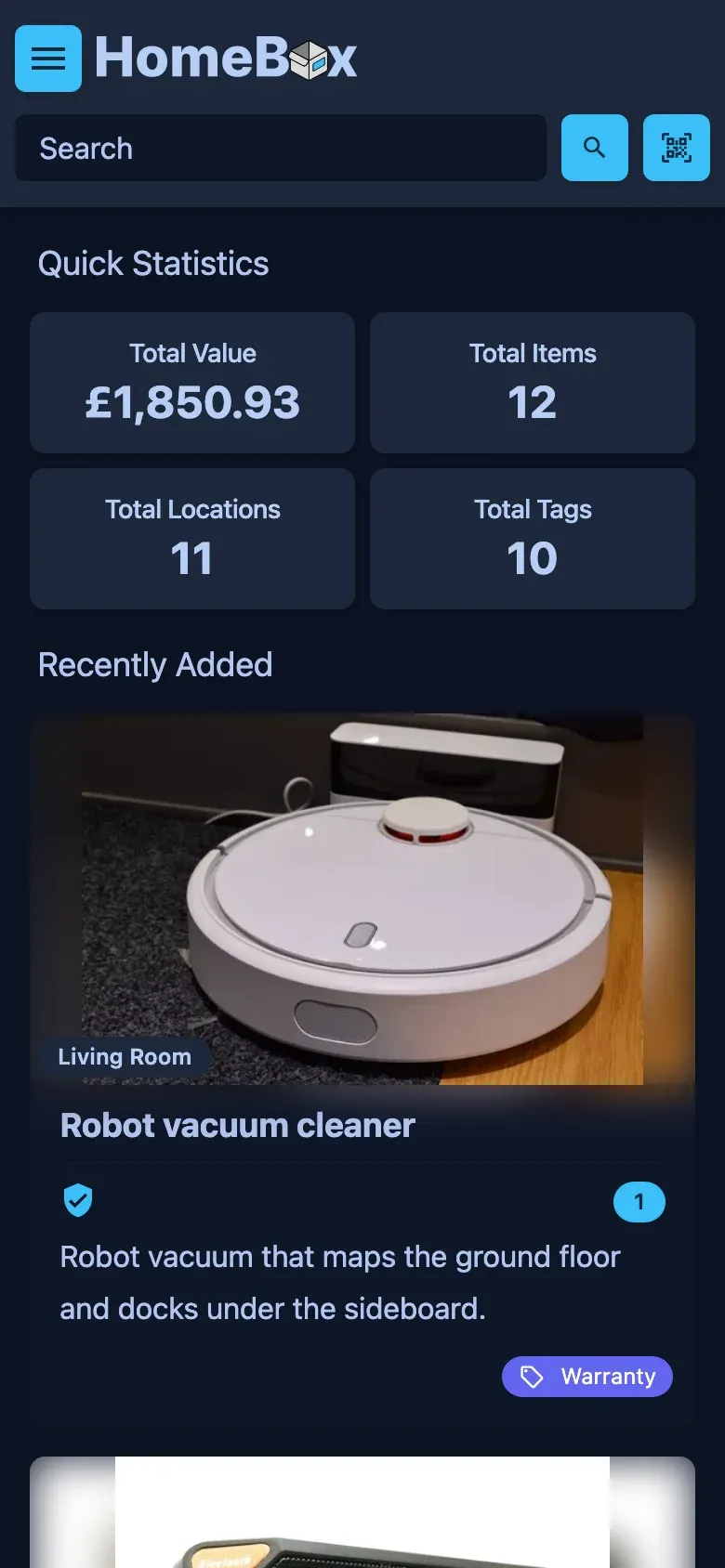
Homebox home screen in the dark theme, phone view
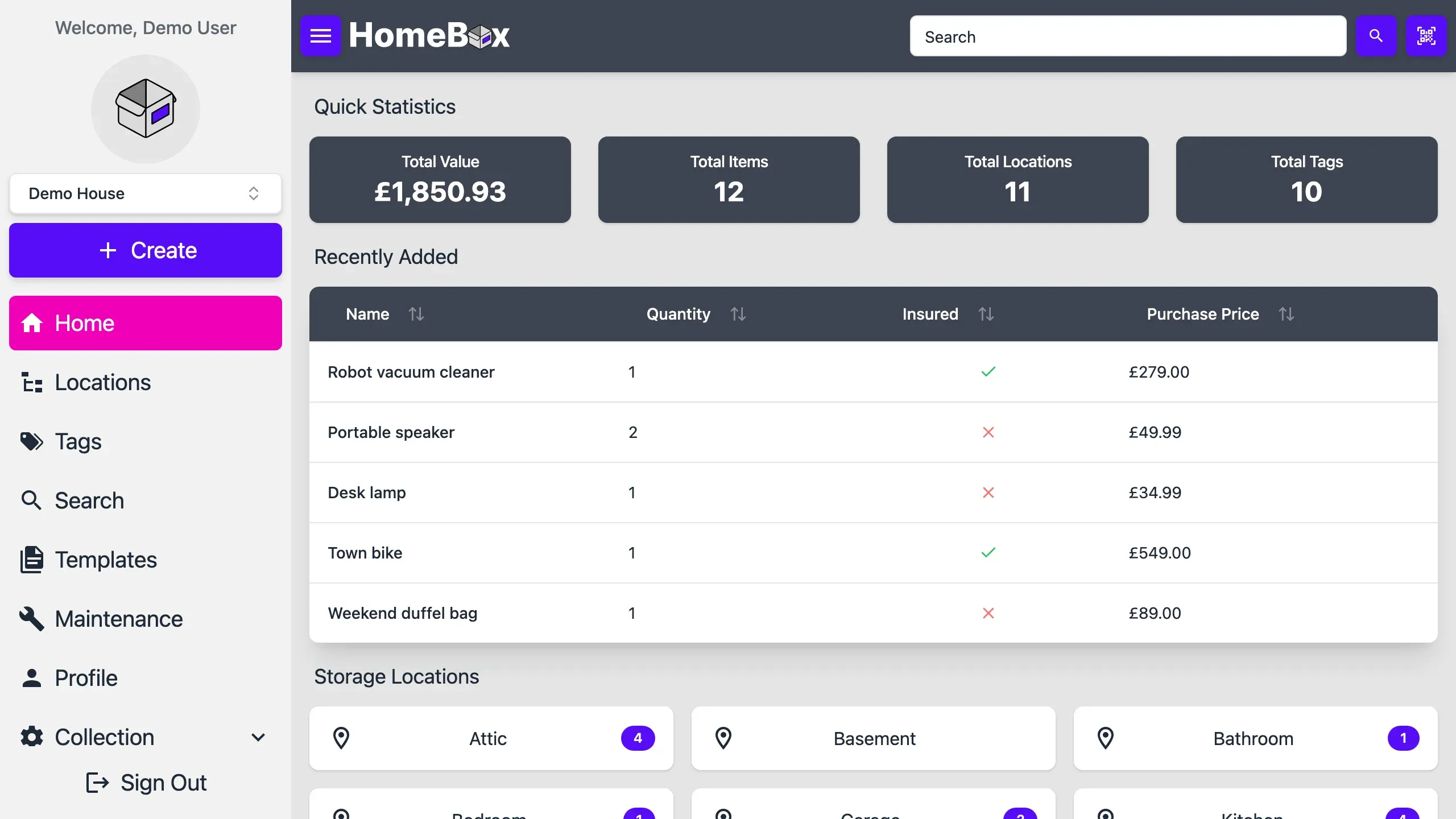
Homebox home screen in the light theme, desktop view
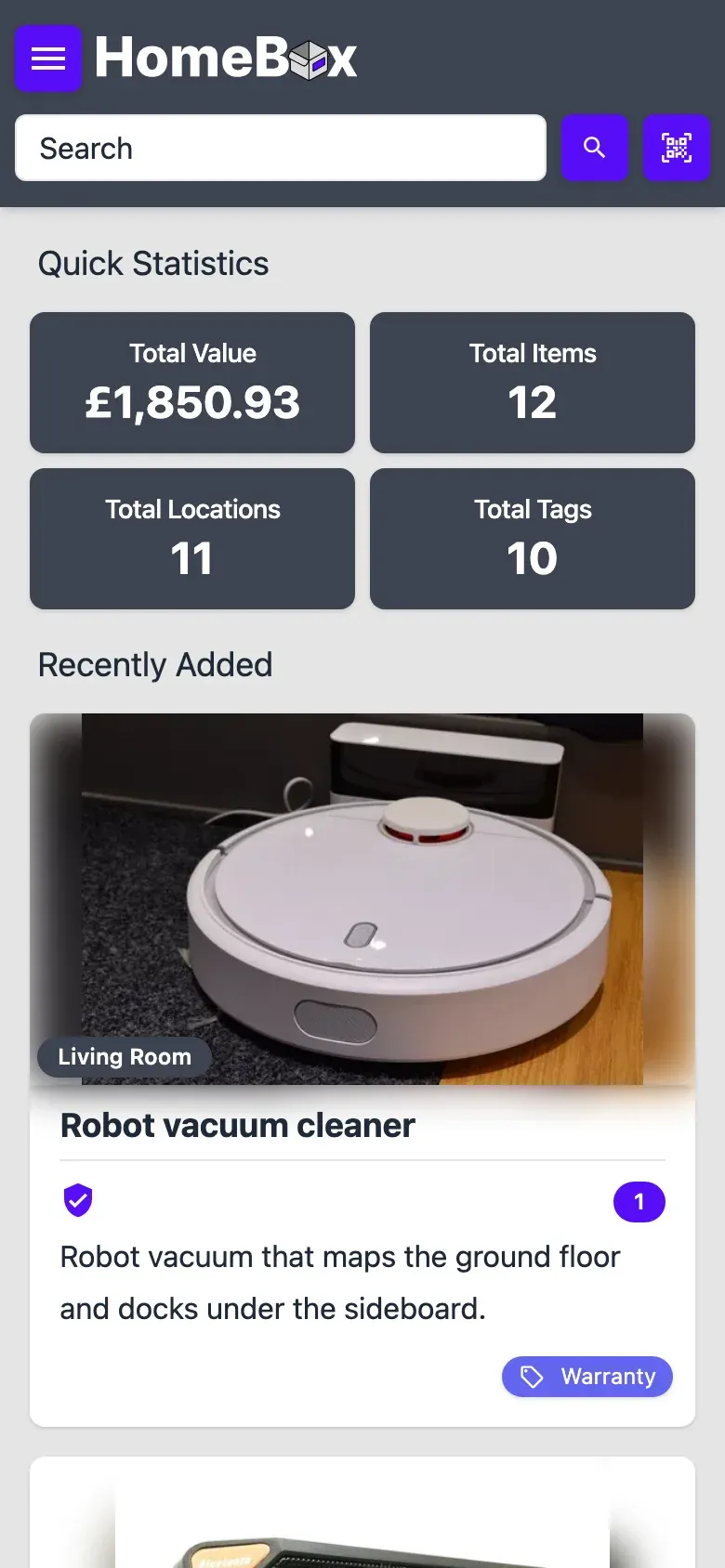
Homebox home screen in the light theme, phone view
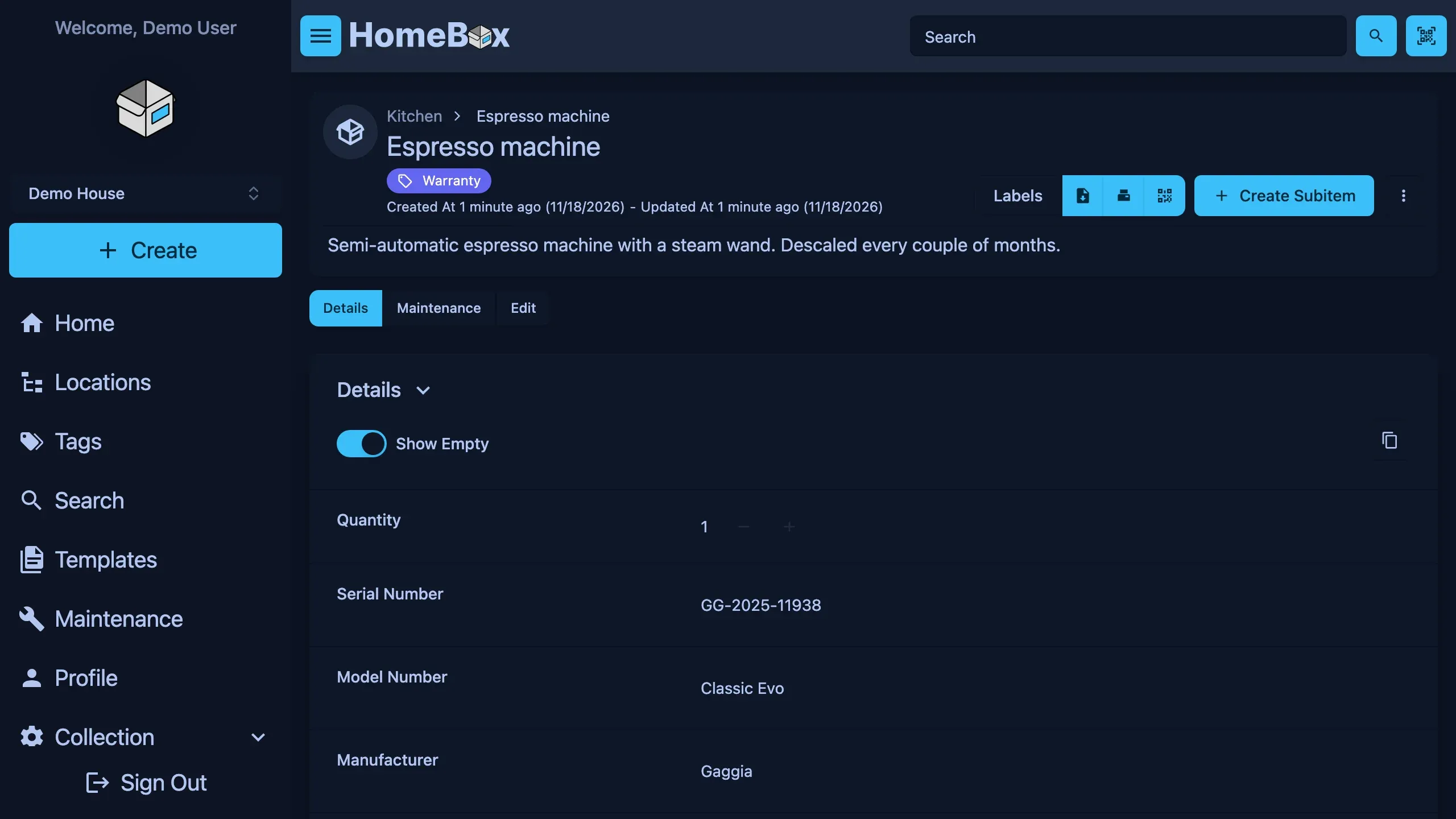
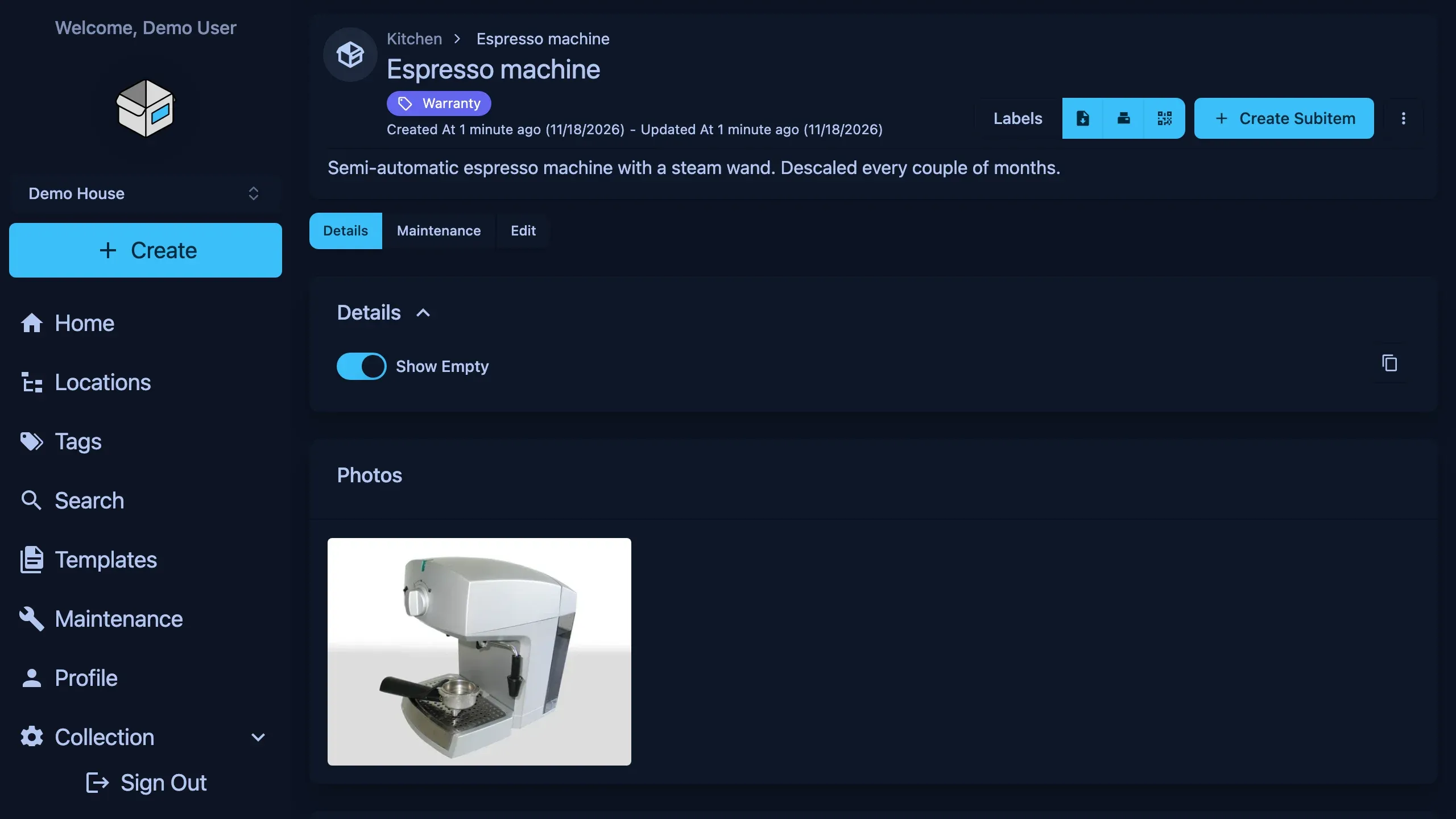
Homebox item screen in the dark theme, desktop view
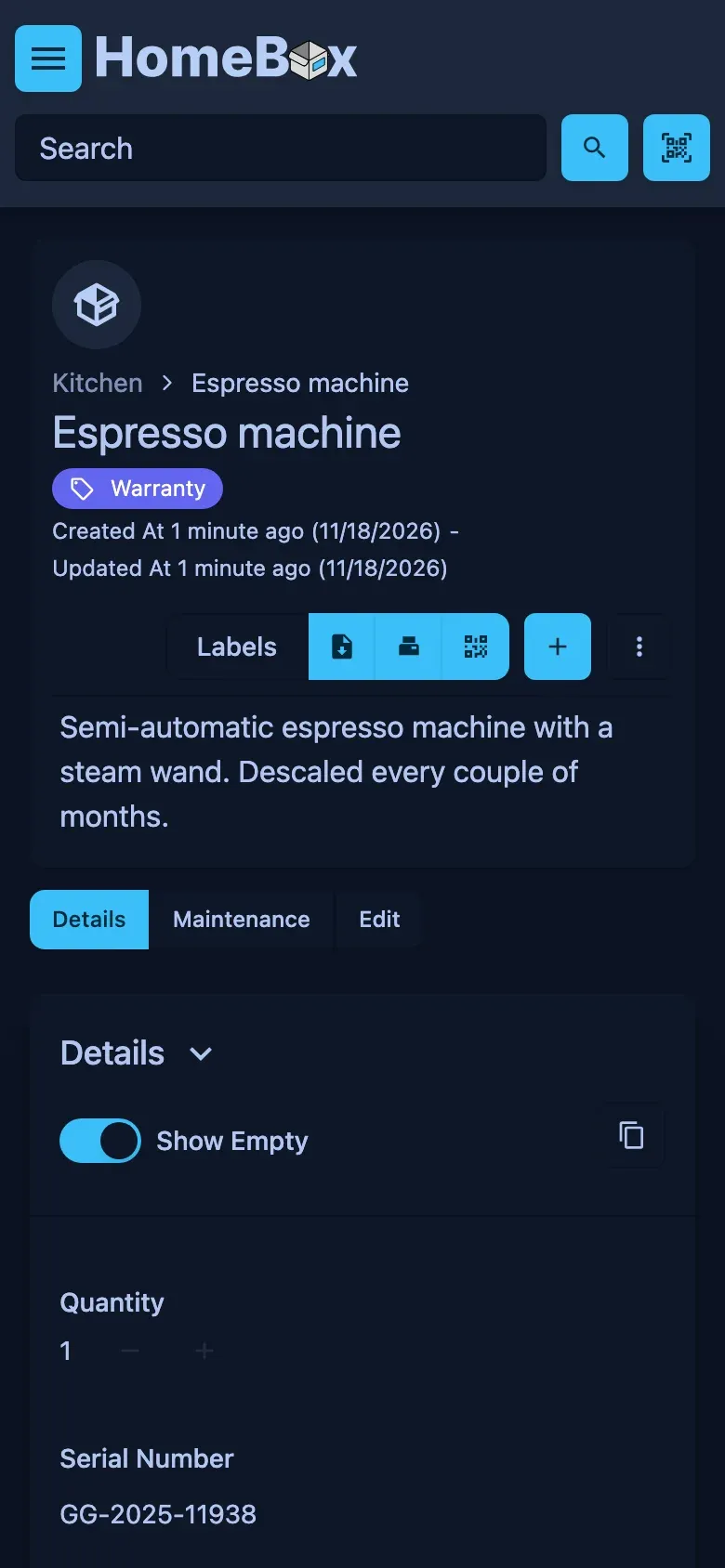
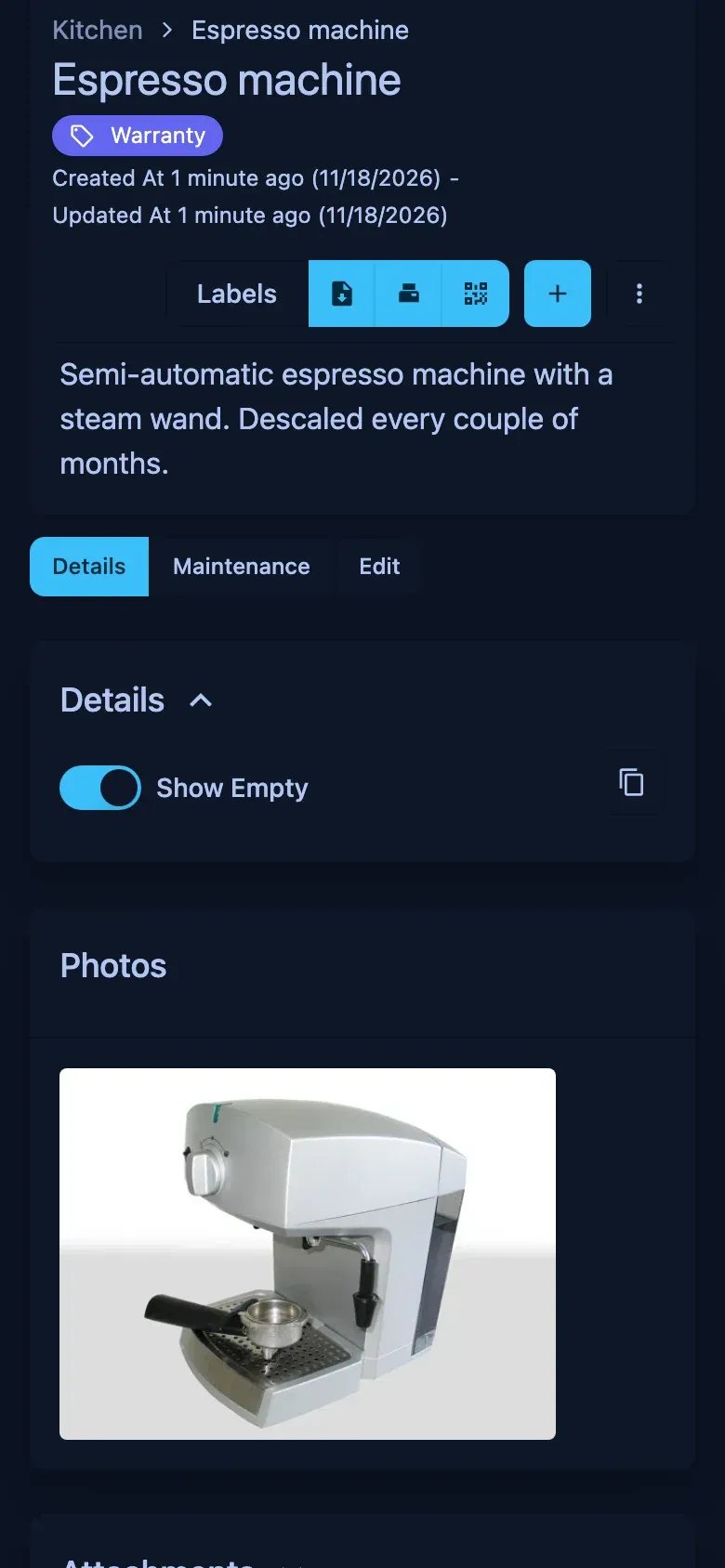
Homebox item screen in the dark theme, phone view
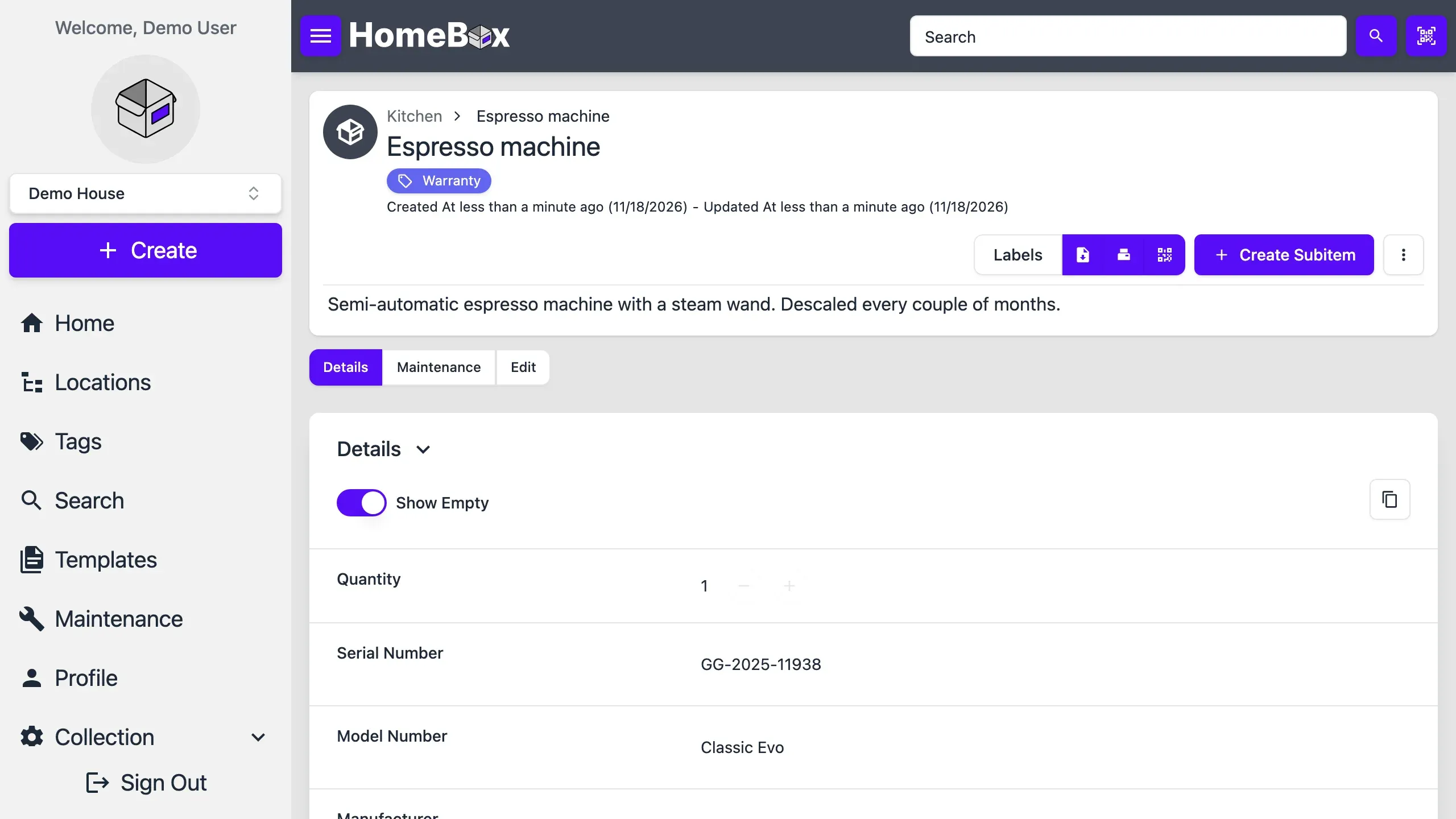
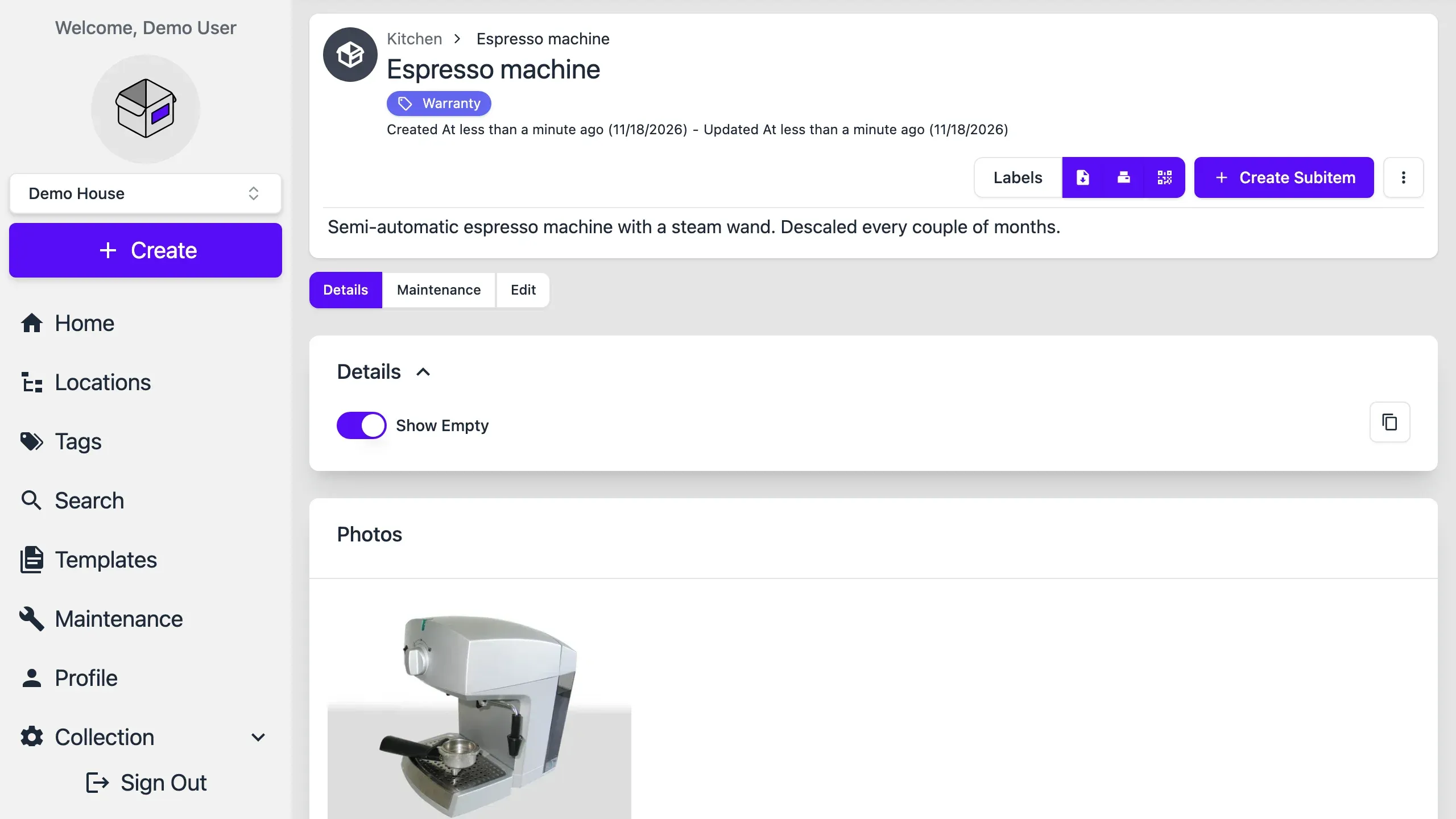
Homebox item screen in the light theme, desktop view
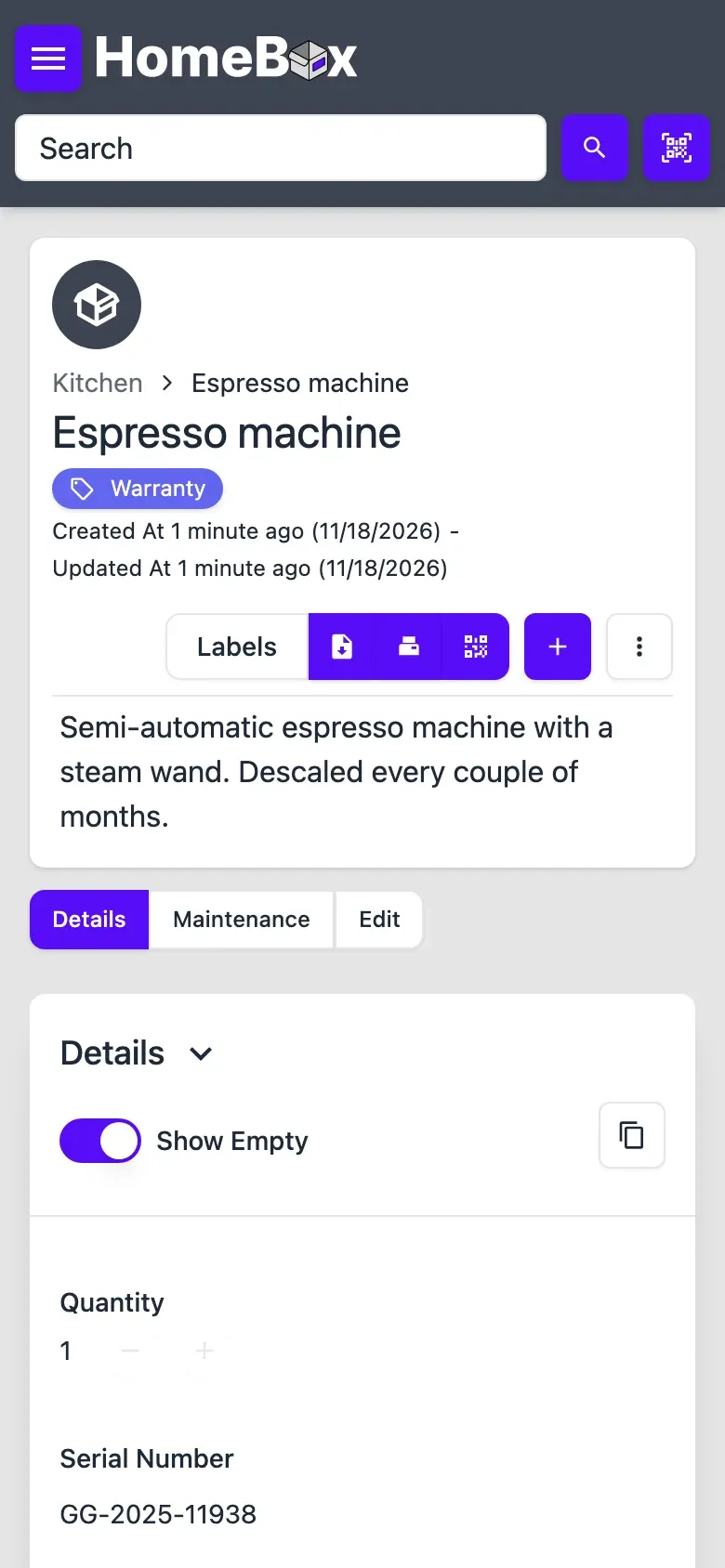
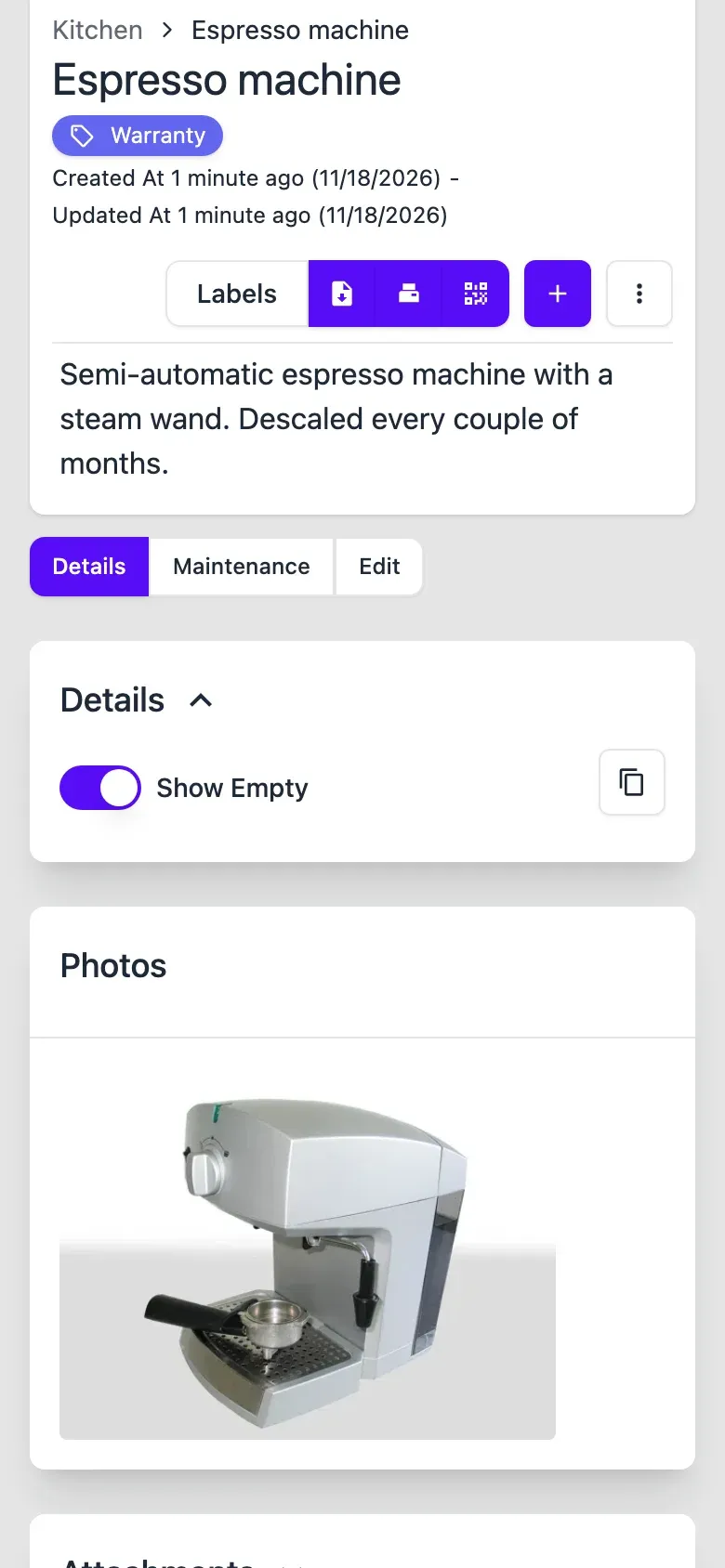
Homebox item screen in the light theme, phone view
Homebox item photos screen in the dark theme, desktop view
Homebox item photos screen in the dark theme, phone view
Homebox item photos screen in the light theme, desktop view
Homebox item photos screen in the light theme, phone view
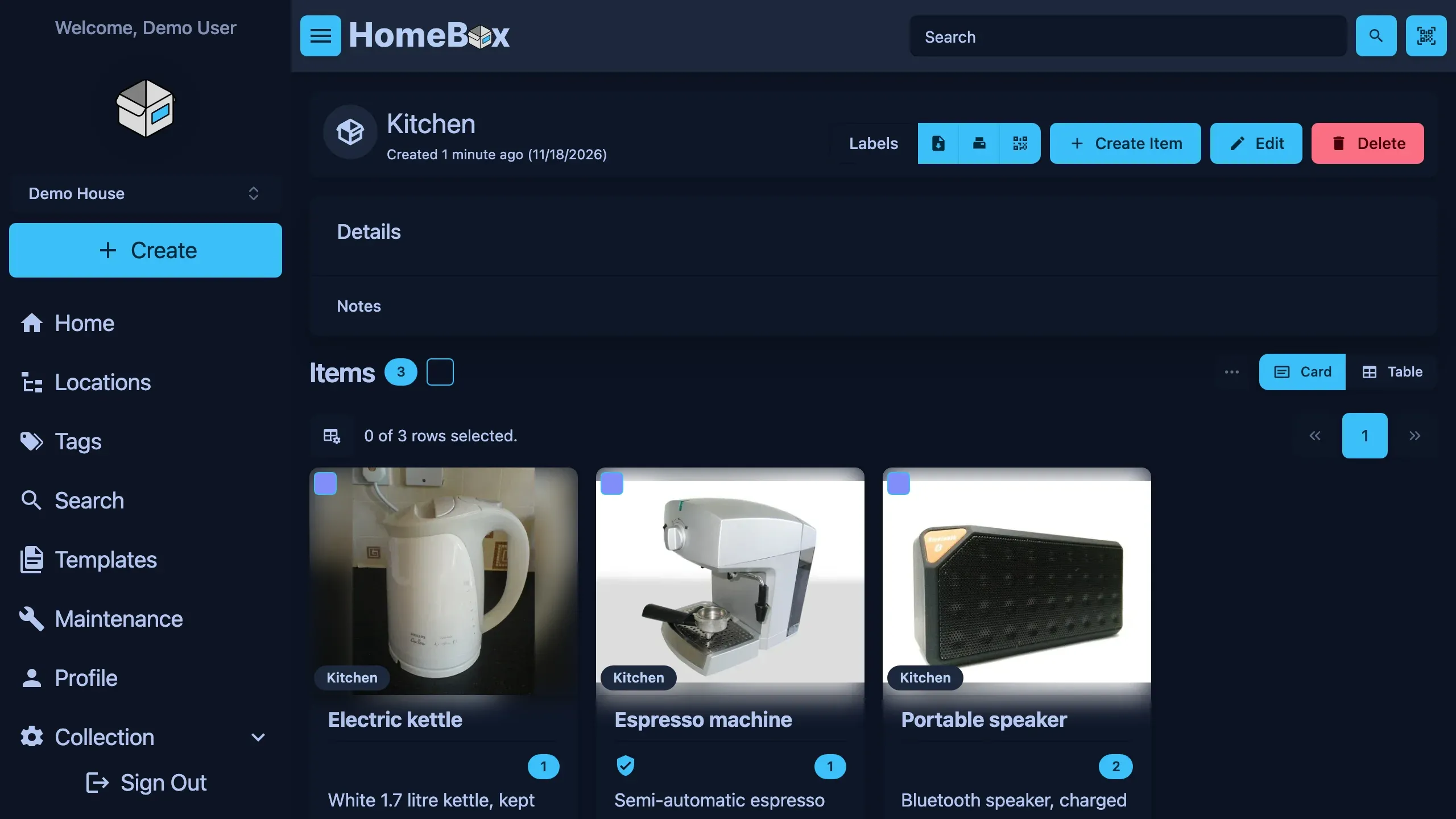
Homebox location screen in the dark theme, desktop view
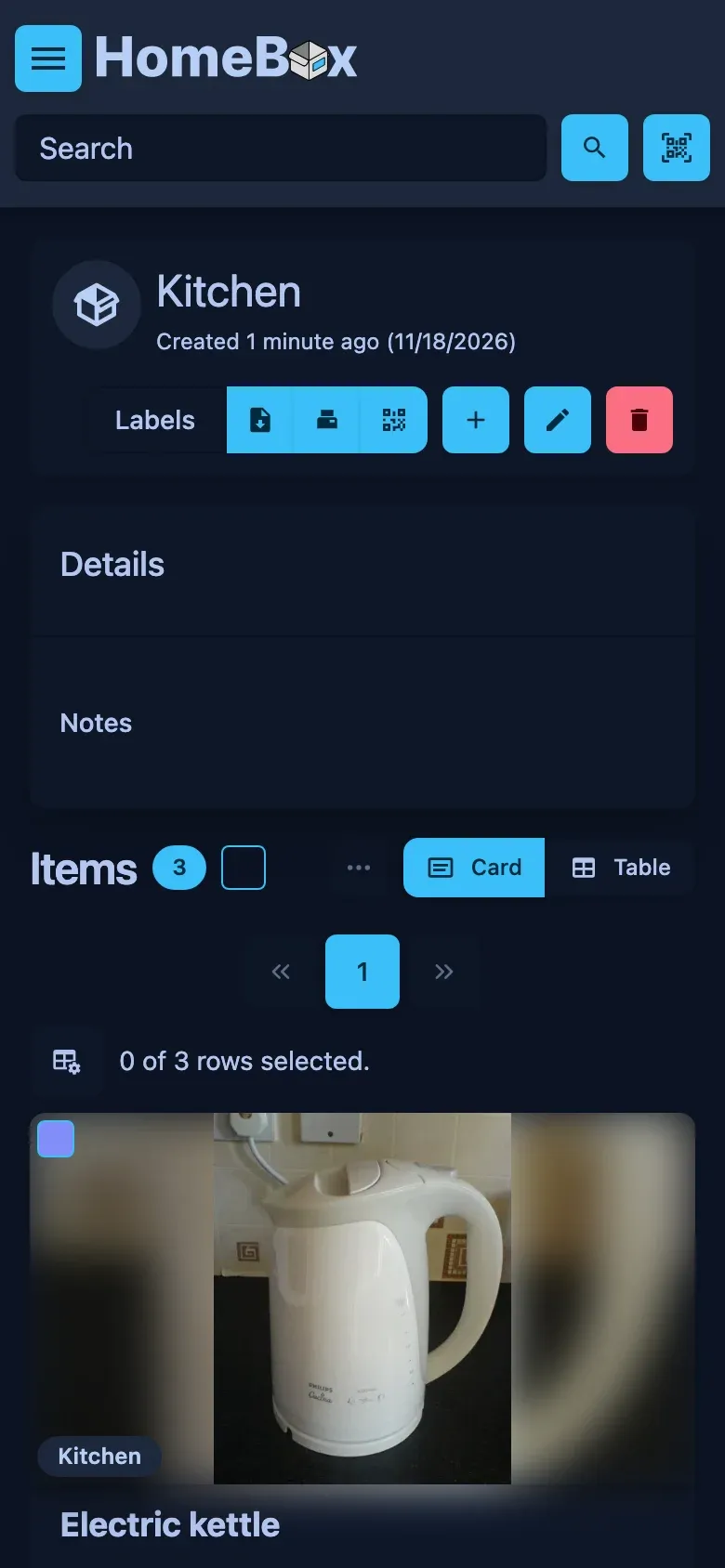
Homebox location screen in the dark theme, phone view
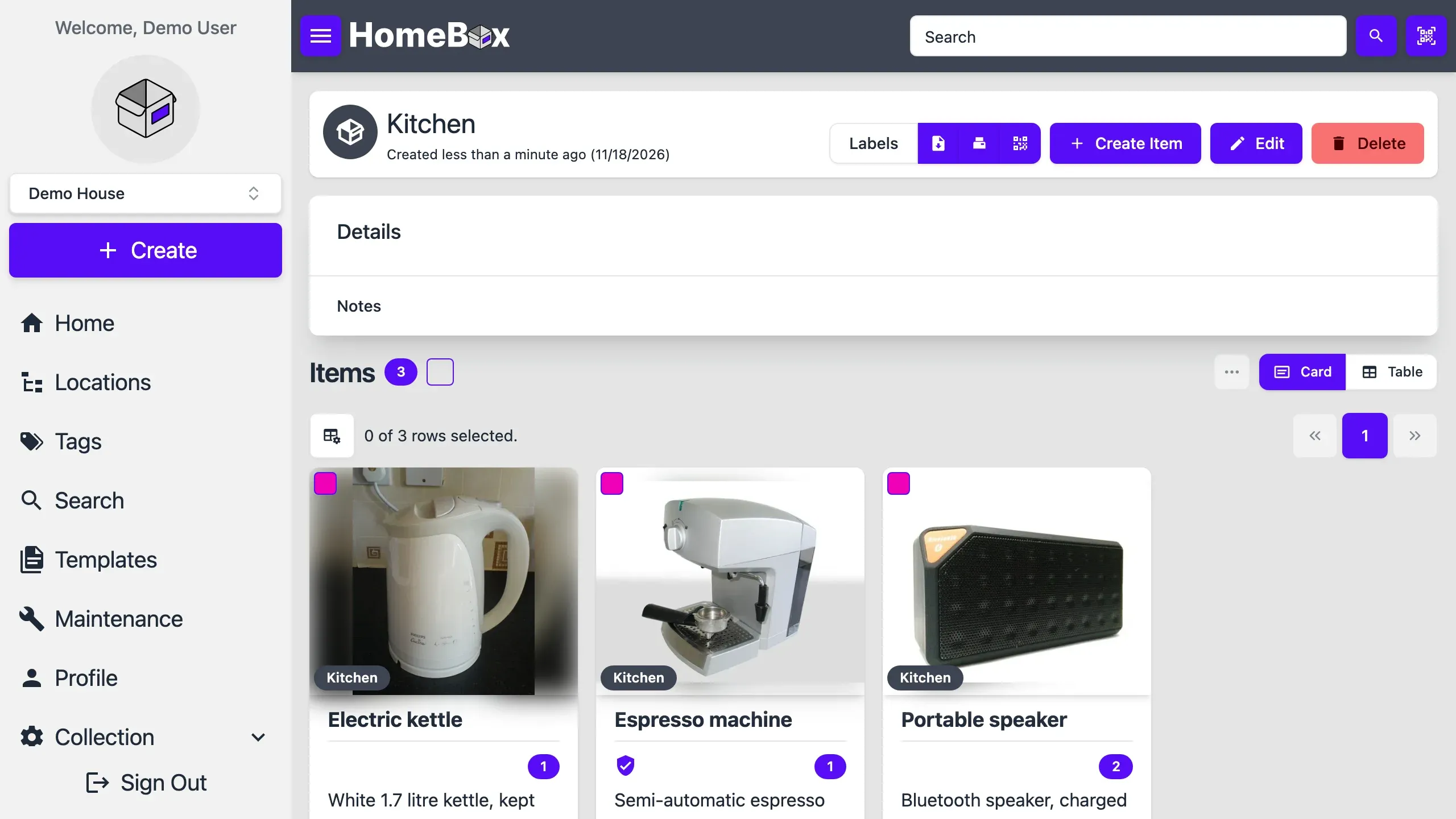
Homebox location screen in the light theme, desktop view
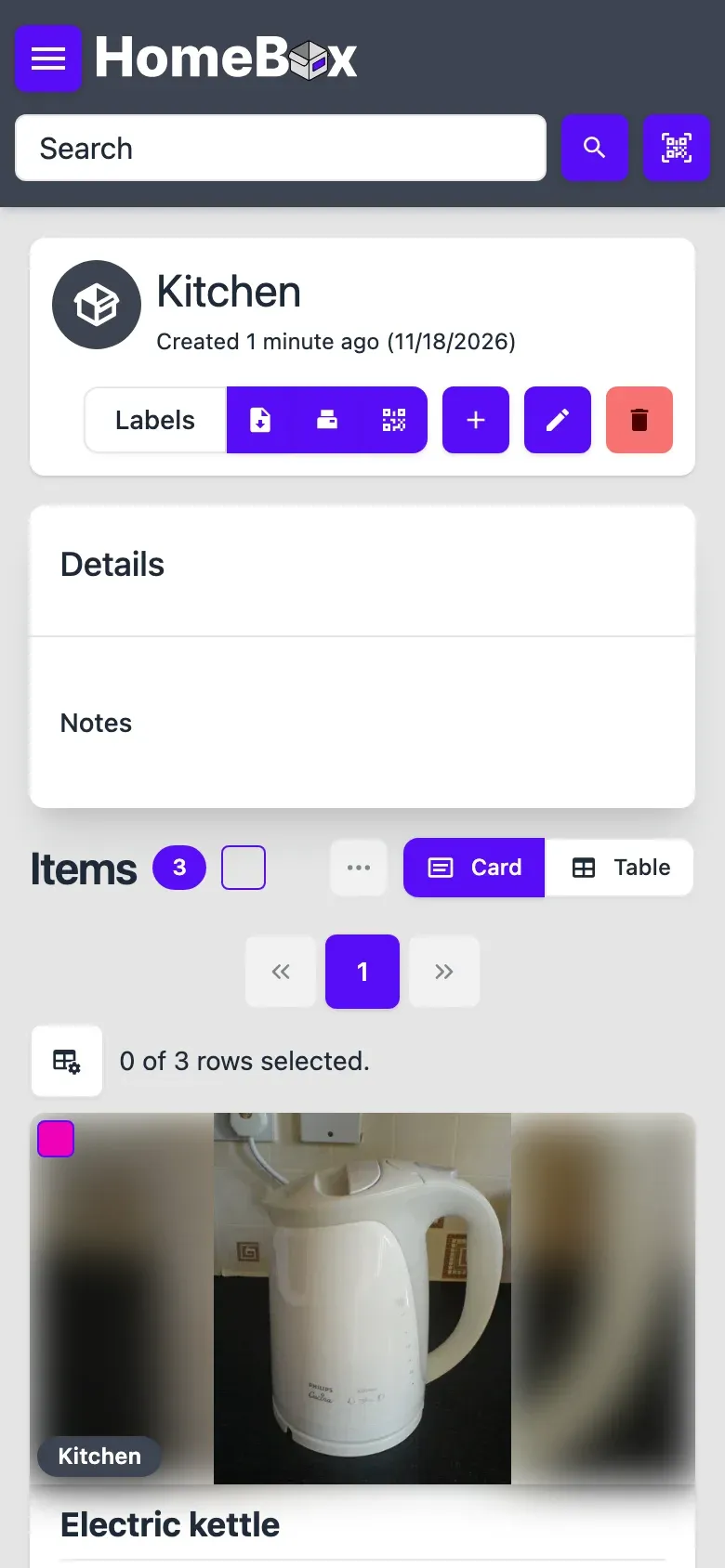
Homebox location screen in the light theme, phone view
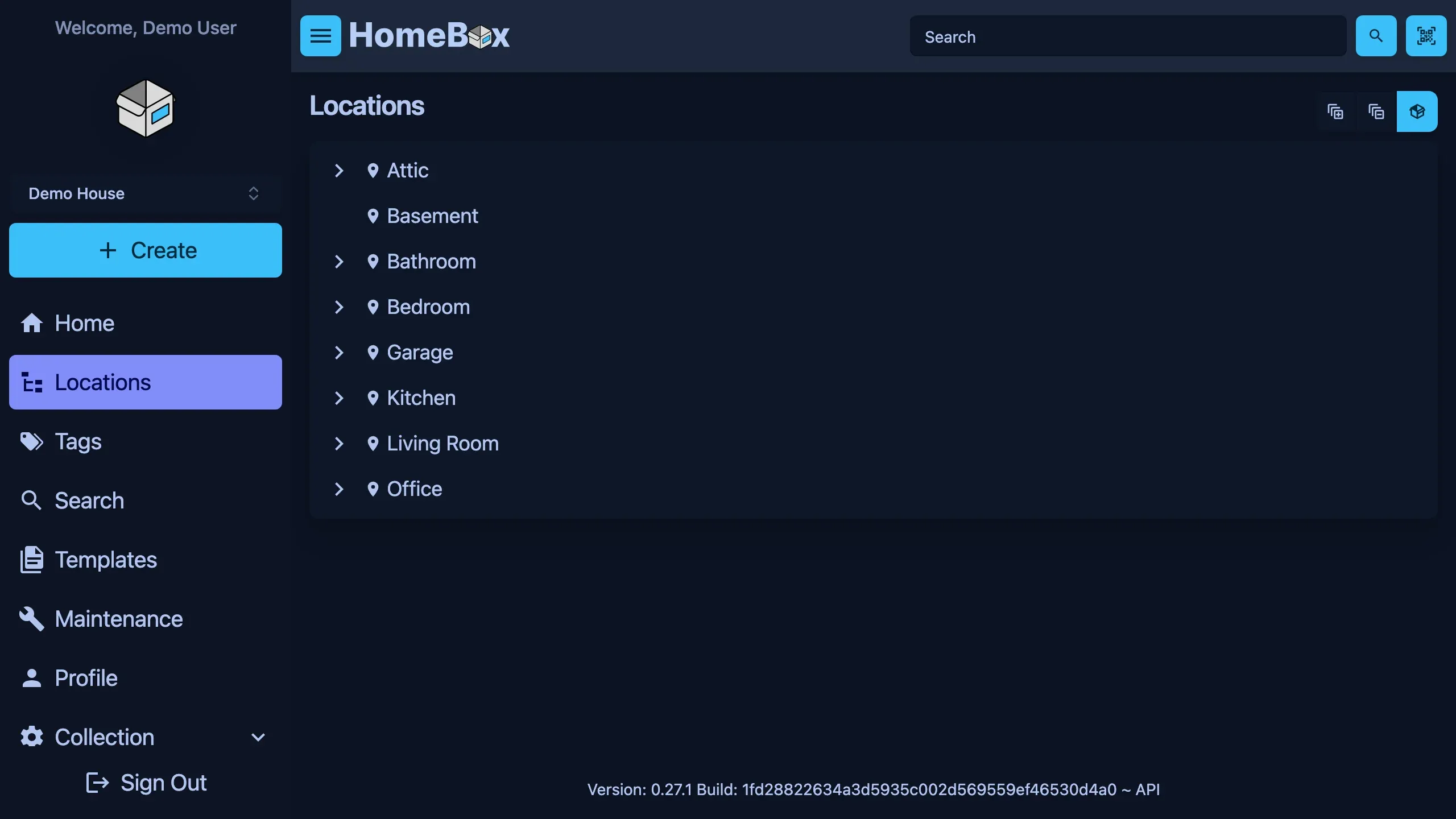
Homebox locations screen in the dark theme, desktop view
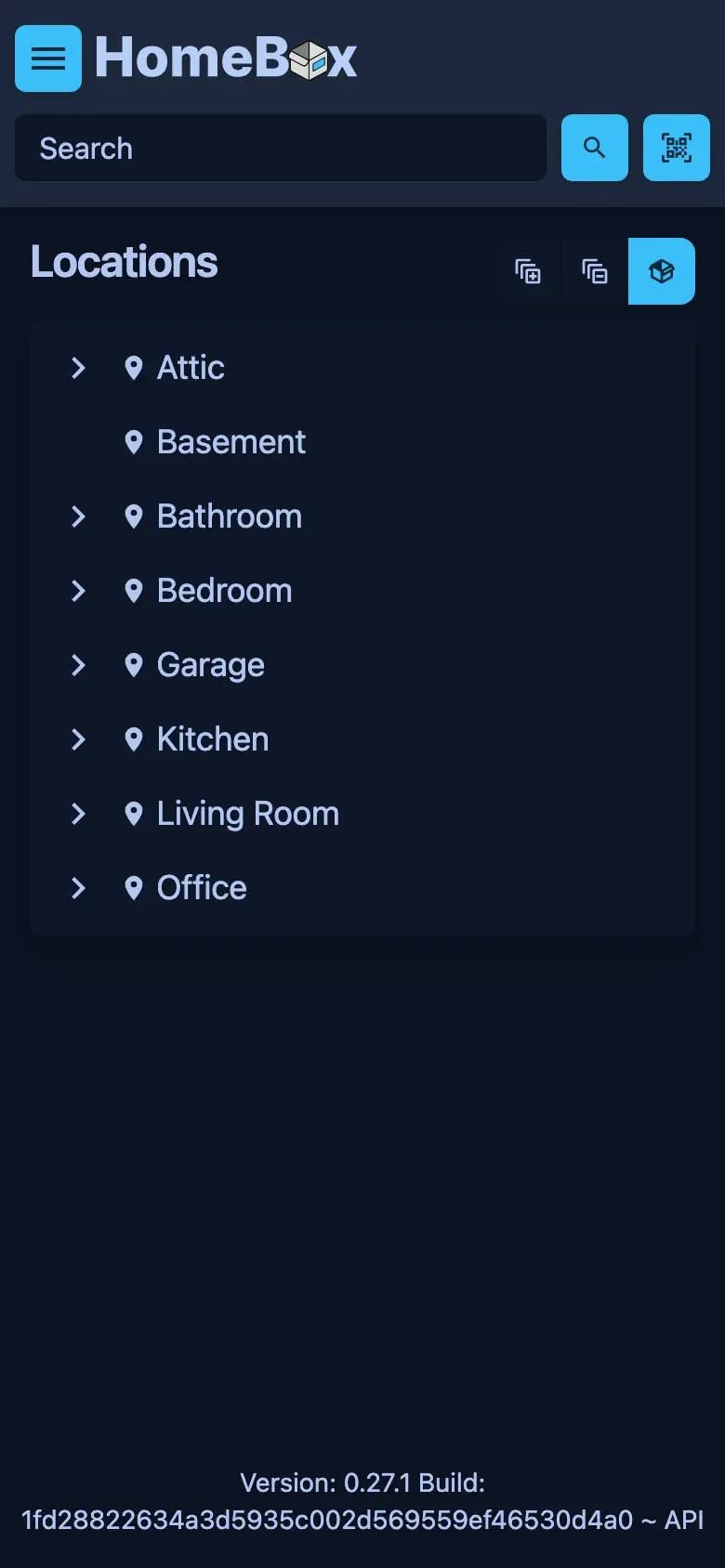
Homebox locations screen in the dark theme, phone view
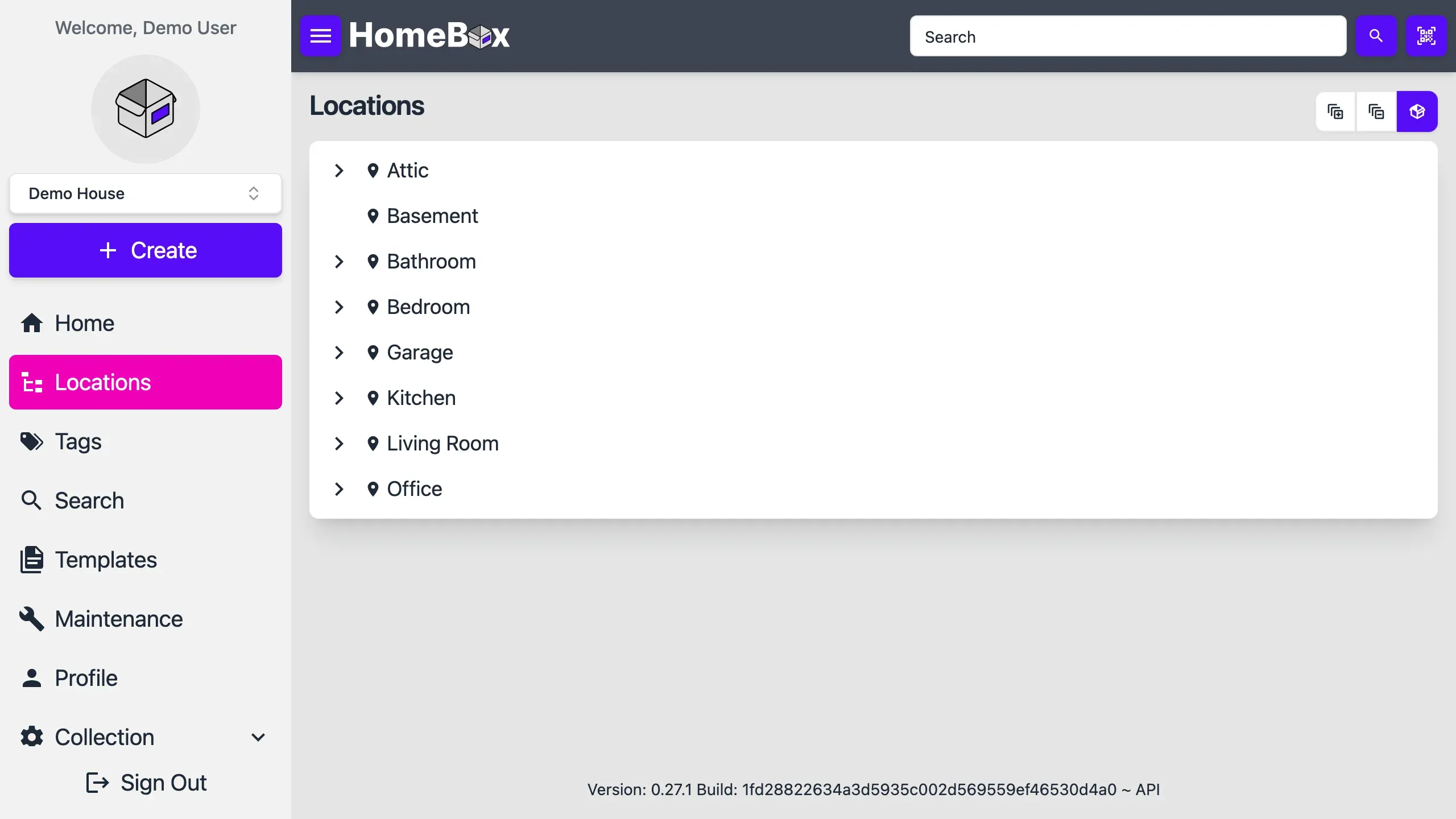
Homebox locations screen in the light theme, desktop view
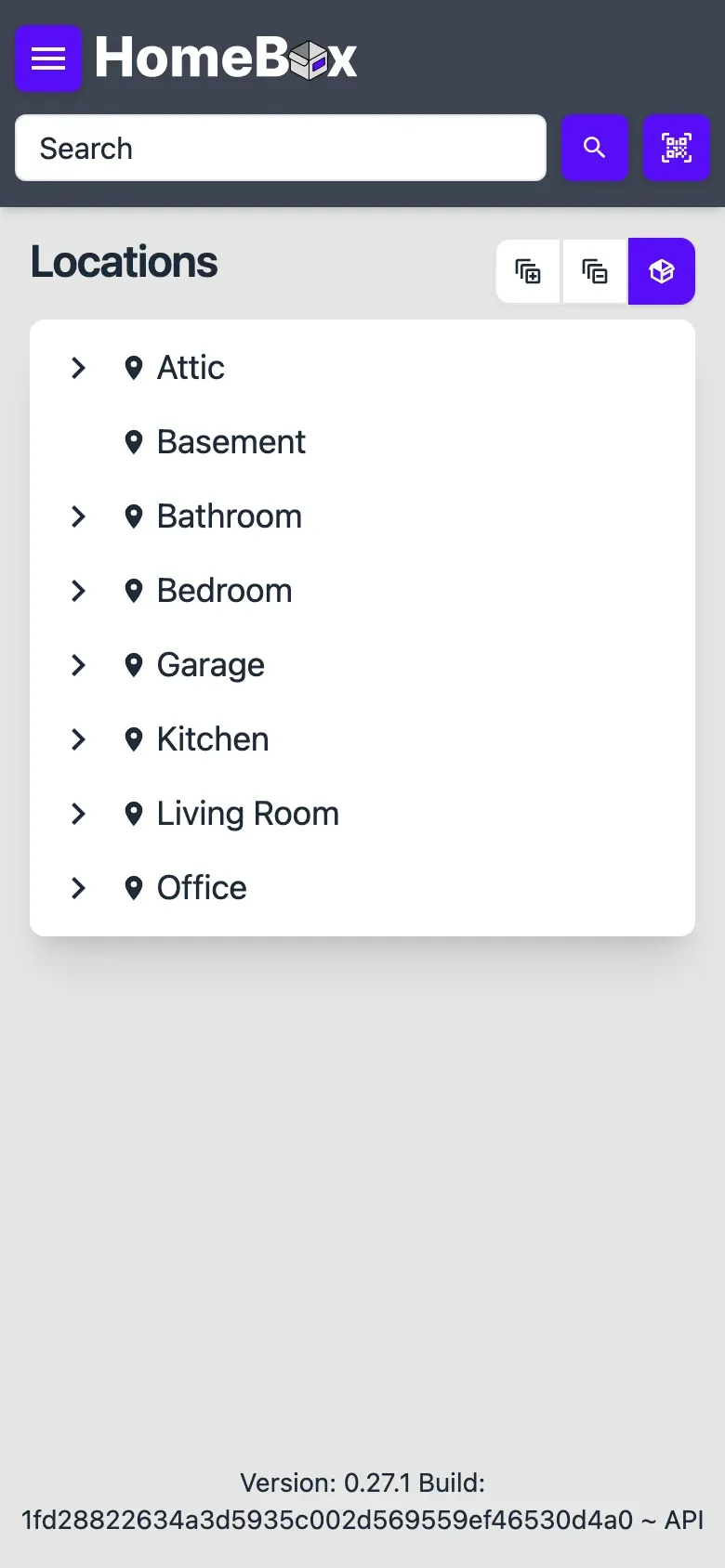
Homebox locations screen in the light theme, phone view
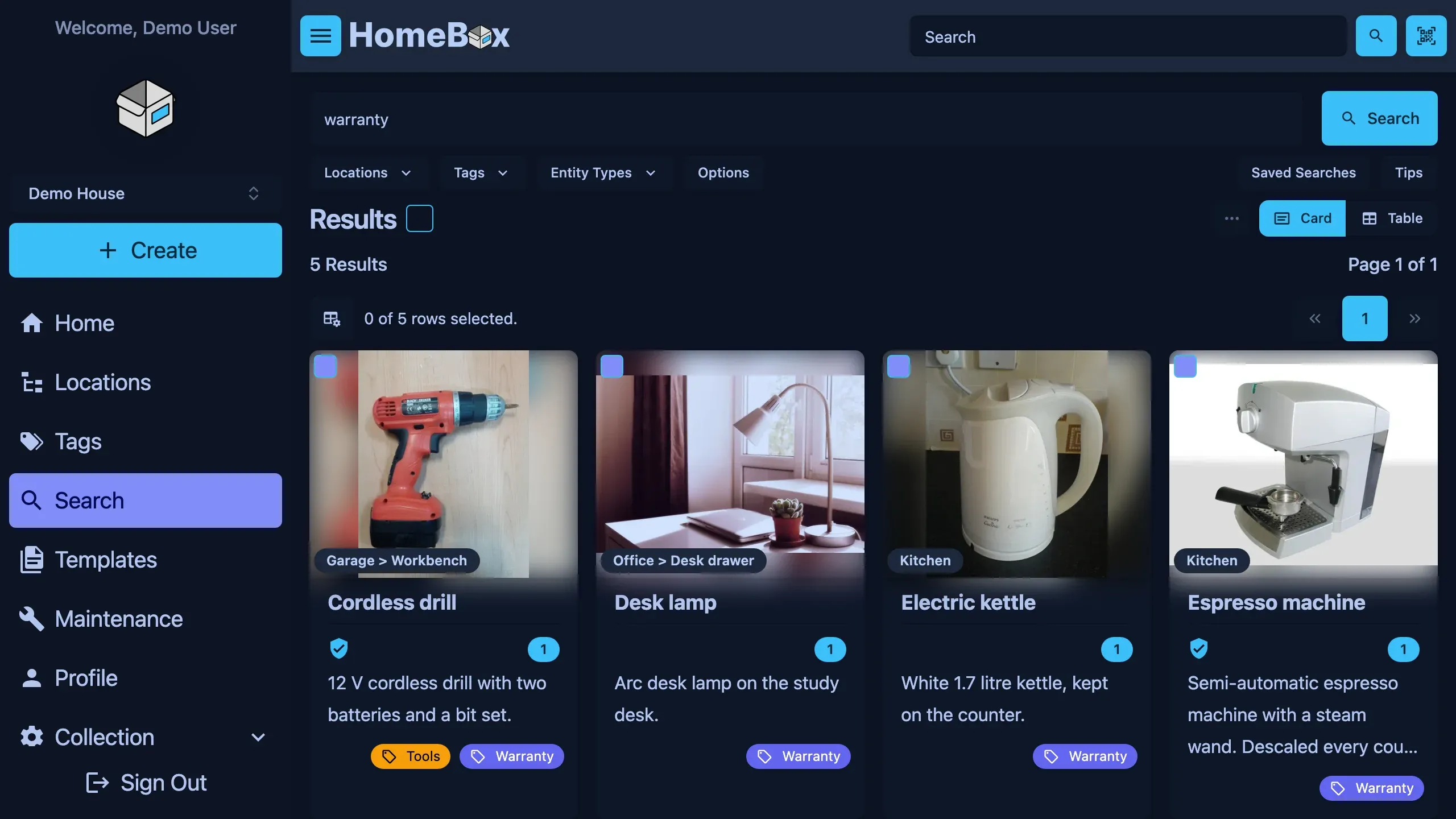
Homebox search screen in the dark theme, desktop view
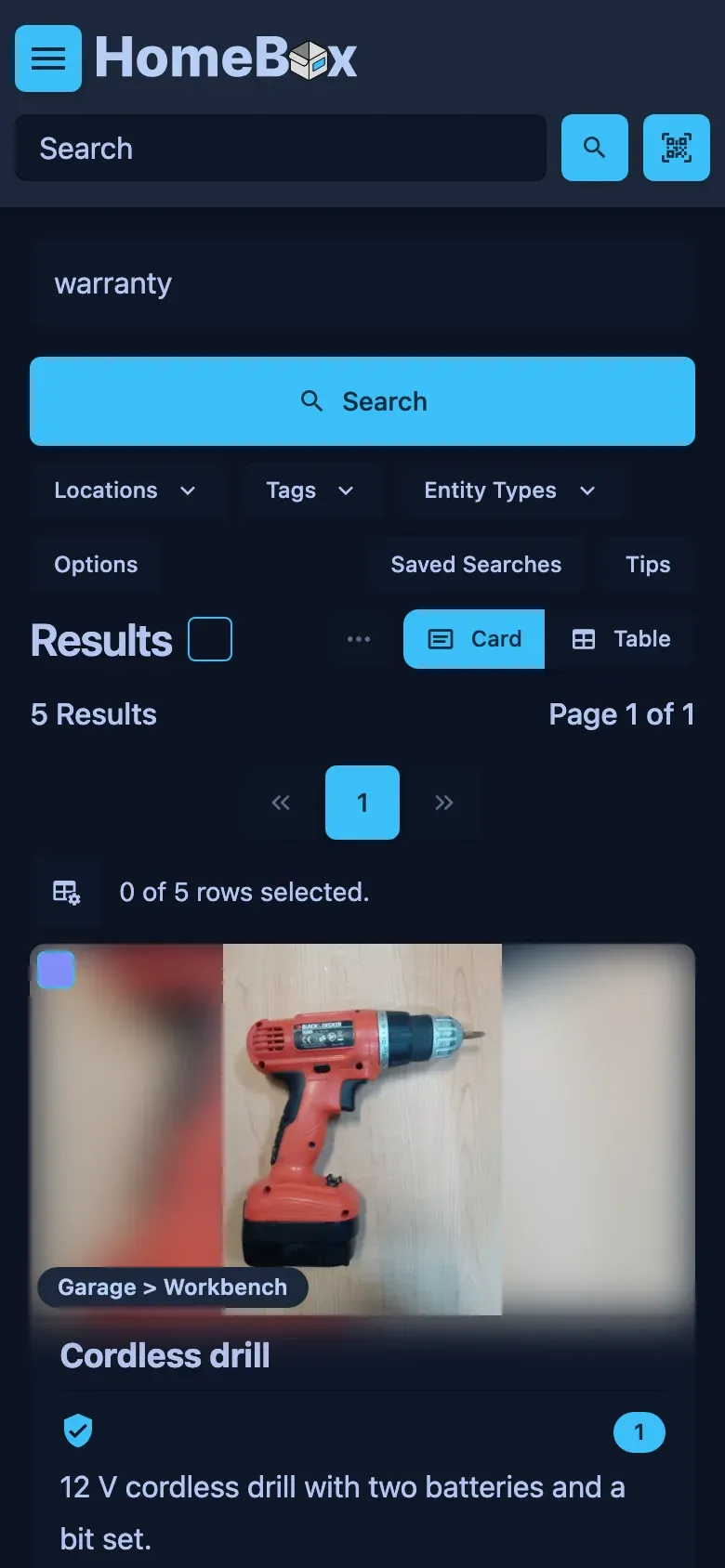
Homebox search screen in the dark theme, phone view
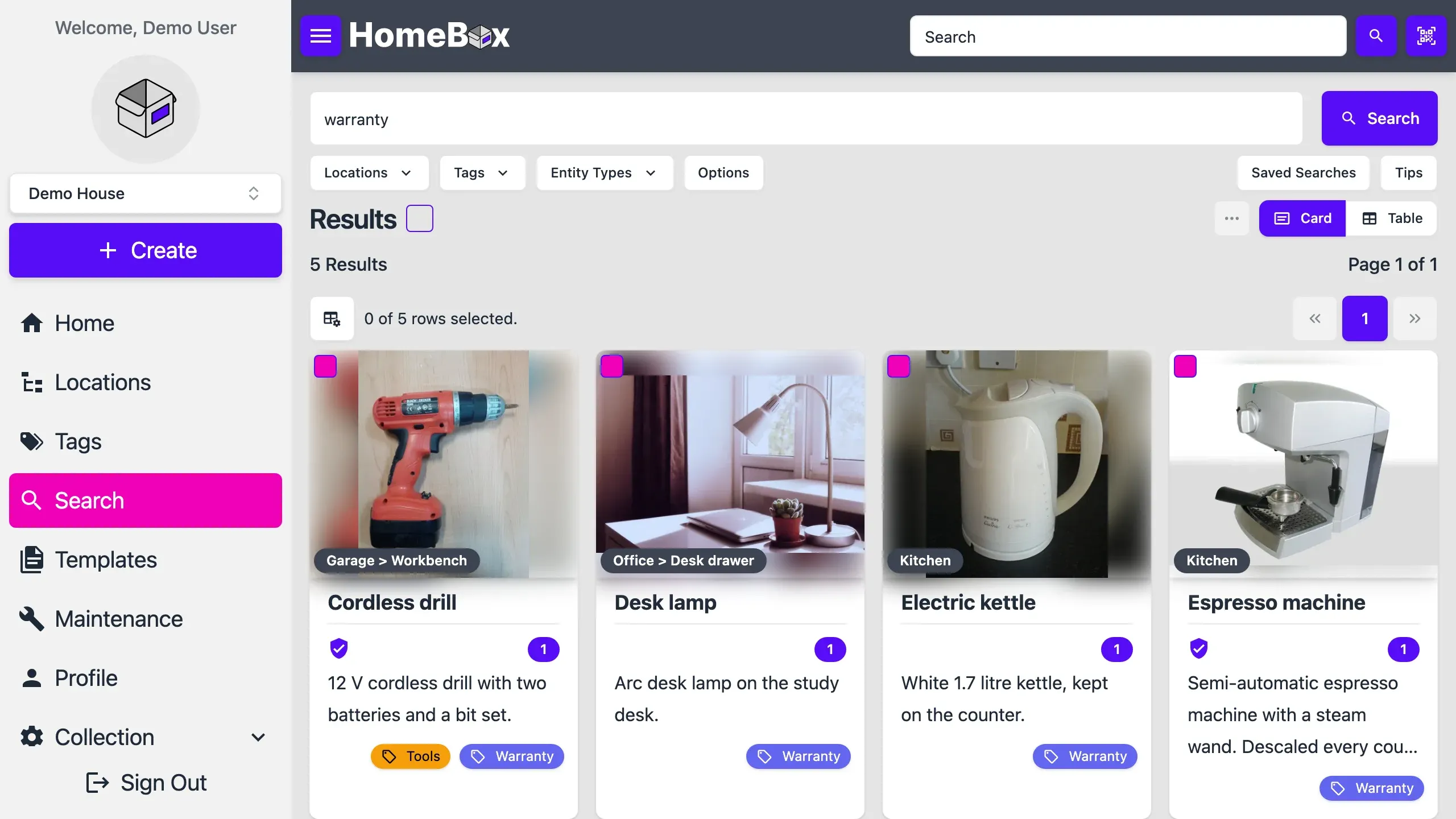
Homebox search screen in the light theme, desktop view
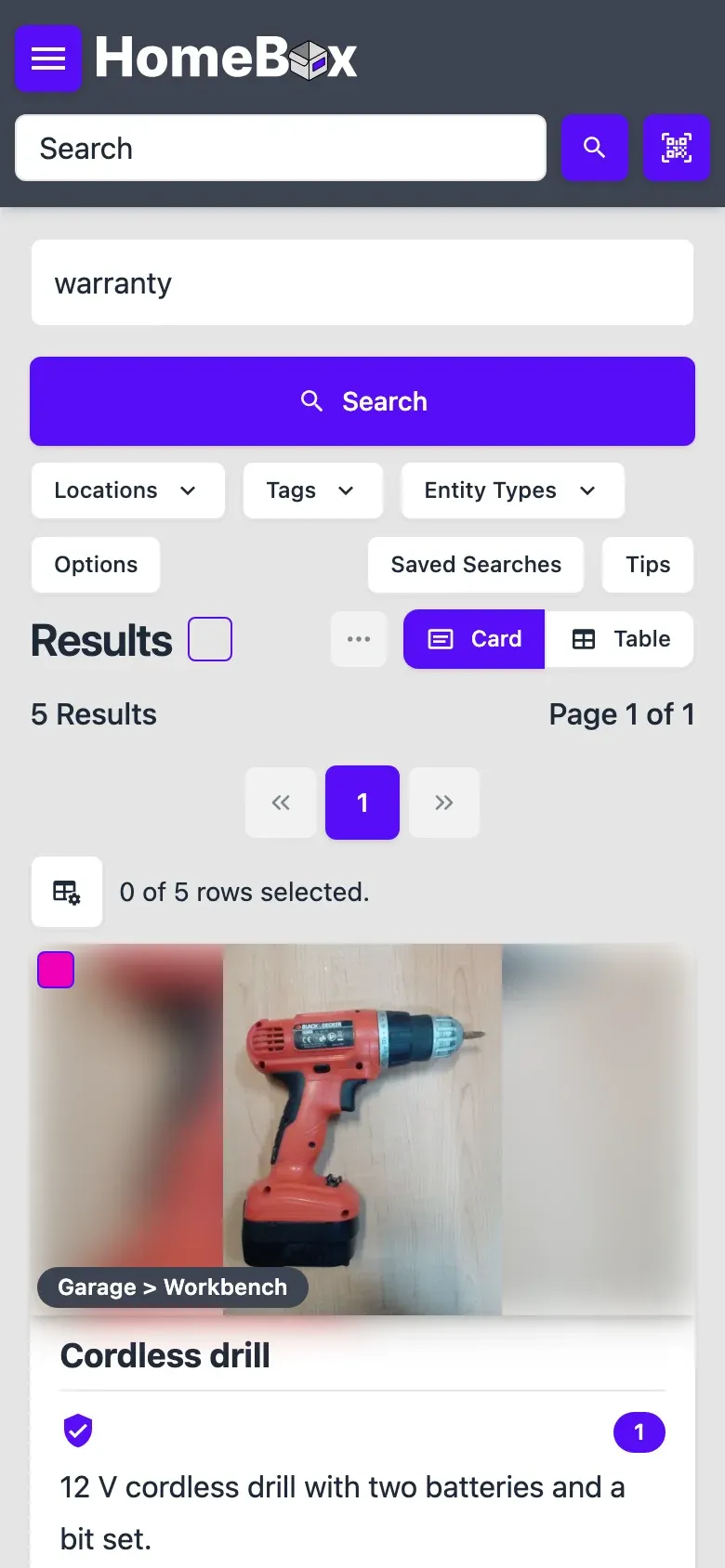
Homebox search screen in the light theme, phone view
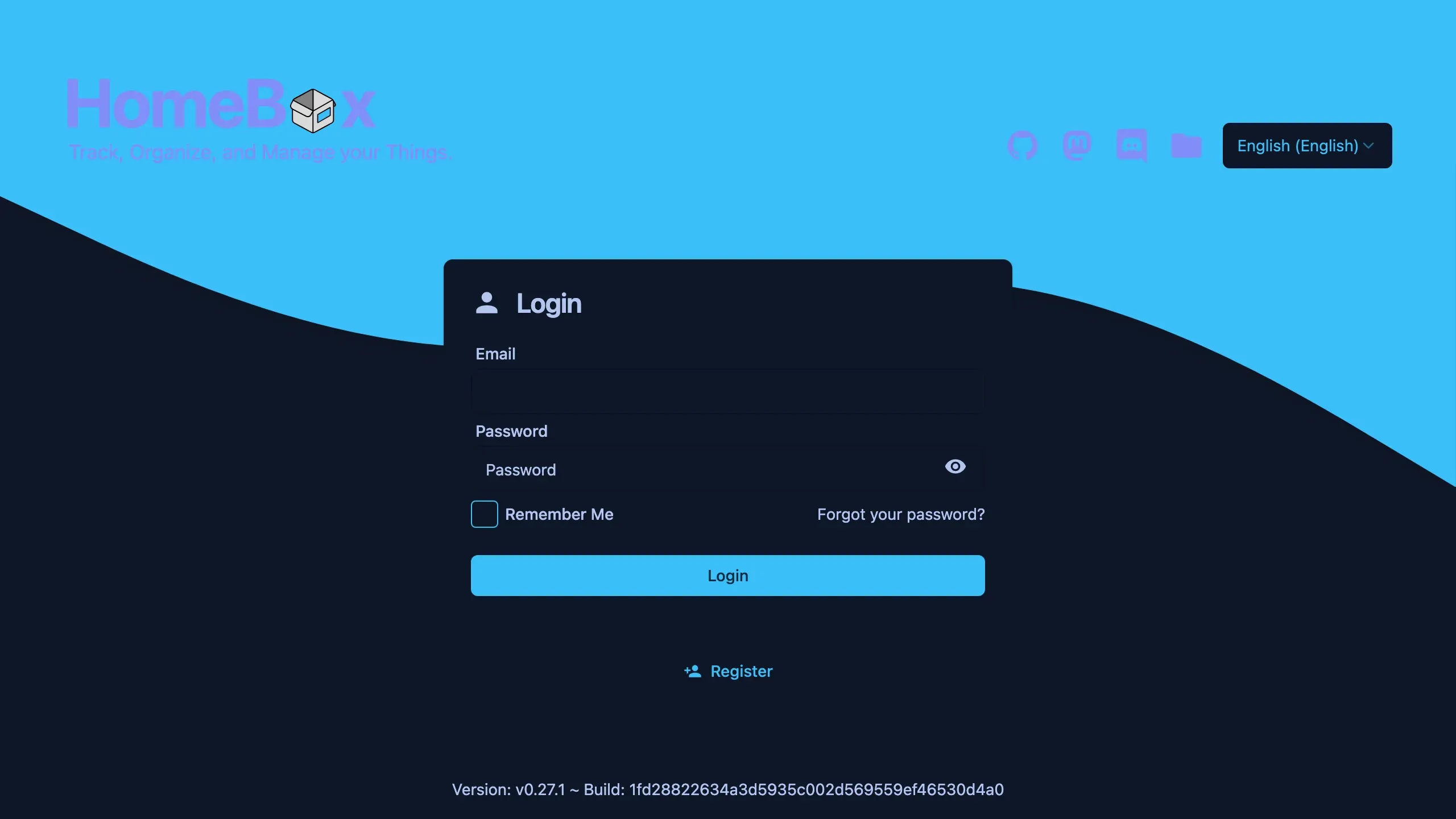
Homebox signin screen in the dark theme, desktop view
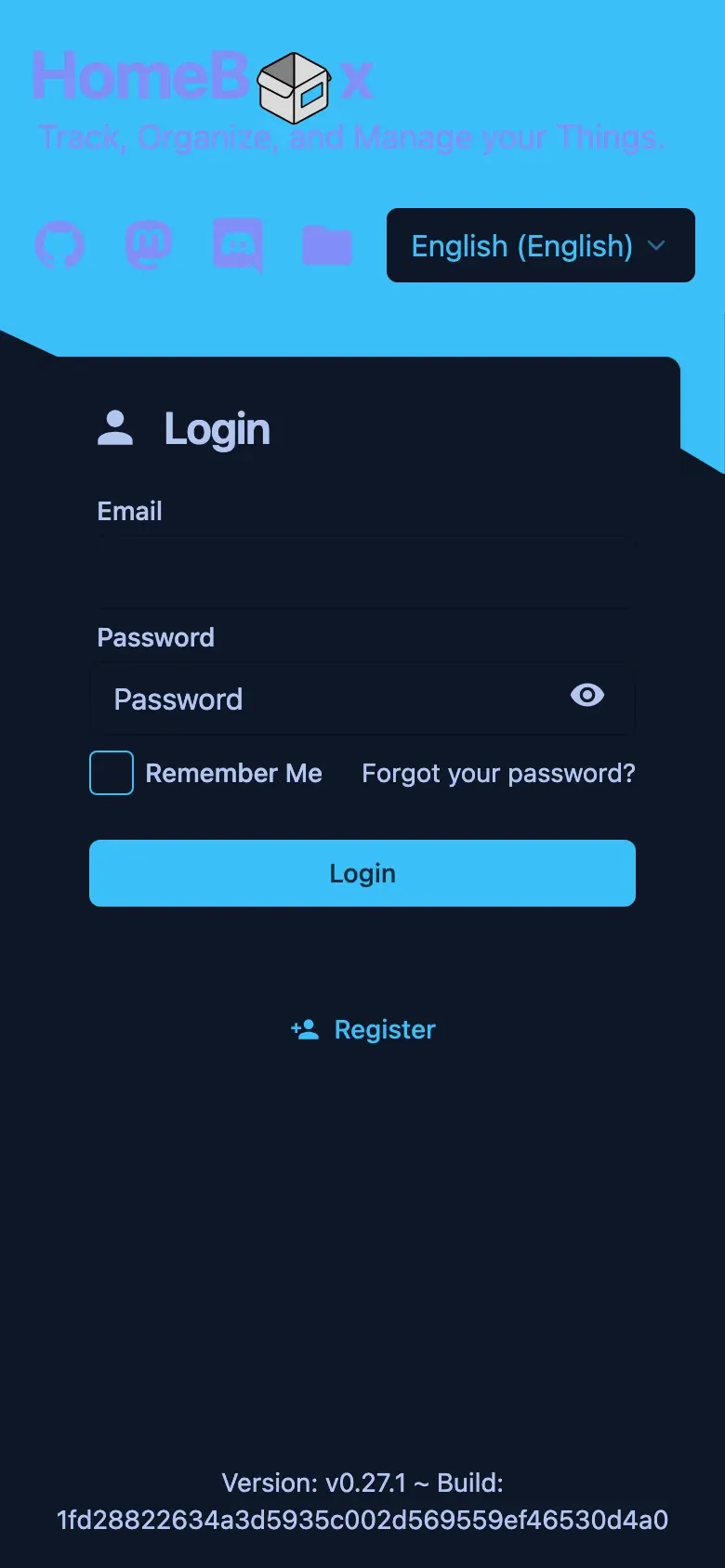
Homebox signin screen in the dark theme, phone view
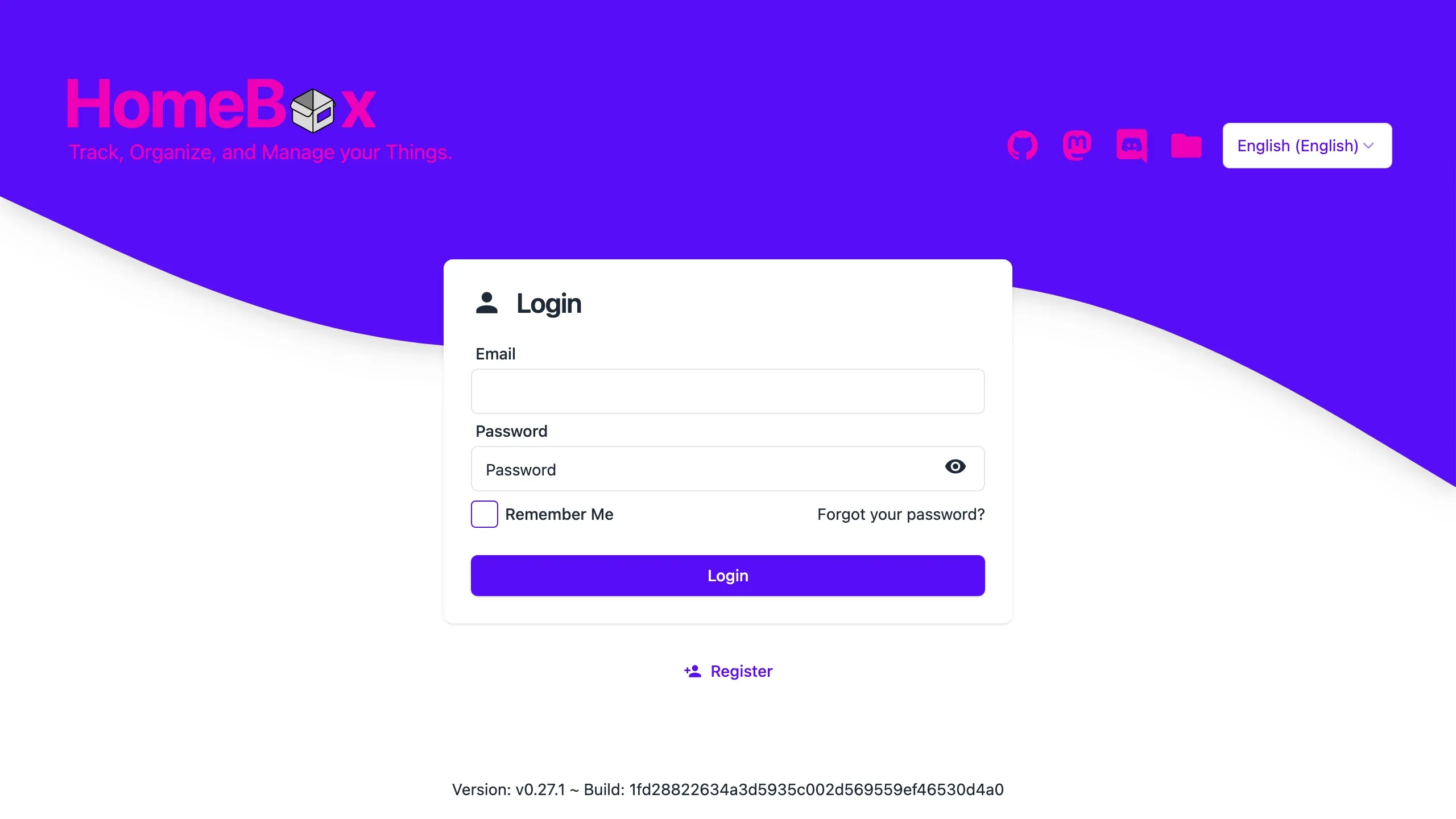
Homebox signin screen in the light theme, desktop view
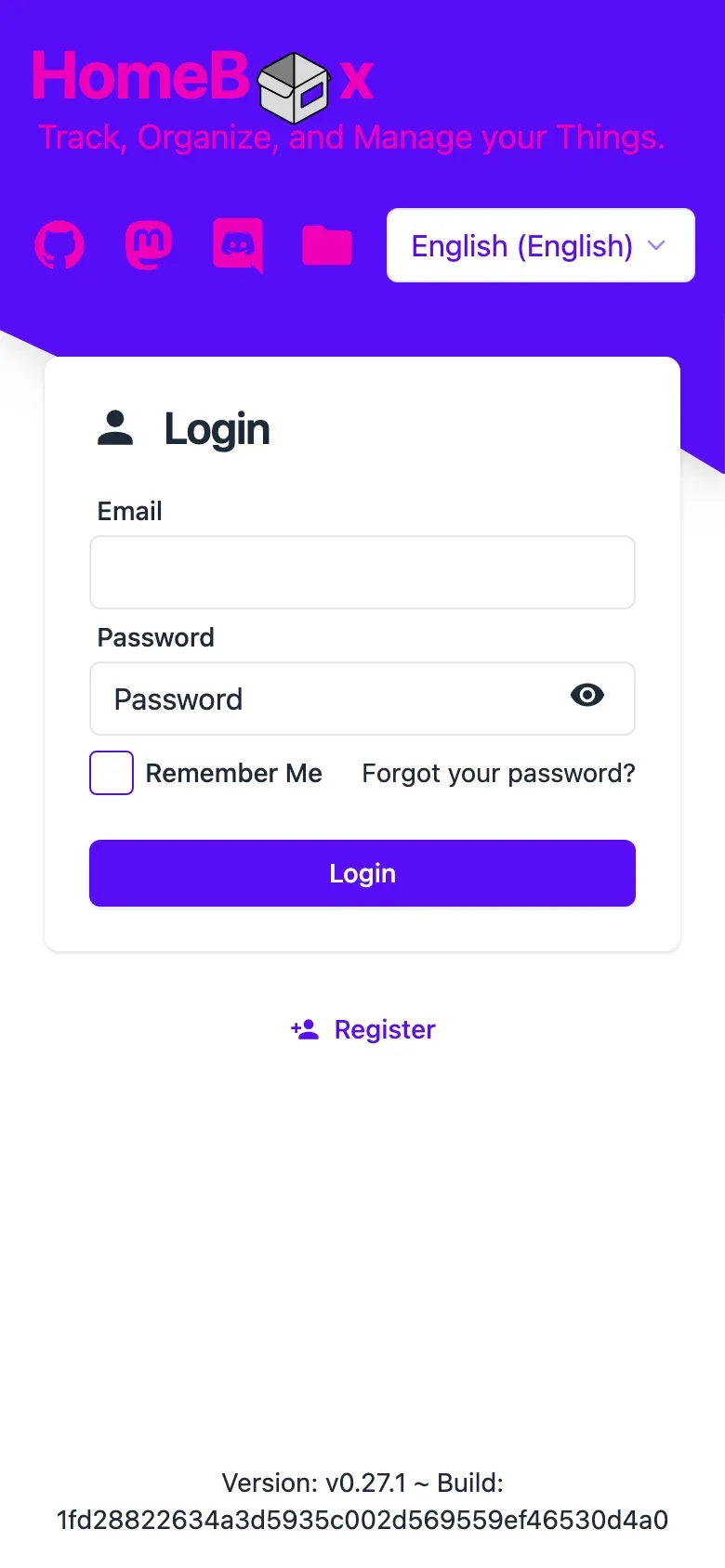
Homebox signin screen in the light theme, phone view

Compare with similar apps

Compare Homebox with other productivity apps. Add or remove apps to see how they differ.

Requirement
Homebox
PriceFreeFree
LicenceAGPL-3.0MIT
Web UIYesYes
Docker Containers1 (app only)2 (app + MariaDB)
DatabaseSQLite / PostgresMariaDB
Architecturex86 + ARMx86 + ARM
Tech stackGoPython
DockerYesYes
Linux packageYesYes
WindowsYes–
macOSYes–

Common questions

Similar apps to Homebox

IMPS

Know what is in a storage box without taking it off the shelf. IMPS is a self-hosted photo inventory: photograph each item, put it in a numbered box, and print a QR label that opens the box's contents on a phone.

Free

AFFiNE

Write docs, track work in databases and sketch on a whiteboard, with workspaces synced through your own server.

Free + Paid

Anchor

Takes notes on a phone or in the browser and keeps working when the connection drops, syncing back to a server you host. Notes carry rich text, tags, attachments, reminders and version history, and notes move in and out as plain Markdown or come over from Google Keep.

Free

ArchiveBox

Keep a copy of the links you want to hold on to. ArchiveBox runs as a web archiver in a folder you choose, saving each page as HTML, PDF, PNG, WARC and text. New URLs can arrive from bookmarks, browser history, RSS feeds or a schedule.

Free

Baserow

Baserow turns Postgres into a no-code database you edit in the browser, with typed fields, filters and forms. Every table gets a REST API.

Free + Paid

BentoPDF

Merge, edit, convert and lock down PDFs in the browser. You self-host the toolkit, but your files never get uploaded anywhere.

Free

Blinko

Capture a thought in Blinko and it sits as a Markdown card you can tag, search and expand into a full note. The note app's AI search, tagging and chat run against Ollama on your own hardware, or a hosted model if you prefer.

Free + Paid

Calendar CE

A private calendar and task manager you host in one container, used in the browser or through an Android app built from the same repository. Events stay in the on-device store or on your own CalDAV server, so the container keeps no calendar data.

Free
Updated