Nextcloud
Your Private Dropbox, Google Drive, and Google Workspace - All Running on Your Own Hardware
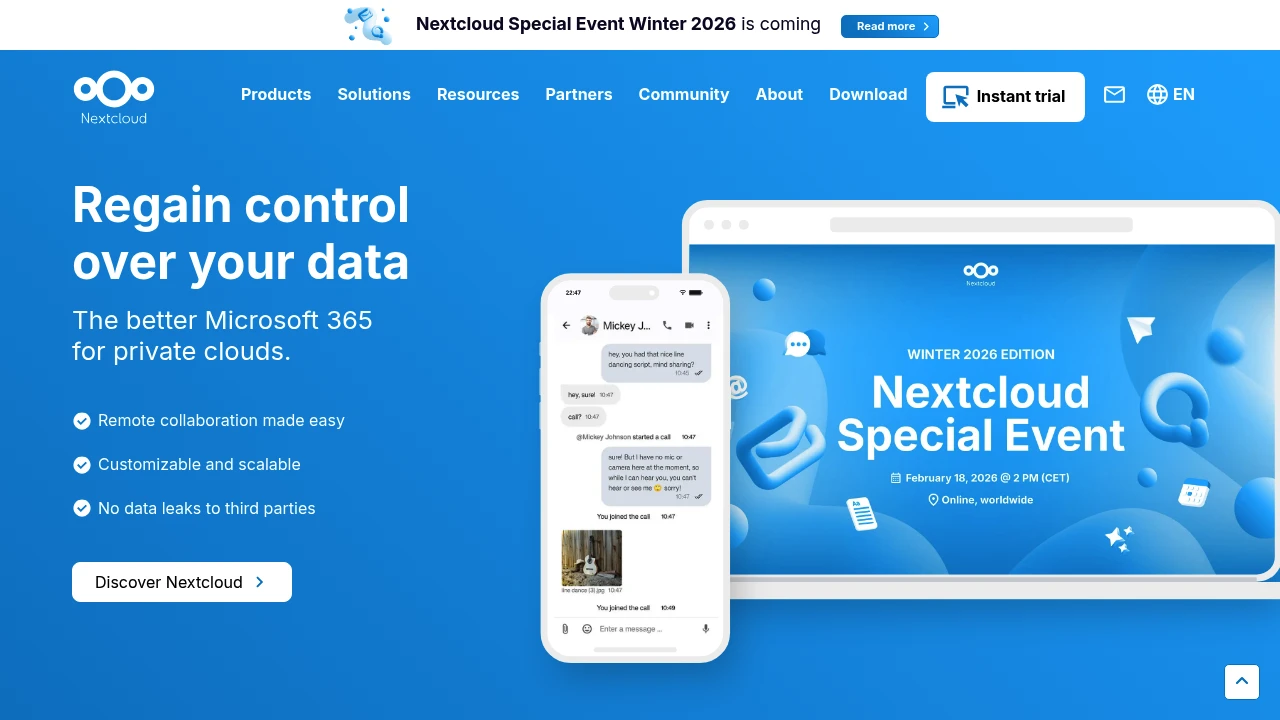
Nextcloud is the most widely used open source self-hosted cloud platform in the homelab community, and the go-to replacement for Dropbox, Google Drive, and Google Workspace for anyone who wants their files, calendars, and contacts on their own hardware. It gives you file sync and sharing across all your devices, a CalDAV calendar, CardDAV contacts, a built-in office suite, video calls, and a growing library of apps, all running on your own home server with no monthly fees and no third-party access to your data. You deploy it via Docker Compose using the official Nextcloud AIO (All-in-One) image, which handles the full stack including the database, reverse proxy, and backup in a single setup.
What makes Nextcloud the backbone of so many homelabs is its breadth. Beyond file storage, it replaces multiple cloud services simultaneously: Google Calendar via CalDAV sync, Google Contacts via CardDAV, Google Docs via Nextcloud Office (LibreOffice-based collaborative editing), and Google Meet via Nextcloud Talk for encrypted video calls. The desktop and mobile clients for Windows, macOS, Linux, iOS, and Android handle background sync automatically, and the mobile app supports automatic photo and video upload so your camera roll is backed up to your own server the moment you take a shot. It also supports end-to-end encryption, two-factor authentication, LDAP and Active Directory integration, and SSO for more advanced homelab setups.
For homelabbers running a NAS or a mini PC, Nextcloud is typically the first self-hosted app they install and the one they use every single day. It runs comfortably on a Raspberry Pi 4, a Synology NAS, a QNAP device, or a Proxmox VM on modest hardware. Because it is fully self-hosted and open source, your storage limit is only the drives you already own, and your data is never used, scanned, or monetised by anyone but you.
Key Features
- File sync and sharing across Windows, macOS, Linux, iOS, and Android
- Automatic mobile photo and video backup
- CalDAV calendar and CardDAV contacts sync
- Nextcloud Office (LibreOffice-based collaborative document editing)
- Nextcloud Talk (end-to-end encrypted video calls and chat)
- End-to-end encryption, two-factor authentication, and LDAP/SSO support
- 300+ apps via the Nextcloud App Store (Notes, Passwords, Tasks, Mail, and more)
- Nextcloud AIO Docker image for full-stack one-command deployment
Use Cases
Nextcloud is the ideal starting point for homelabbers who want to cut ties with Google or Dropbox and run their entire digital life from their own Synology NAS, Proxmox VM, or mini PC running Docker, replacing cloud storage, calendar, contacts, and document editing in a single install. It works especially well for households where multiple family members need shared folders, a synced family calendar, and automatic phone backup, all accessible from any device without a subscription. For more advanced homelab setups, Nextcloud integrates with reverse proxies like Caddy or Nginx Proxy Manager for remote HTTPS access, and pairs naturally with tools like Immich for photo management, Vaultwarden for passwords, and n8n for workflow automation.
Tags:
Resources:
Platforms
Alternative to Nextcloud