Duplicacy
A self-hosted backup tool with lock-free deduplication - back up your home server, NAS, or PC to local drives, cloud storage, or SFTP with no duplicate data ever stored twice.
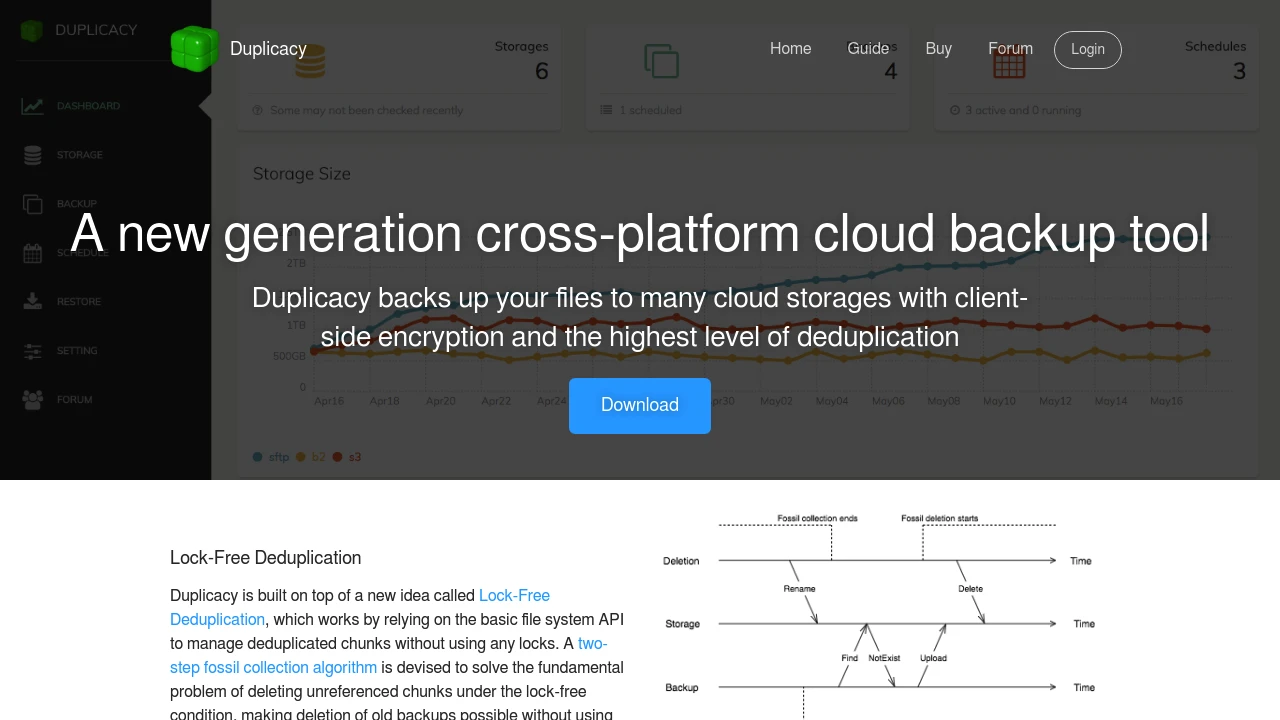
Duplicacy is a self-hosted, cross-platform backup tool built around a technology called lock-free deduplication - a smarter approach to storing your data that means identical files and file chunks are never saved twice, no matter how many machines are backing up to the same storage. Where most backup tools rely on a centralised chunk database and locking mechanisms that cause bottlenecks and compatibility headaches with cloud storage, Duplicacy takes a database-less approach that works natively with virtually any backend - local drives, NAS devices, SFTP servers, and major cloud providers alike. The command line version is open source, and a polished web GUI is available for Windows, macOS, and Linux for those who prefer clicking over typing.
The problem Duplicacy solves is one that anyone serious about data protection eventually hits: backups either waste enormous amounts of storage by duplicating data, fall over when multiple machines try to write simultaneously, or tie you to a single storage destination. Duplicacy handles all three. Multiple computers can back up to the same storage at the same time without conflicts, shared files like operating system data are stored just once across all machines, and you can copy snapshots between storage backends without re-uploading everything. Running it in Docker on a home server or NAS means your backups run on a schedule you control, to destinations you own, with no subscription fees and no third party involved.
What sets Duplicacy apart from tools like Restic or Duplicati is the combination of concurrent multi-client access, cross-computer deduplication, and broad cloud backend support - all in one tool. AES-256 encryption protects every chunk before it leaves your machine. Snapshot versioning means you can restore your data to any point in time. And because Duplicacy is written in Go and takes a database-less approach, it's fast, lightweight, and far less prone to the corruption issues that plague backup tools with centralised indexes. For anyone building a proper 3-2-1 backup strategy on their own infrastructure, Duplicacy is one of the most capable tools in the backup category.
Key Features
- Lock-free deduplication - content-defined chunking splits files into variable-size chunks stored by hash, so identical data is never uploaded twice across any machine or backup job
- Concurrent multi-client backup - multiple computers can back up to the same storage simultaneously with no locking conflicts, enabling cross-computer deduplication at scale
- Wide cloud backend support - backs up directly to Amazon S3, Google Cloud Storage, Microsoft Azure, Backblaze B2, Google Drive, OneDrive, Dropbox, SFTP, and local or NAS storage
- AES-256 client-side encryption - all data is encrypted on your machine before upload, so your storage provider never sees unencrypted content
- Snapshot versioning and pruning - every backup is a full snapshot you can restore independently, with configurable retention policies to automatically prune old snapshots and reclaim space
- Snapshot migration - copy or move all snapshots from one storage backend to another without re-uploading, making storage migrations painless
- Web GUI - a fully featured browser-based interface for setting up and managing backup, copy, check, and prune jobs without touching the command line
- Docker deployment - runs as a lightweight container with straightforward volume mapping, ideal for always-on scheduled backups from a home server or NAS
- Cross-platform CLI - a single open source binary for Linux, macOS, and Windows with full scripting and automation support
- Web UI/GUI Features require paid license
Who It's For
Duplicacy is the go-to self-hosted backup tool for homelabbers, NAS owners, and anyone serious about building a proper 3-2-1 backup strategy without wasting storage or paying cloud subscription fees. It's an ideal alternative to Duplicati or Restic for users who need multiple machines backing up to the same destination simultaneously, or who want the flexibility to switch cloud backends without starting over. If you've outgrown simple file sync tools and want a backup solution that's fast, encrypted, deduplicated, and entirely under your own control - Duplicacy is worth every minute of the setup.
Tags:
Platforms
Alternative to Duplicacy