Plex Media Server
Stream your own movies, TV shows, and music to any device, your personal self-hosted media server.
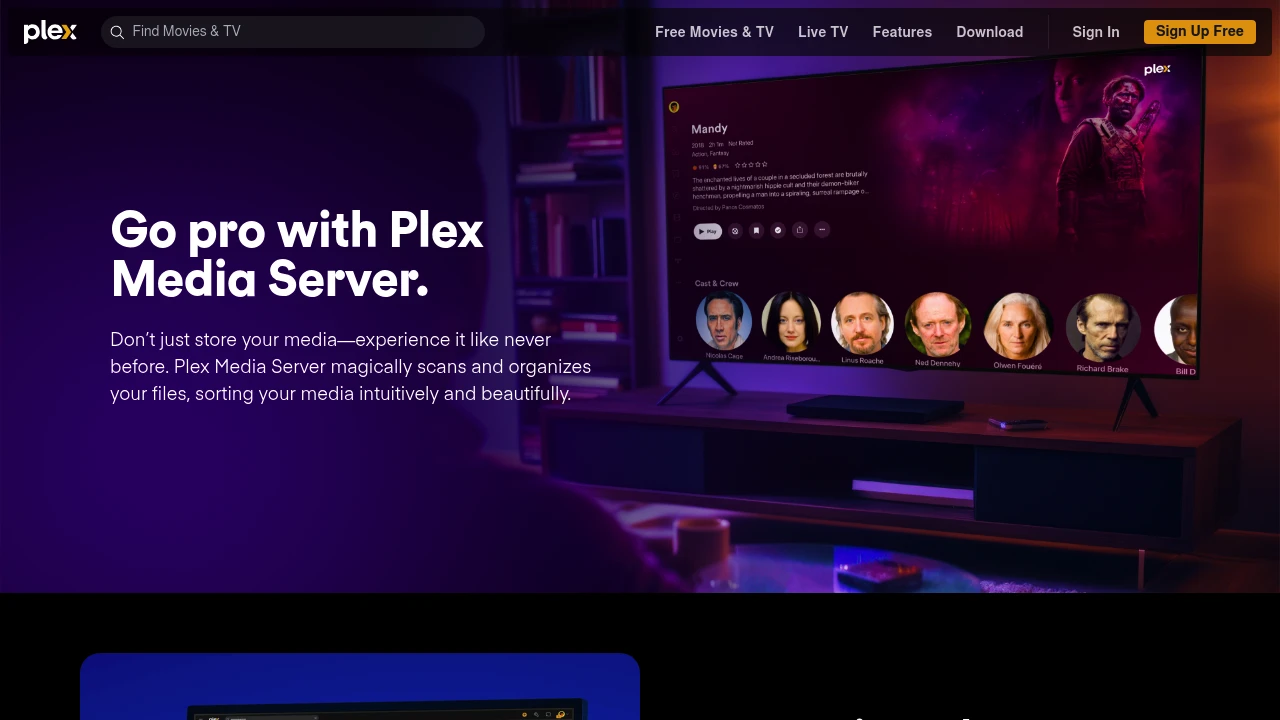
Plex Media Server is a self-hosted media platform that turns your home computer, NAS, or server into a personal streaming hub for all your movies, TV shows, music, and photos. Instead of your media collection sitting in unlabelled folders on a hard drive, Plex organises everything into a beautiful, Netflix-style library - complete with poster art, cast lists, ratings, episode descriptions, and more, all pulled in automatically. It runs in Docker, installs on Synology and QNAP NAS devices, and is compatible with virtually every device you already own.
The problem Plex solves is a familiar one: you've spent years building up a media collection, and accessing it feels like archaeology. Plex puts everything in one place and makes it genuinely enjoyable to browse. Stream from your living room TV, pick up where you left off on your phone, or access your entire library remotely when you're away from home - it all just works. The Plex app is available on Apple TV, Roku, Fire Stick, iOS, Android, gaming consoles, and more, so whatever screen you're sitting in front of, your content is there.
Beyond the basics, Plex goes deep. Hardware transcoding means your server can handle multiple streams at once without breaking a sweat. Live TV and DVR support turns it into a full home entertainment system. Plexamp gives music lovers a dedicated, audiophile-grade player. And with multi-user support and individual watch profiles, the whole family can use it without anyone's watch history getting mixed up. Whether you're running it on a spare PC or a purpose-built home server, Plex is the media category's most polished self-hosted option - and it's not particularly close.
Key Features
- Automatic metadata fetching - movie posters, cast lists, ratings, episode descriptions, and album art are all pulled in automatically when you add media to your library
- Hardware transcoding - offloads video conversion to your GPU so your server can handle multiple simultaneous streams without maxing out the CPU (Plex Pass required)
- Remote access - stream your full library outside your home network on any device, with no fiddly setup beyond enabling the feature in settings
- Live TV and DVR support - connect a compatible TV tuner and watch or record live broadcast TV directly within Plex (Plex Pass required)
- Multi-user profiles - separate watch histories, continue-watching lists, and parental controls for every member of the household
- Plexamp - a dedicated music player with custom radio mixes, visualisers, offline listening, and TIDAL integration for music enthusiasts
- DLNA support - stream media to DLNA-compatible devices on your local network without needing the Plex app installed
- Docker deployment - straightforward setup via Docker Compose using the LinuxServer.io image, with support for GPU passthrough and flexible volume mapping
- Smart Collections - automatically group related movies, shows, and music together based on rules you define
Who It's For
Plex is best for anyone who has built up a serious media collection and wants to access it with the same ease and polish as a commercial streaming service. It's ideal for families who need separate profiles and parental controls without paying monthly subscription fees for every person in the house. And for home server enthusiasts who want one self-hosted platform that handles movies, TV, music, and live TV all in one place - Plex is the benchmark everything else gets compared to.
Platforms
Alternative to Plex Media Server