Dockhand
Portainer Alternative with Built-In Vulnerability Scanning, GitOps Deployments, and Zero Telemetry
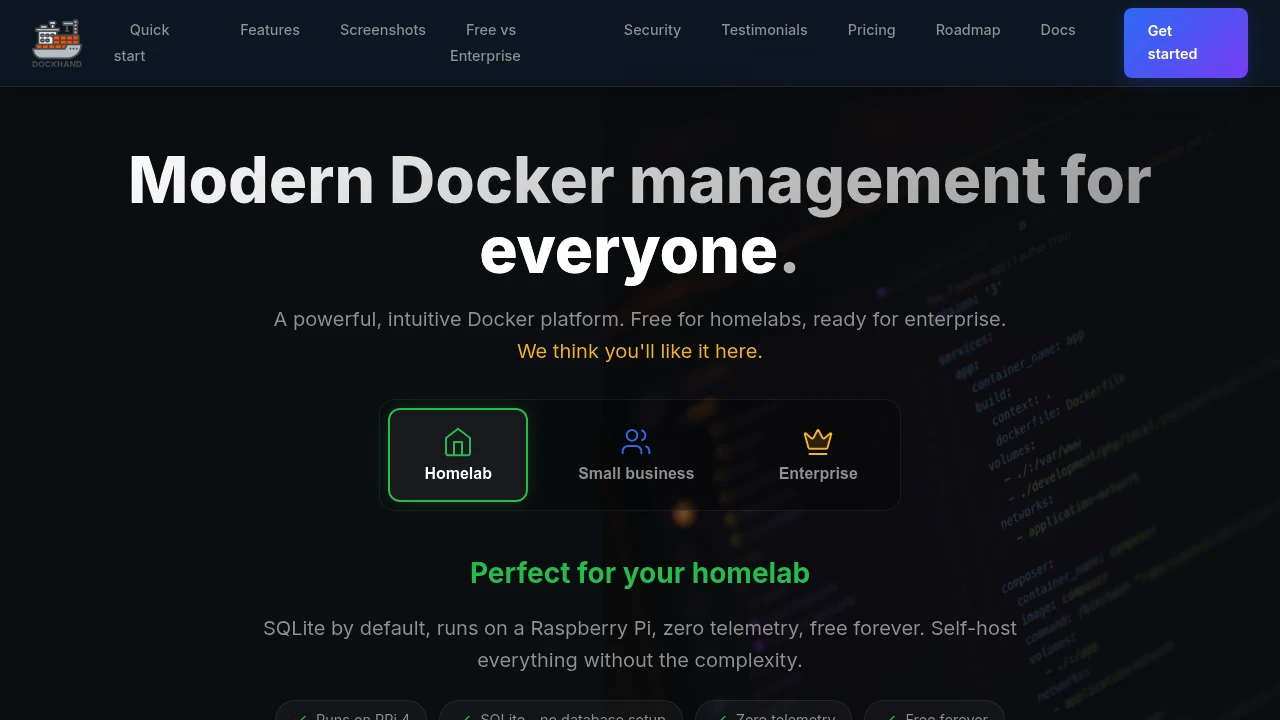
Dockhand is a free, source-available Docker management dashboard built specifically for homelab and home server users who want a modern, security-focused alternative to Portainer without the paywalled features, telemetry, or complexity. It gives you a clean web interface for managing every container, Compose stack, image, volume, and network running on your home server, including a browser-based terminal, real-time log streaming with ANSI colour support, a visual Compose editor, and live CPU and memory metrics per container — all running locally on your own hardware with zero telemetry and no cloud connection required. It deploys in a single Docker run command, uses SQLite by default with no database setup, and runs on a Raspberry Pi 4 right through to a multi-node homelab setup.
What makes Dockhand stand out in the Docker management category is its approach to security. Before any container image auto-update is applied, Dockhand uses Grype and Trivy to scan the new image against known CVE databases and blocks the update if it introduces more vulnerabilities than the currently running version, using a safe-pull strategy that pulls the new image to a temporary tag and only replaces the running container once it passes. OIDC and SSO authentication with any OpenID Connect provider is included completely free — a feature Portainer locks behind a paid tier — alongside multi-factor authentication (TOTP) and AES-256-GCM encryption at rest for stored credentials. For homelabbers managing multiple Docker hosts, the open source Hawser agent enables remote management behind NAT and firewalls using outbound-only WebSocket connections, with no inbound port forwarding required.
Dockhand also has a full GitOps stack deployment system where your Docker Compose files live in a Git repository and Dockhand auto-syncs and redeploys whenever you push a change via webhooks. The visual Compose graph editor lets you visualise service dependencies and edit your Compose files without touching raw YAML. The core free tier covers everything a homelab user needs including unlimited environments, Git integration, vulnerability scanning, OIDC/SSO, and container activity logging, with paid SMB and Enterprise tiers available for commercial use, LDAP/AD integration, RBAC, and compliance-grade audit logging.
Key Features
- Container lifecycle management with live CPU, memory, and disk metrics
- Built-in CVE scanning via Grype and Trivy with safe-pull auto-update protection
- OIDC/SSO and MFA (TOTP) free on all tiers with AES-256-GCM credential encryption
- GitOps stack deployments with Git webhook auto-sync and visual Compose graph editor
- Hawser open source agent for NAT/firewall traversal without inbound port forwarding
- Multi-environment support for managing multiple remote Docker hosts from one dashboard
- Browser-based container terminal, log streaming, and container file browser
- SQLite zero-config default, single Docker run command, Raspberry Pi compatible
Use Cases
Dockhand is the ideal Portainer replacement for homelabbers who want to manage all their self-hosted Docker containers from a single polished dashboard on a Synology NAS, Unraid server, or Raspberry Pi, without giving up SSO, vulnerability scanning, or GitOps features to a paywall. It works especially well for homelabbers who version their Docker Compose files in a Git repository, where Dockhand's webhook-triggered auto-sync turns that repo into a live deployment pipeline for their entire homelab stack without any additional CI/CD tooling. For anyone running Docker across multiple machines including a local home server and a remote VPS, the Hawser agent connects all environments into one dashboard over outbound-only connections that work behind any NAT or firewall without changing a single firewall rule.